


How do I try beta features?
- NeronAuthor
- OzzEditor

On this page 4
Some features are tested by a smaller group before they open to everyone. There are two ways into that group and one of them is free. Beta is temporary: when a feature is finished it moves to Live and every user gets it.
The Beta Testing page
Open Beta Testing from the footer at the bottom of the page. While tests are running the link carries a small count of them. The page lists what's in beta right now under Currently in beta with each feature's name and a short description. Where they're set it also shows Started, Duration and Target: when the test began, how many days it has run and when it's meant to end. Further down Coming to beta lists what's planned next. If nothing is being tested the page says so.
The same page tells you whether you have access. If you do it says Beta access is active.
Two ways to get access
Tester access through Discord. You don't need a Patreon membership. Choose Open a Discord ticket and give the e-mail address you use for Player Companion in the ticket. After a short review the team can turn on beta access for you.
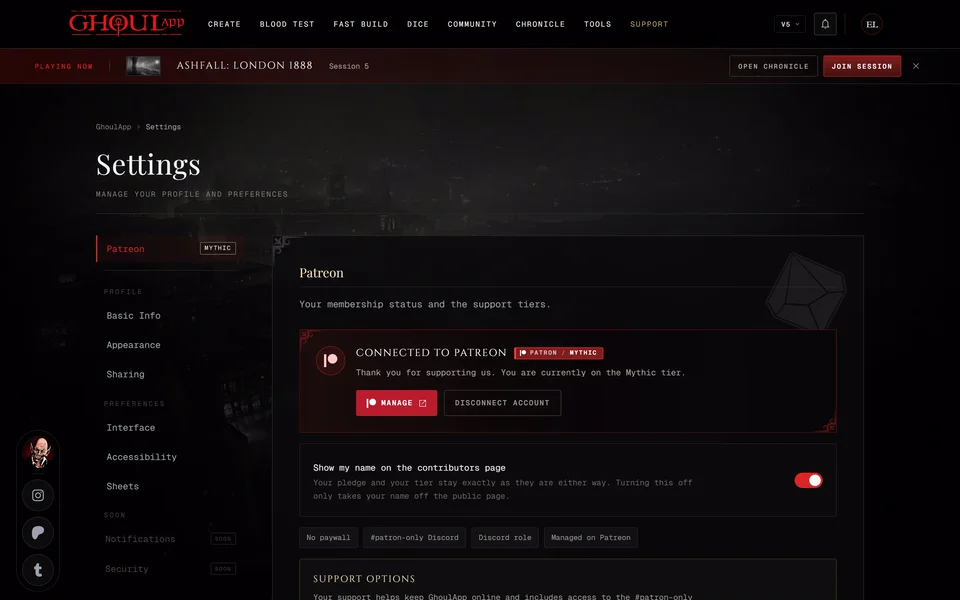
A Mythic membership on Patreon. Mythic and the tiers above it include beta access on GhoulApp and the other Player Companion sites for as long as the membership is active. Your Patreon account has to be linked to GhoulApp for this to work (see Link your Patreon account). If you're signed in and not linked yet the page shows a Connect Patreon button. If your linked tier is below Mythic the page says so and you can still apply through Discord.
Beta inside a chronicle
If the storyteller of a chronicle has beta access a beta feature opens for everyone in that chronicle while they're in it, players included. Outside the chronicle each person only has their own access.
Send feedback
With access the page has a Send feedback on Discord button. Tell us what worked and what didn't.
Related articles

About this article
- Type
- FAQ
- Editions
- All editions
Need more help?

Ask the team in #ghoulapp-feedback on the Player Companion Discord. Or try #ghoulapp. GhoulApp players are active there and help each other.
Open Discord(New tab)