


Profile and community
Your profile, badges, community pages and the Discord bot.
Guides 8
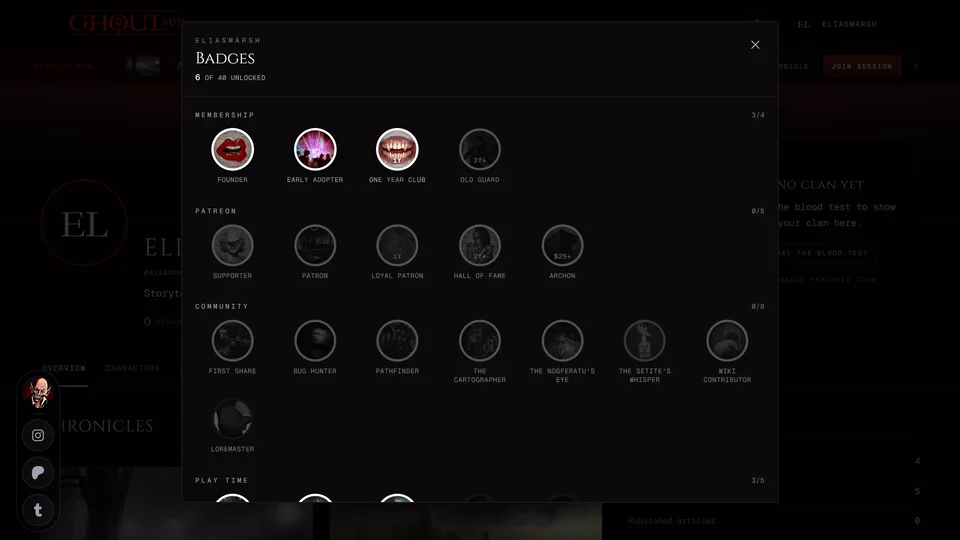
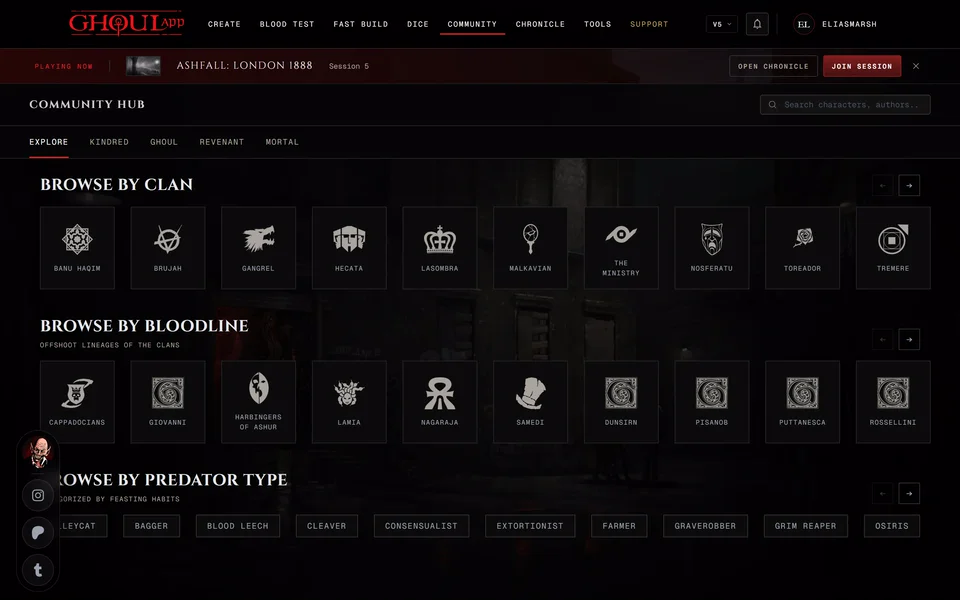
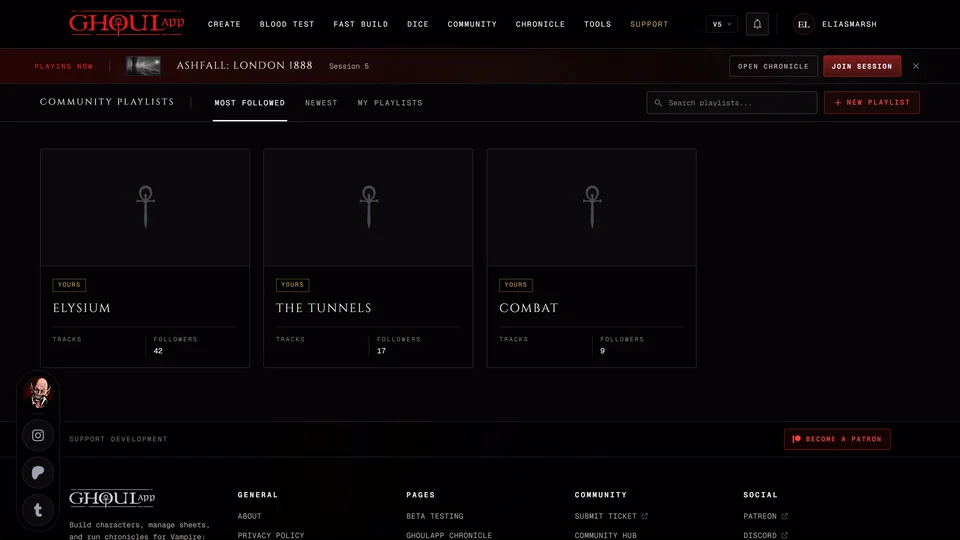
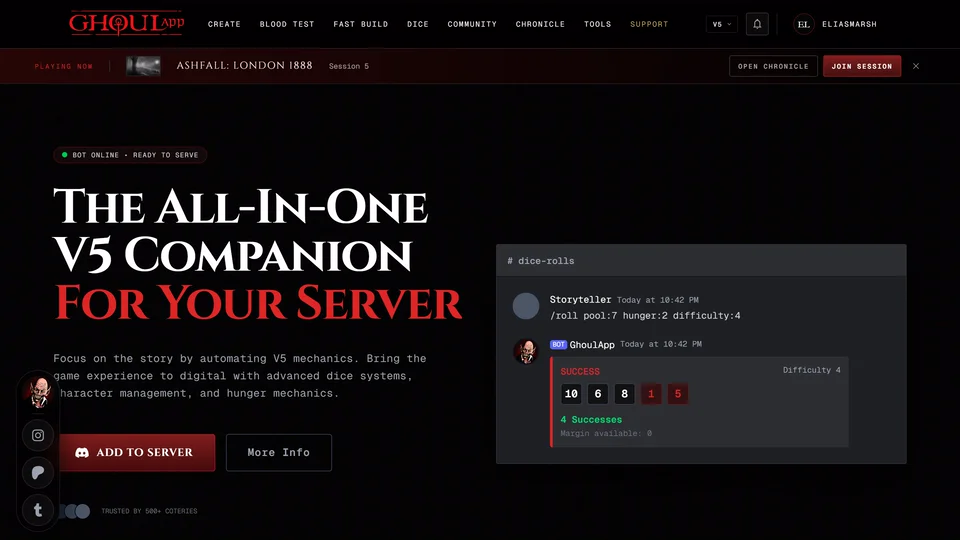
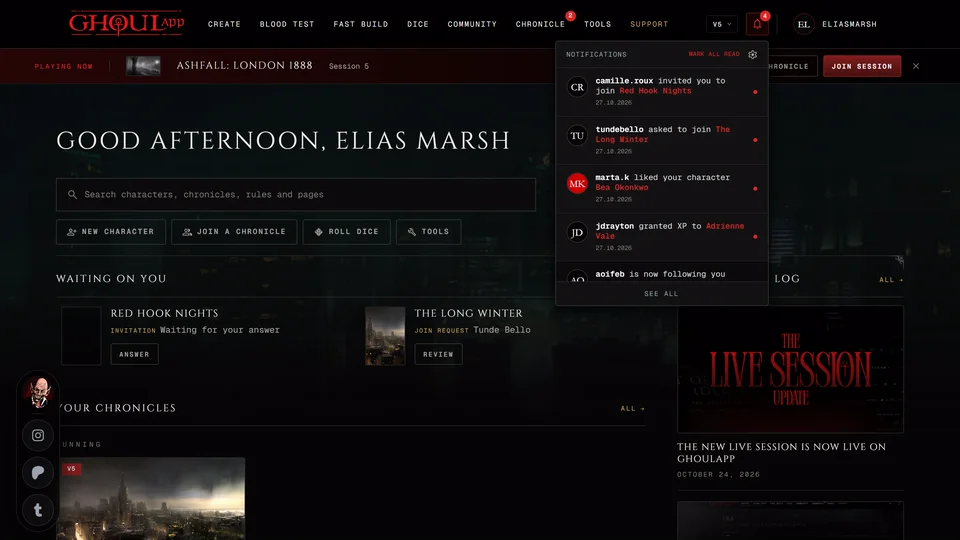
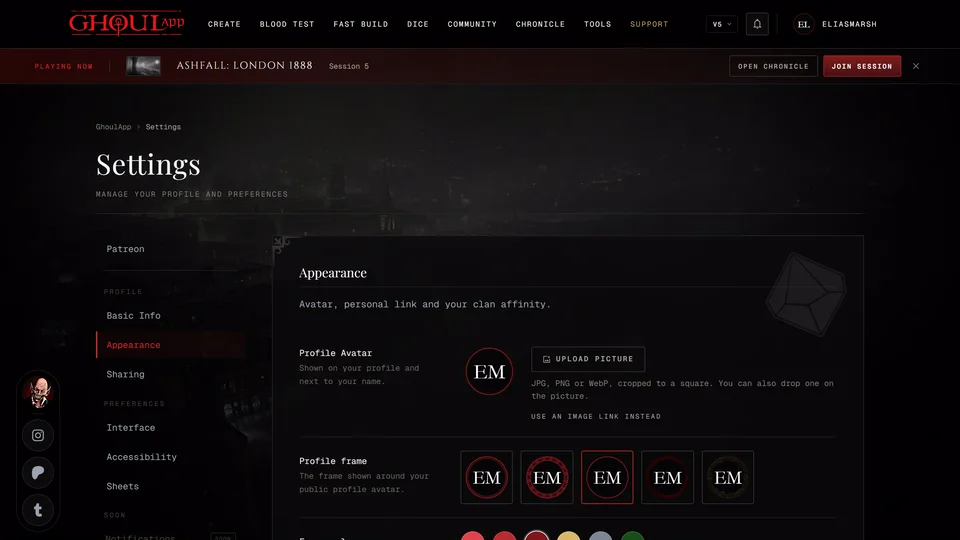
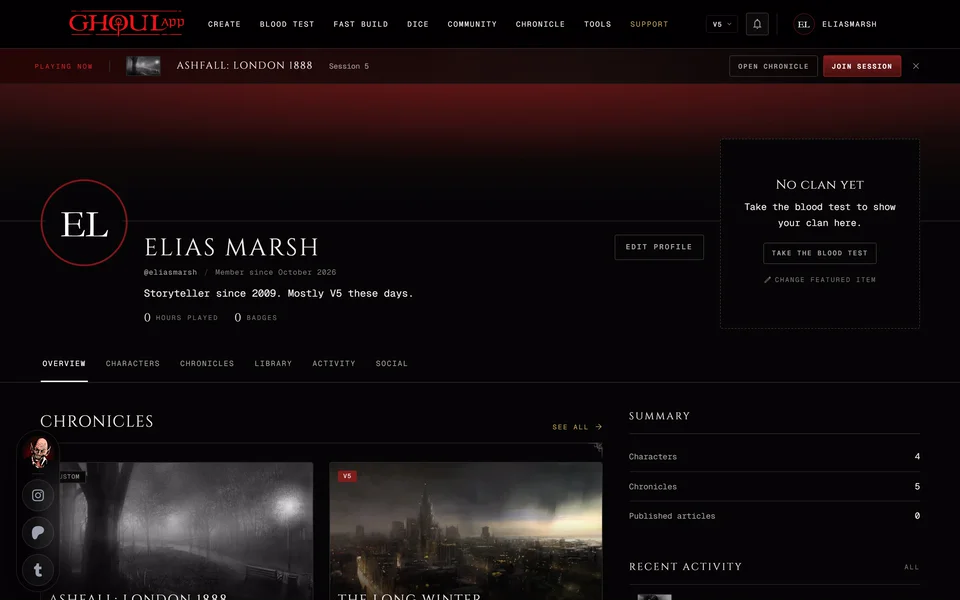
GuideBadgesThe 40 badges on your profile, how each group of them is earned, where they show and what a badge's own page tells you.GuideThe community pagesThe Community hub lists the public characters everyone has made. Browse by clan, bloodline or type, filter the lists and like and save characters.GuideCommunity playlistsFind, play and follow music playlists other people share for their games. Make your own from YouTube links and use them in a live session.GuideV5 onlyThe GhoulApp Discord botGhoul is a Discord bot for V5 games. How to add it to your server, what its commands do and how it differs from your GhoulApp sheets.GuideNotificationsThe bell in the header, the Alerts cell on a phone, the Notifications page and its tabs and how to choose what you're told about.GuideChange your picture, cover and frameAdd or change your profile picture and the wide cover, crop them, pick a frame and its colour and set what a phone shows of the cover.GuideThings waiting on youThe Pending tab and Waiting on you on your home page list the requests and reviews your game needs from you. What can show there and how to clear each one.GuideYour profileWhat your profile shows, what visitors see, the featured item, your profile settings, how following works and which parts you can keep private.

Questions 2
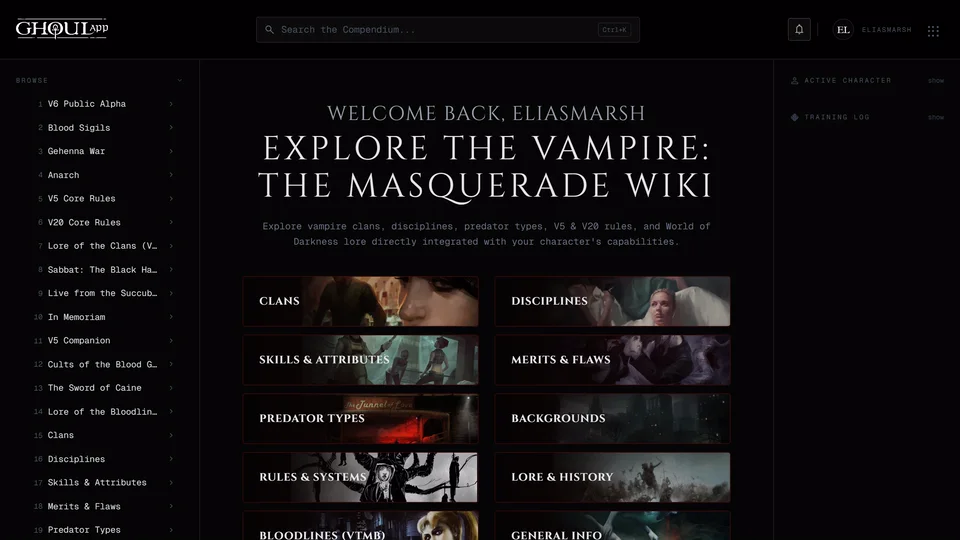
FAQSearch the appThe search box on your home page finds pages, tools, your characters, public characters and wiki entries. What it covers, the keys it answers to and what it doesn't search.FAQThe GhoulApp wikiThe wiki is a compendium of clans, Disciplines, rules and lore that comes with the app. How to find things in it, roll its dice pools and how it differs from a chronicle's own wiki.
Need more help?

Ask the team in #ghoulapp-feedback on the Player Companion Discord. Or try #ghoulapp. GhoulApp players are active there and help each other.
Open Discord(New tab)