


Search the app
- NeronAuthor
- OzzEditor

On this page 4
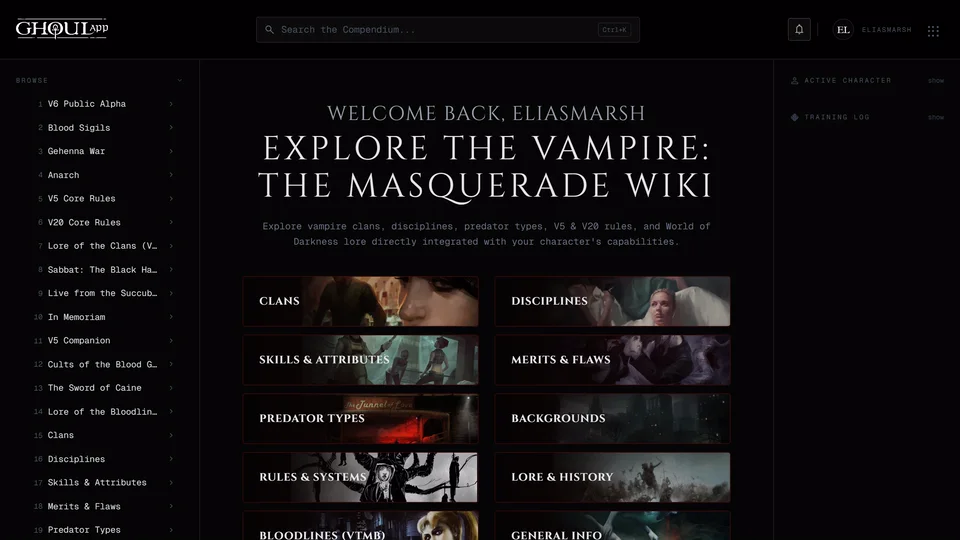
The search box is on your home page once you're signed in. It reads "Search characters, chronicles, rules and pages". Type two letters or more and a list drops down with up to three matches in each group: Pages, Your Characters, Community and Wiki. At the bottom "View all" and the number of results opens the full results page. When nothing matches it says "No results for" and what you typed.
Keys
↓ and ↑ move through the list. They wrap around and the View all row counts as one of the results. Enter opens the one you've highlighted. With nothing highlighted it opens the full results page. Esc closes the list.
The results page
The results page has tabs for All, Characters, Pages & Tools and Wiki. If you open it while signed out everything still works except the characters saved to your account.
What it searches
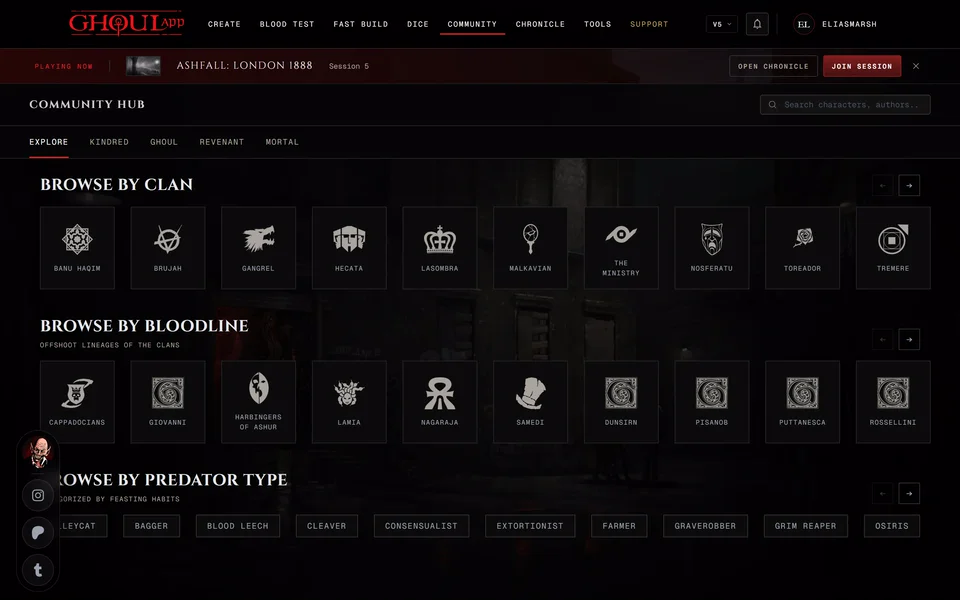
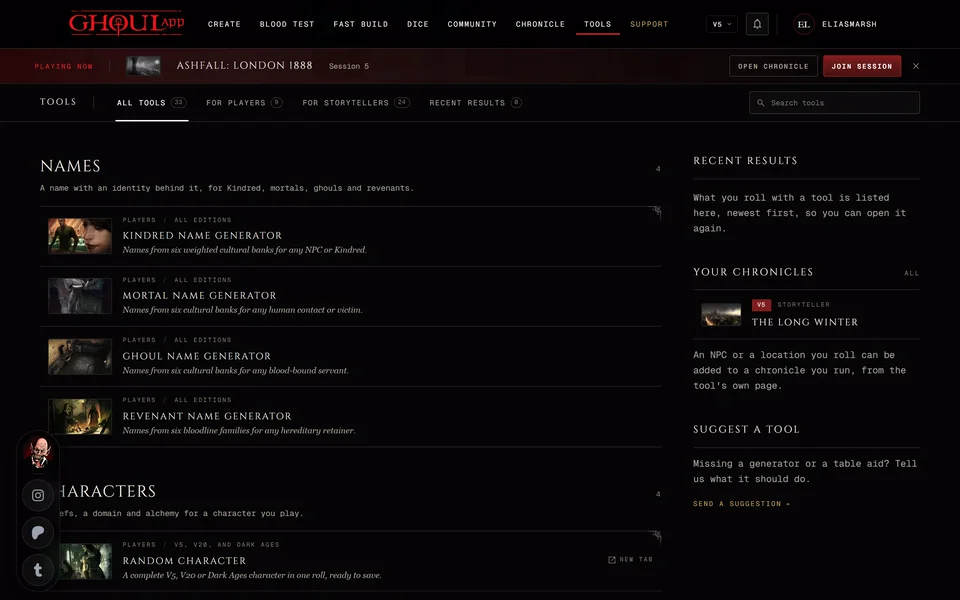
Pages finds the main pages of the app such as the Character Creator, Fast Build, the Dice Roller, the clan quiz, the Community hub, the wiki, Quick Random Character, the Discord bot page, Contributors and About. Every tool on the Tools page is in there too, marked "Tool" or "Storyteller Tool".
Your Characters has your own sheets. The ones saved to your account are marked Saved and the ones saved on this device are marked Device.
Community looks through every public character by name, clan or concept, older ones included. That list updates a moment after you stop typing. Characters that use a custom clan aren't found. Wiki covers the entries of the GhoulApp wiki.
What it doesn't search
Chronicles and other members. The box mentions chronicles but they aren't searched. Open a chronicle from your list of chronicles. Search tools on the Tools page also finds a tool.
Related articles
About this article

- Type
- FAQ
- Editions
- All editions
Need more help?

Ask the team in #ghoulapp-feedback on the Player Companion Discord. Or try #ghoulapp. GhoulApp players are active there and help each other.
Open Discord(New tab)