


Notifications
- NeronAuthor
- OzzEditor

On this page 4
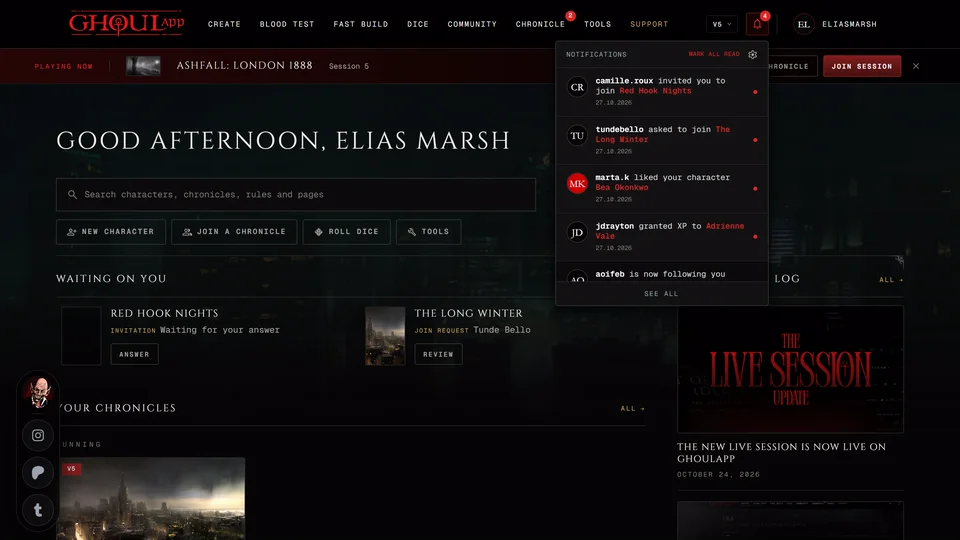
GhoulApp tells you when something happens that involves you: someone likes your character, a player asks for XP, a storyteller starts a session. You see it under the bell in the header. GhoulApp doesn't send push notifications or e-mails about these. You find them when you open the app.
The bell
The Notifications shows a number for what you haven't read. Choose it to open a short list of your ten newest notifications. Choose one to open what it's about and it's marked read. Mark All Read at the top clears the number. It only shows while something is unread. The gear next to it and See all at the bottom both open the full Notifications page. A click outside the list closes it.
On a phone the bell is Alerts in the bottom bar with the same count. It opens the same list in a sheet from the bottom.
The number updates every few minutes and when you come back to the tab.
The Notifications page
The header line counts what you got, like "34 in the last 30 days". The page lists everything from the last 30 days, up to the newest 100, grouped by Today, Yesterday, This week and Earlier. Older notifications are removed.
The tabs narrow the list and each shows its own count. All and Unread are what they say. Pending holds things waiting on you: see Things waiting on you. Badges has the badges you've unlocked. Experience has XP requests, approvals and grants. Chronicle has invites, join requests, people leaving, sessions started or scheduled, wiki articles, map pins and havens and Lifecycle requests. Social has likes and new followers.
NPC requests and character reviews show under All and Unread. An empty tab says "Nothing in this tab." and an empty Unread says "Nothing unread."
What you're told about
You hear when someone likes your character or starts following you. In your chronicles you hear about invites, requests to join a chronicle you run, the answer to your own request and members who leave. A storyteller starting or scheduling a session tells everyone in the chronicle.
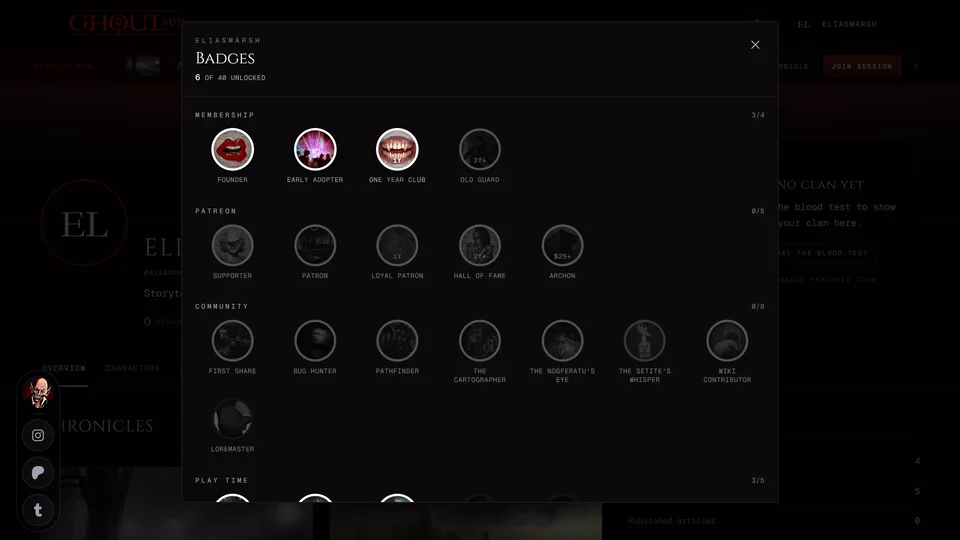
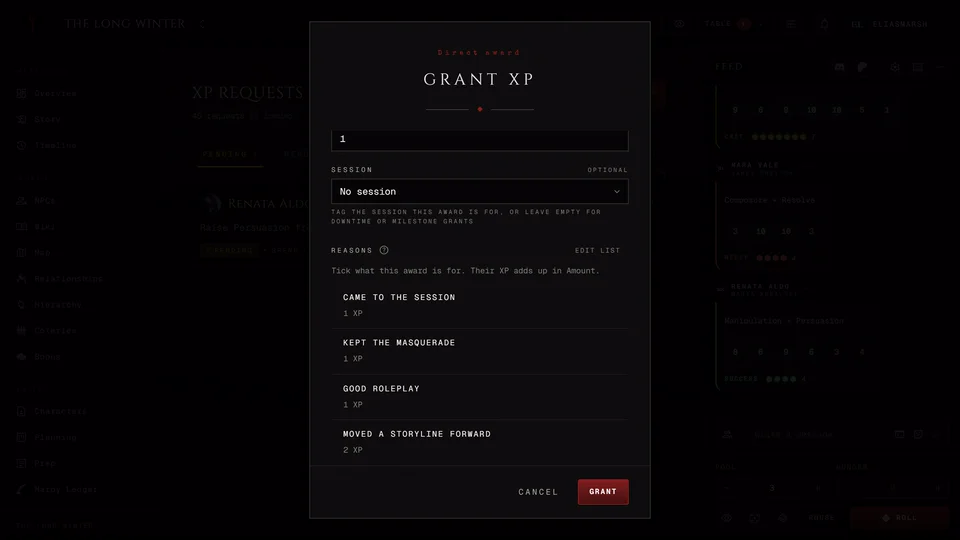
XP requests, denials and grants each send a notice. So does every step of a Lifecycle request: sent, approved, denied or out of date. Wiki articles tell you when they're sent for review, published or sent back. The map tells you when a haven is placed or requested and when a pin is added. NPC requests and character reviews notify you at each step, from the request to the approval or the changes asked for. A badge you unlock sends one too.
Choose what you're told about
Signed in the Notifications page has your preferences beside the list. Under Notify me about turn each kind on or off: Likes and follows, Experience, Lifecycles, NPC requests, Character requests, Wiki, Map and Badges. Invites, join requests and session notices are always on. These choices are saved with your account.
Chronicle count in the header is separate. Turning it off hides the number only. The work is still waiting on the chronicle page. This one is saved in this browser only.
Signed out the page says "Sign in to see your notifications." and has no preferences.
Related articles

About this article
- Type
- Guide
- Editions
- All editions
In this article
Need more help?

Ask the team in #ghoulapp-feedback on the Player Companion Discord. Or try #ghoulapp. GhoulApp players are active there and help each other.
Open Discord(New tab)