


XP requests and approvals
- Lithaner555Author
- OzzEditor


On this page 7
XP requests only exist when a chronicle runs on Storyteller approval. A player asks and nothing lands on the sheet until the storyteller says yes. The other three ways a chronicle can run its sheets are in How a chronicle manages sheets. This article is about the request side and the XP page the storyteller works from.
As a player: ask for XP
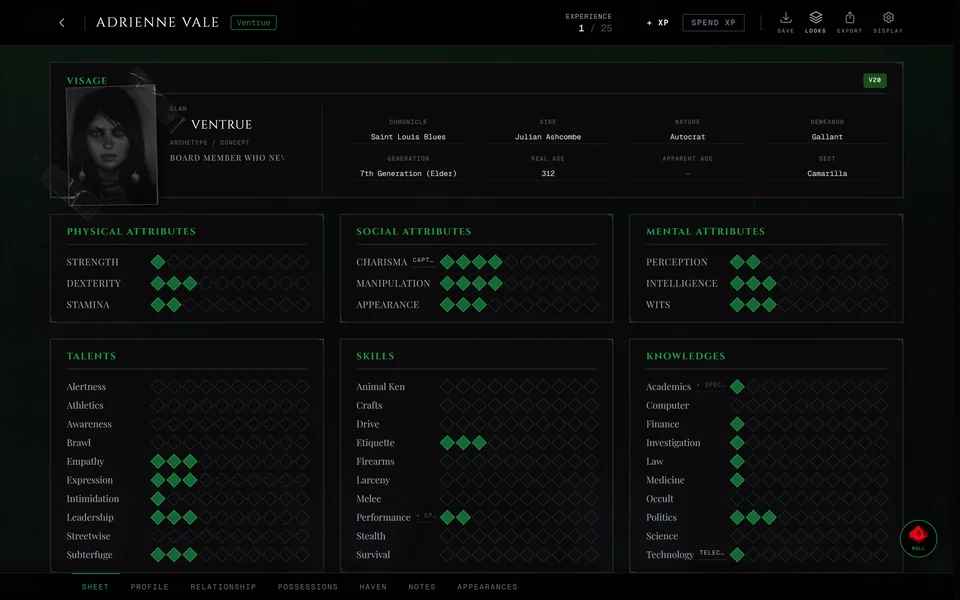
On your bound sheet press + XP and enter the amount. The request goes to the storyteller straight away and you see "XP gain request sent" with the amount. Nothing is added until they approve it.
As a player: spend XP
- Turn on Spend XP on your sheet.
- Pick the trait you want to raise or the power you want to learn.
- The XP Request window opens with the cost already filled in from the rules of your sheet's edition. A Reason is written for you. You can change it but you can't leave it empty.
- Press Send Request.
You see "Spend request sent to the storyteller." Your sheet doesn't change yet. When the storyteller approves the new dots appear and the XP comes off, even if you're not online at the time. If they deny it nothing changes.
Taking a Flaw works the same way. It costs no XP but it still goes to the storyteller first and you see "Flaw request sent to the storyteller."
Your storyteller may let you spend XP they already granted without asking. Then a spend lands on your sheet at once and only gaining XP needs a request. That's the Spending XP needs approval switch in the chronicle's settings.
A request you sent doesn't show in your sheet's XP history until it's decided. There's no button to take one back, so ask your storyteller to deny a request you sent by mistake.
As the storyteller: the XP page
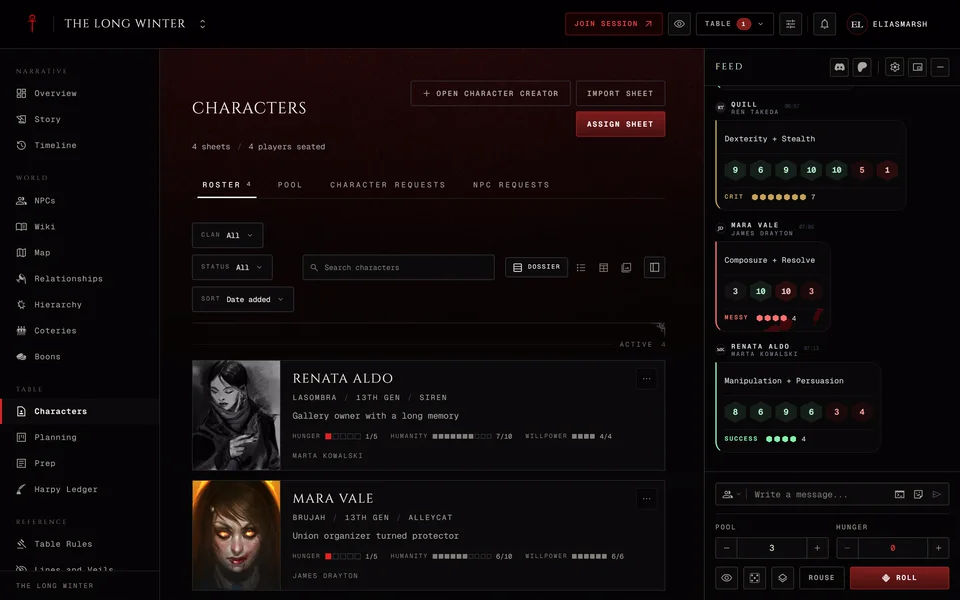
Open the XP page from the chronicle's menu. In Storyteller approval it's called XP Requests. In Storyteller managed and Free Storyteller it reads XP Log and in Player controlled XP Activity. The header also has a Messages button that opens the chronicle's Messages.
Pending holds the requests waiting for you. Each row shows the character, whether it's a gain or a spend, the amount and what it changes on the sheet. Resolved keeps everything you already approved or denied. Balances shows each bound character's granted and spent XP. When the Lifecycles section is on Lifecycle Requests holds Embrace, ghouling, blood bond and other lifecycle requests (see Embrace, ghouling and blood bonds). Sheet changes lists the saved changes on every bound sheet. It's there in every mode, Player controlled included.
Only Storyteller approval has the Pending tab. Balances is there in Storyteller approval and Storyteller managed, where the chronicle keeps the XP.
Approving or denying
Press Approve or Deny on a row. The window shows the request and how much XP the character has free. If a spend costs more than they have you get a warning but you can still approve it. Write a Note to the player (optional) if you want to, then press Approve Request or Deny Request. A request is approved or denied whole. There's no partial approval.
If the request changed after you opened the window (another storyteller decided it first or the player's sheet moved on) nothing is saved. You're asked to close the window and check XP Requests again.
The Overview's XP row tells you how many requests are waiting.
Grant XP
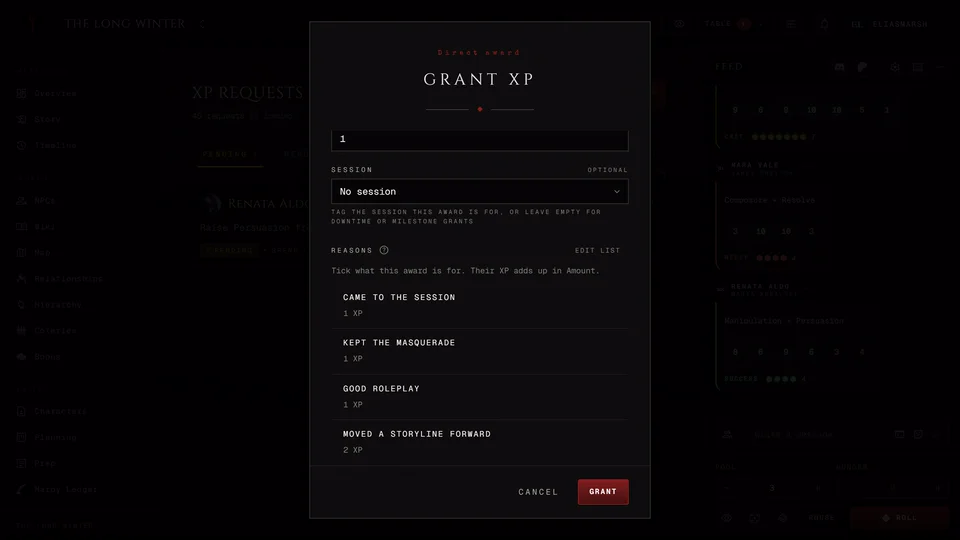
Grant XP at the top of the XP page gives XP to one character or many at once. It's there in Storyteller approval and Storyteller managed.
- Under Recipients tick the characters. All and None save clicks. You can also tick a whole coterie at once. NPCs can't receive XP.
- Enter the Amount.
- Pick the Session it's for if you like. Leave it on No session for downtime or a milestone.
- Write a Reason if you like.
- Press Grant.
You see who got it and how much unspent XP they have now, with Grant more and Done. If the same character got the same amount in the last ten minutes you're asked whether you meant to grant it again.
The grant window can keep a list of your table's usual reasons. Type a new reason and tick Keep this reason for this chronicle, with an XP amount if it has one. Next time it shows under Reasons as a box to tick and the ticked amounts add up in Amount. Edit list removes reasons you no longer use. Reasons you ticked for a session in Prep come up already ticked when you grant XP for that session.
Fix a mistake
Revoke on a resolved gain or grant takes that XP back. The entry stays in the history marked as denied. If the character already spent the XP you're warned that the balance will go negative, but you can still go ahead.
Remove XP on the Balances tab takes XP off a character, up to what they have free. It changes no dots.
An approved spend can't be refunded. If dots were bought by mistake, edit the sheet yourself.
V6 sheets
V6 sheets only join Custom chronicles. Their requests work the same way with one difference. If the sheet changed since the player sent the request or already has what it buys, approving is refused and the request stays pending. The window tells you why. Deny it and ask the player to send a new one. That way the XP is never charged twice.
In V5, V20 and Dark Ages a request that buys a rating the sheet already has still goes through and the XP is still taken. Look at the sheet before you approve a spend you aren't sure about.
Related articles
About this article
- Type
- Guide
- Editions
- V5, V20, Dark Ages, V6, Custom
In this article
Need more help?

Ask the team in #ghoulapp-feedback on the Player Companion Discord. Or try #ghoulapp. GhoulApp players are active there and help each other.
Open Discord(New tab)