


The Characters section
- Lithaner555Author
- OzzEditor


On this page 4
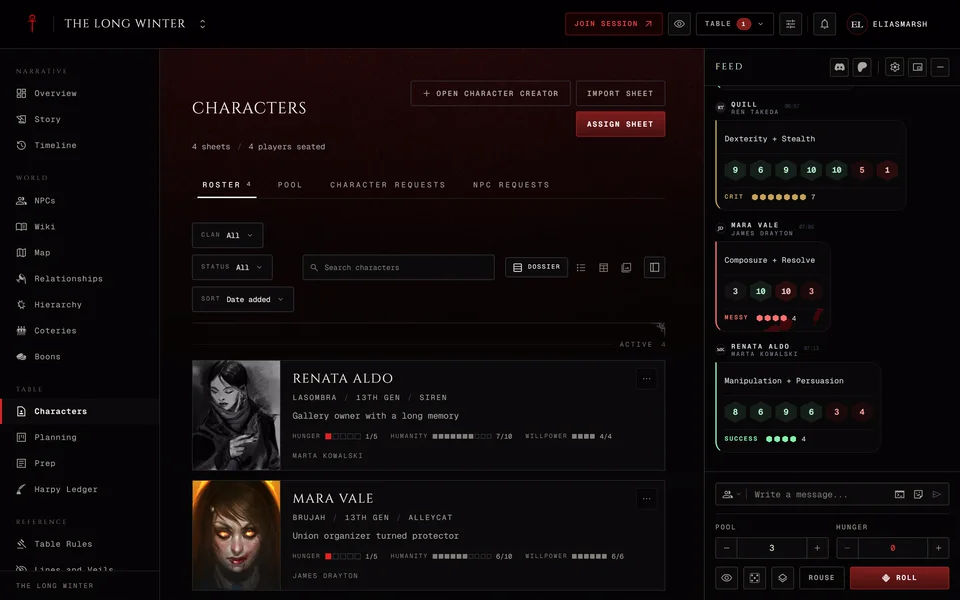
Characters lists every player character bound to the chronicle. The line under the title counts the sheets, the players who have a seat and the seats still open. A player binds their own character here. The storyteller manages the whole roster from here.
The roster
The Roster tab shows everyone's characters. The View buttons switch between Dossier, Roster, Table and Gallery. You can filter by Clan or Status (Active, Unassigned, Deceased and retired), search by name and sort by date added, name or player. In a Custom chronicle each character also shows its edition, since the table can mix V5, V20, Dark Ages and V6 sheets.
The side column, The coterie, lists the open seats (players at the table with no character bound yet), the clans at the table and anyone deceased or retired.
Quick view in a row's menu opens a short summary beside the list. Pressing the character opens their own page with tabs for the overview, relationships, boons, timeline and stats.
For players
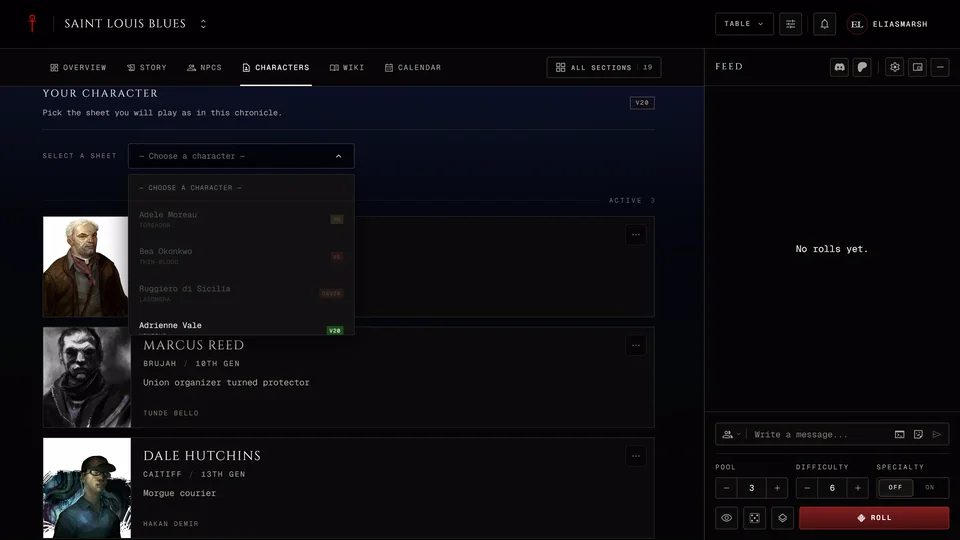
The Your Character panel at the top is where you pick the sheet you play. See Bind your character to a chronicle. To stop playing it here choose Unbind in its row menu on the roster. The sheet stays on your account.
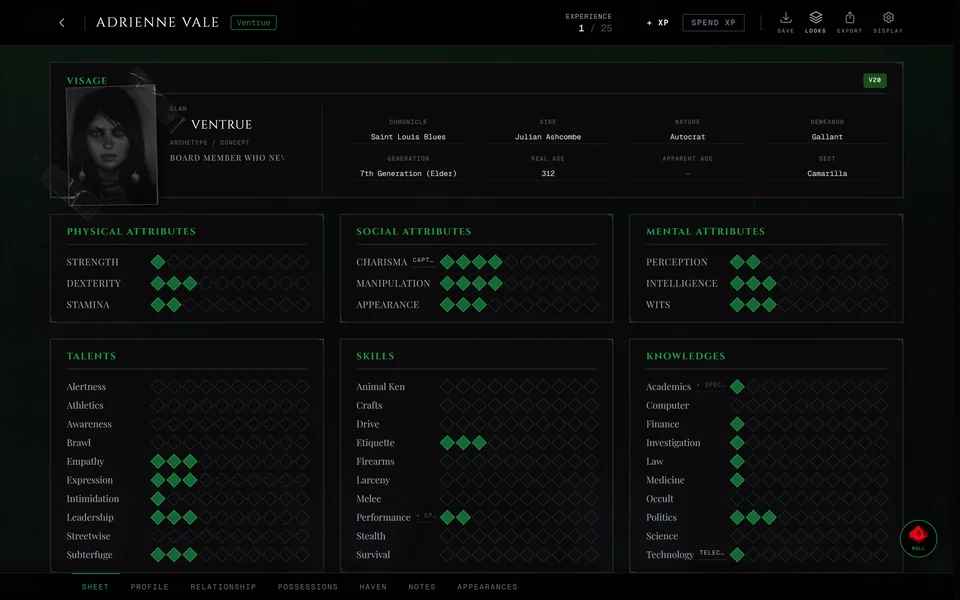
On another player's character you see what they and the storyteller chose to show. Their backstory and notes stay private. Their stats show only if they revealed them. View Sheet opens a read-only sheet that leaves out anything hidden.
On your own character page you get Open Sheet and Manage Reveals. Reveals decide which parts of your sheet other members see. Your identity (name, clan, sect and so on) starts visible. Your Attributes, Abilities, Disciplines, Health and Willpower, Advantages and Lifecycles start hidden. You and your storyteller always see everything.
Whether you can change your sheet yourself depends on how the chronicle runs its sheets. How a chronicle manages sheets has the four ways.
For the storyteller
The buttons at the top of the page do three jobs. Assign sheet puts one of a player's sheets on their seat: pick the member, then the character. One player can hold more than one character and you choose which one is their primary. Import sheet lists the sheets your members have that aren't in a chronicle yet and binds the one you pick to its owner. You can also hand one of your own sheets to a player this way and it then becomes theirs. Open Character Creator opens the creator inside the chronicle. What a player makes there is bound when they save.
A character's row menu has Make primary, Copy as NPC, Mark as Deceased, Remove and Remove completely. Remove unbinds the character and it stays on the player's account. Remove completely asks you to type the character's name and only shows for those allowed to remove characters. A deceased character comes back with Restore. A V6 sheet can't be copied as an NPC.
Edit Sheet on a character's page opens the full sheet for you to change, even when the chronicle keeps sheets locked for players. Whether your edit goes into the XP history follows the chronicle's sheet mode.
A moderator sees the parts of this their permissions allow, for example Assign sheet with Assign characters. See Storytellers, players and moderators.
The other tabs
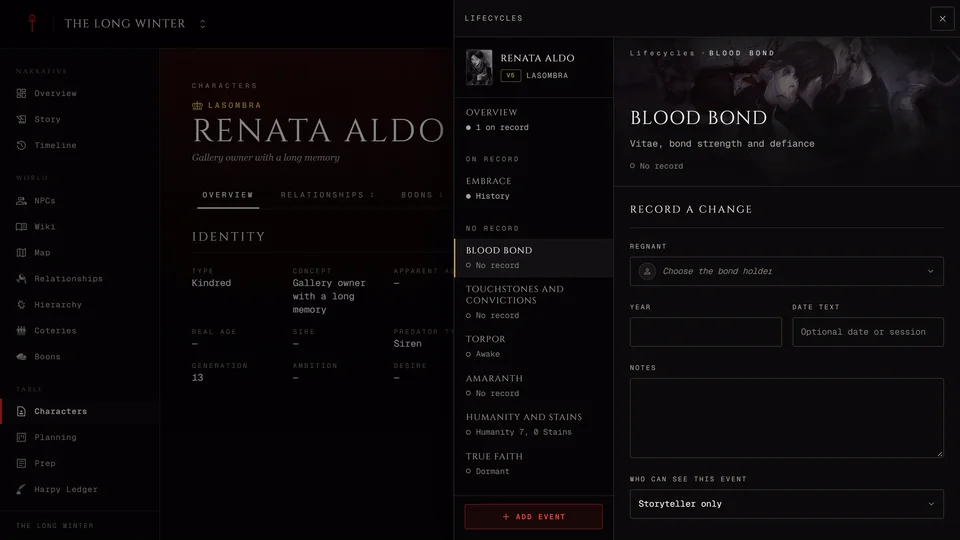
The storyteller has more tabs next to Roster. Pool holds pre-made characters for players to claim. A player sees the Pool too when the storyteller lets players pick their own and they can still claim one. Character Requests lists characters players made in the creator here and sent for your review. NPC Requests lists the NPCs players asked you to add, split into pending and history.
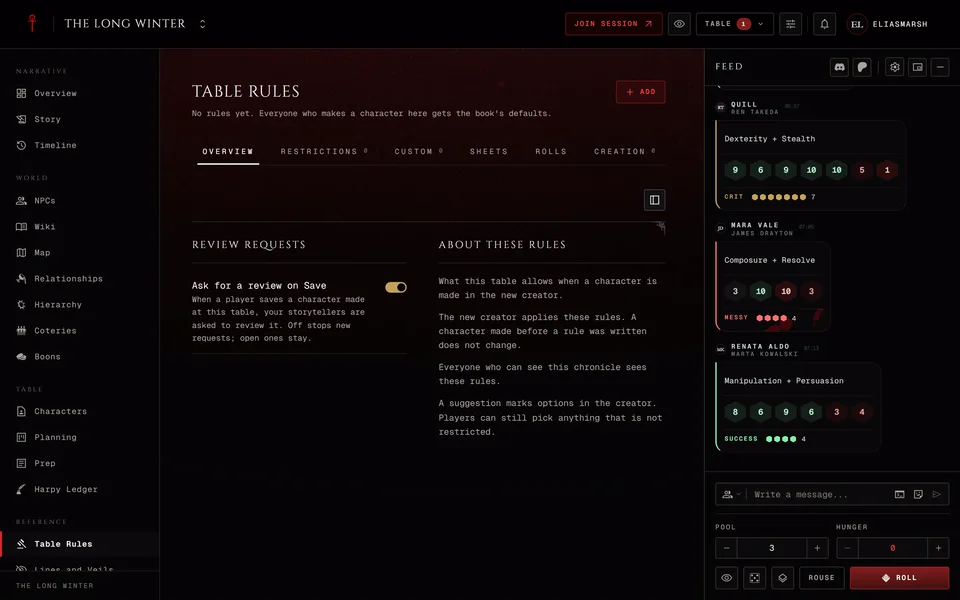
A sheet that breaks one of your Table Rules still binds. The player sees how many rules it doesn't meet.
Related articles
About this article
- Type
- Guide
- Editions
- V5, V20, Dark Ages, V6, Custom
Need more help?

Ask the team in #ghoulapp-feedback on the Player Companion Discord. Or try #ghoulapp. GhoulApp players are active there and help each other.
Open Discord(New tab)