


Bind your character to a chronicle


On this page 5
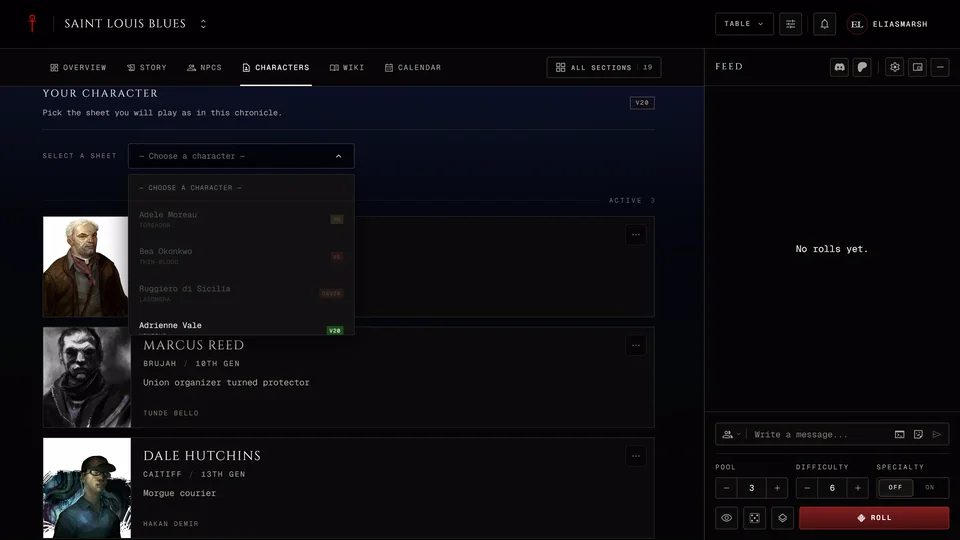
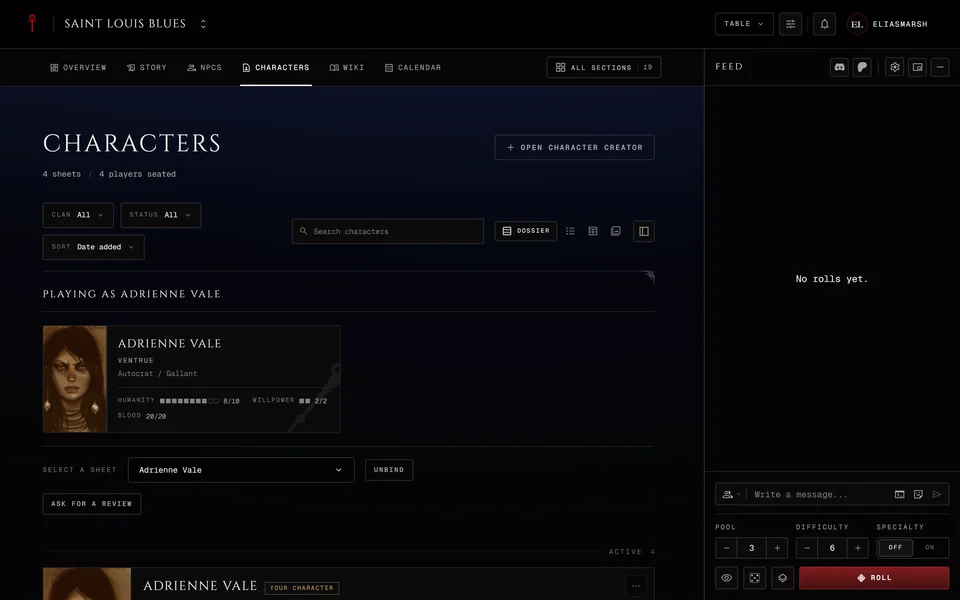
Joining a chronicle and bringing a character are two separate steps. Once you're a member open the chronicle's Characters section. At the top is the Your Character panel. Pick one of your sheets under Select a sheet and it's bound to the chronicle right away. The panel then reads "Playing as" with your character's name and shows the character's card.
You need to be signed in and the sheet has to be saved to your account. A character you made without an account lives only in your browser. It can't join a chronicle until you import it into your account. The panel is there for players only. Observers and moderators don't bind a character.
Which sheets fit which chronicle
The list only lets you pick a sheet that fits the chronicle's edition. The others are greyed out. Until you've bound a sheet the panel shows the chronicle's edition in its corner, except in a Custom chronicle.
| Chronicle | Sheets it takes |
|---|---|
| V5 | V5 |
| V20 | V20 |
| Dark Ages | Dark Ages and V20 |
| Custom | Every edition: V5, V20, Dark Ages and V6 |
There's no V6 chronicle. A V6 character can only join a Custom chronicle.
A sheet can be in one chronicle at a time. A sheet that's already bound somewhere else is greyed out too. Hover over a greyed-out sheet to see why.
If you have no sheet that fits
The panel says so and offers Open Character Creator. That opens the creator inside the chronicle, already set to the right edition. The new character is bound to the chronicle when you save it.
Your storyteller may also have asked you to make your character in the creator so it follows the table's rules. If they sent you a creator invite link you land in the creator as soon as you join.
A pre-made character from the chronicle's pool isn't picked here. When the storyteller lets players choose, you claim one from the Pool tab on the same page.
What changes once it's bound
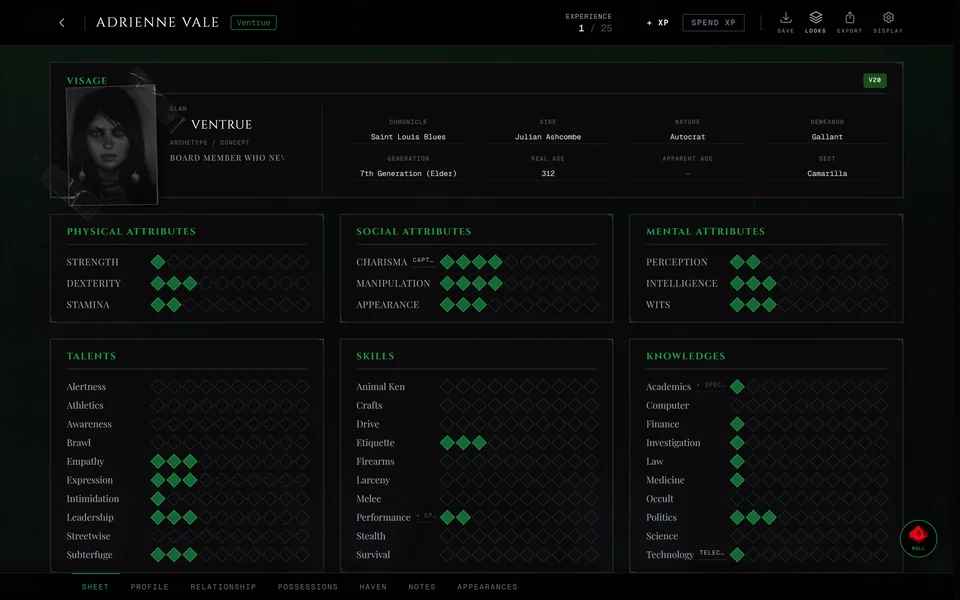
The sheet stays yours. It's still on your account and you can still open it from your character list. The storyteller can open and edit it.
What you can change yourself depends on how the chronicle handles sheets. In some chronicles you edit freely. In others the sheet is locked and you send XP requests for the storyteller to approve. In some only the storyteller changes it. How a chronicle manages sheets explains the four ways.
Your rolls in the chronicle carry your character's name.
If the storyteller wrote Table Rules a sheet that breaks one still binds. The panel tells you how many rules it doesn't meet and See the table rules takes you to them.
Asking for a review
Most tables let you ask the storyteller to look over a new character. The storyteller's switch for it starts on. While it's on Ask for a review shows under the panel. The panel then reads "Review requested" and you can Withdraw the request while it waits. Once the storyteller answers you see "Approved by the storyteller" or "Denied by the storyteller" along with anything they wrote. At a table like that a character you make in the chronicle's creator asks for a review on its own when you save it.
Unbind or switch characters
Press Unbind in the Your Character panel to take the sheet out of the chronicle. Everything you changed on it while it was bound stays on the sheet. To play a different character unbind the first one and pick the other.
If the storyteller gave you more than one character at this table the panel shows them all as cards and the storyteller manages that list. Your choice there is which one is your Primary. Press Make primary on the card you want.
If binding fails with a message, see My character won't join the chronicle.
Related articles
About this article
- Type
- Guide
- Editions
- V5, V20, Dark Ages, V6, Custom
Need more help?

Ask the team in #ghoulapp-feedback on the Player Companion Discord. Or try #ghoulapp. GhoulApp players are active there and help each other.
Open Discord(New tab)