


How a chronicle manages sheets
- Lithaner555Author
- OzzEditor


On this page 4
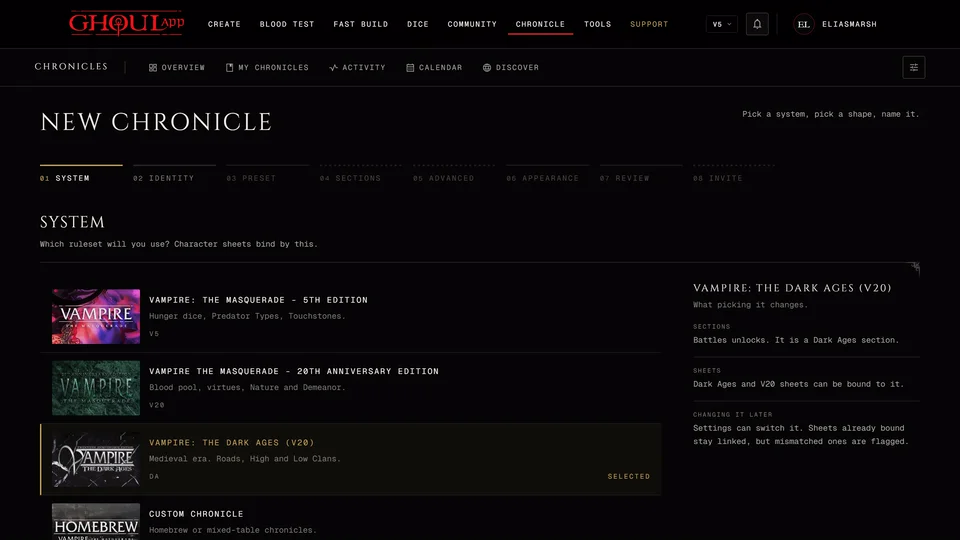
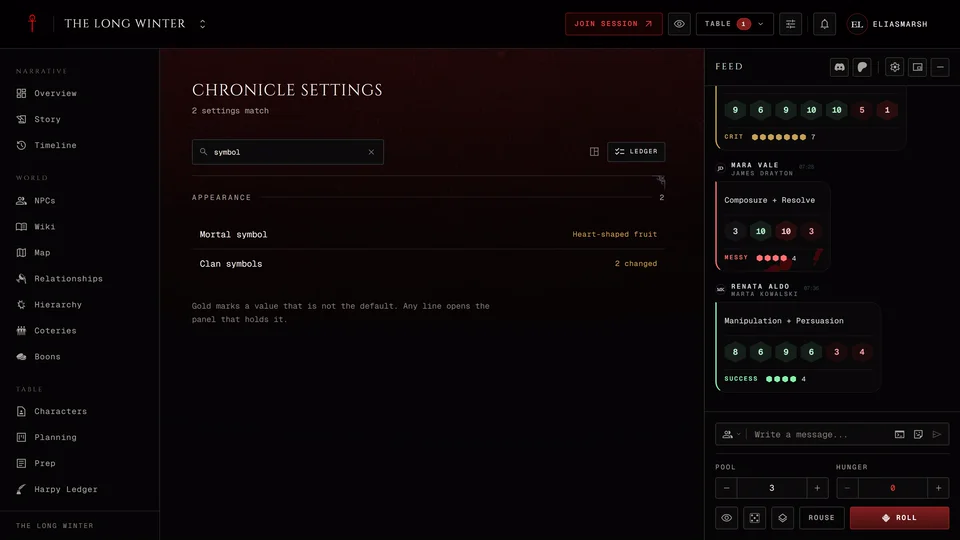
Every chronicle runs its character sheets one of four ways. The choice decides who may change a sheet that's in the chronicle and where its XP is kept. The storyteller picks it when they create the chronicle (the preset suggests one) and can change it any time in Settings under Management. Whatever the mode, the storyteller can always edit any sheet in their chronicle.
The four modes
Player controlled works the way a sheet does outside a chronicle. Players change their own sheet and add and spend their own XP. The XP stays on each sheet, so the chronicle's XP page reads as a log of what happened and shows no balances.
Storyteller approval locks the sheets. A player who wants XP or wants to spend it sends a request and nothing changes until the storyteller approves it. This is the only mode with XP requests. XP requests and approvals walks through both sides.
Storyteller managed leaves sheets and XP to the storyteller alone. Players can read their sheet but can't edit it or send requests. Every change the storyteller makes goes into the XP history, so you can always see what was bought and when.
Free Storyteller also leaves the editing to the storyteller, but nothing goes into an XP history. Changes land straight on the sheet and the XP buttons are gone for players. Tables that don't track XP at all use this one.
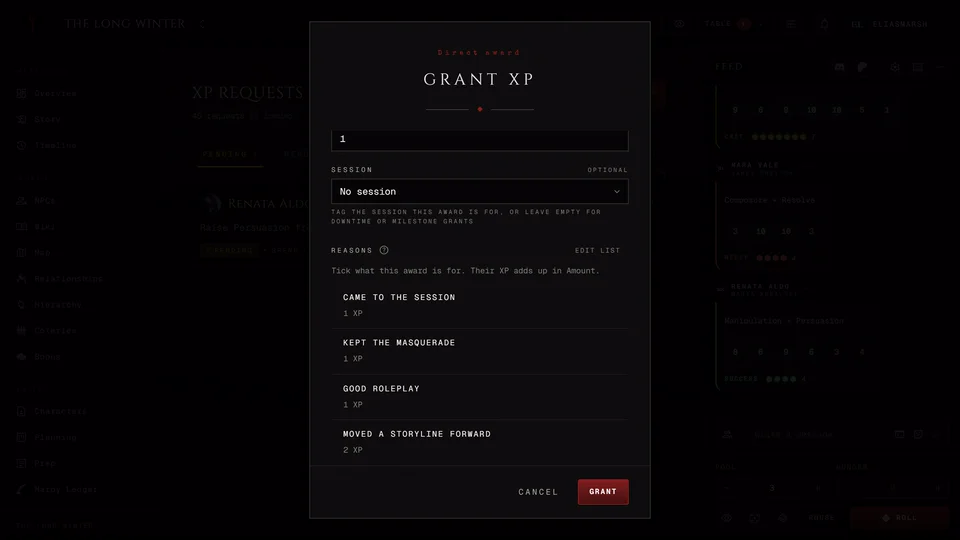
In Storyteller approval and Storyteller managed the XP is kept on the chronicle's XP page, which is where the storyteller grants it. In the other two it lives on each sheet.
Fine-tuning a mode
Two of the modes have a switch under Mode Specific Options in Settings.
In Player controlled, Players can add XP to their own sheet starts on. Turn it off and only the storyteller adds XP. Players still spend what they have without asking.
In Storyteller approval, Spending XP needs approval starts on. Turn it off and players can spend XP you already granted without sending a request. Gaining XP still needs your approval and nobody can spend more than you granted. If spend requests are still waiting when you turn it off you're asked Clear the queue first? A player who buys the same trait again right away would be charged a second time when you approve the old request later. Approve or deny the queue first. Turn on anyway goes ahead without it.
Storyteller managed and Free Storyteller have no switches. Both already leave everything to the storyteller. The mode and its switch apply to every player at the table alike.
When the XP section is off
A chronicle with its XP section turned off can only run Player controlled. The other three modes need the XP page. Turning XP off in Settings moves the chronicle to Player controlled on its own and the other modes stay greyed out until you turn XP back on.
Which one to pick
If your players already keep their own sheets and you trust the table, Player controlled is the least work. If you want to see every spend before it lands, pick Storyteller approval. If you'd rather do the bookkeeping yourself pick Storyteller managed. Free Storyteller suits a table where nobody counts XP at all.
The XP prices themselves come from the book of each sheet's edition. A storyteller can change a price for everyone or for one player in Table Rules.
Related articles
About this article
- Type
- Guide
- Editions
- V5, V20, Dark Ages, V6, Custom
Need more help?

Ask the team in #ghoulapp-feedback on the Player Companion Discord. Or try #ghoulapp. GhoulApp players are active there and help each other.
Open Discord(New tab)