


Storytellers, players and moderators
- Lithaner555Author
- OzzEditor


On this page 5
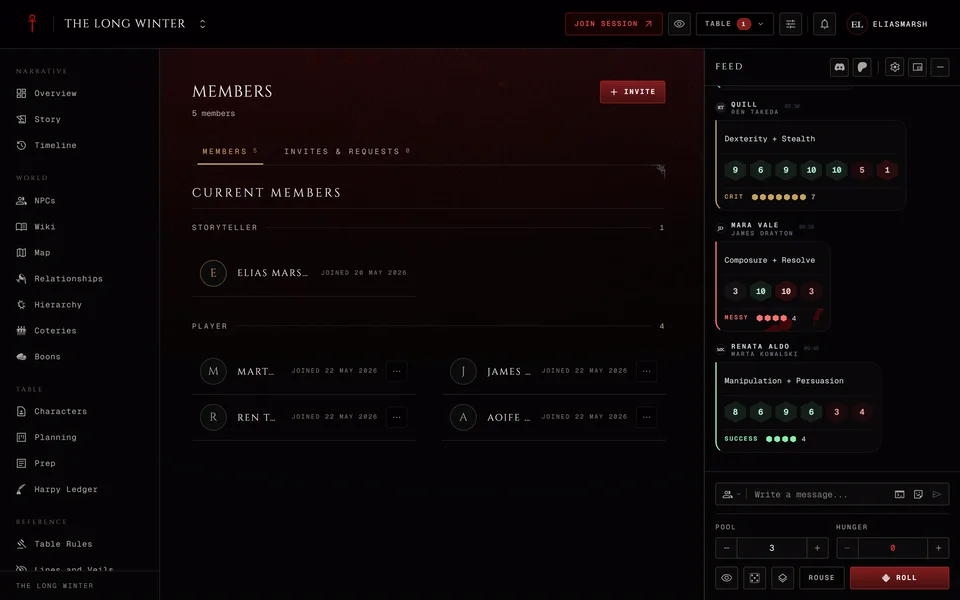
Everyone in a chronicle holds one of five roles: storyteller, co-storyteller, moderator, player or observer. The Members page groups people under those headings, with the storytellers first.
What each role can do
The storyteller is the person who made the chronicle. They can do everything, including the Danger tab in Settings where the chronicle is archived or deleted. A chronicle has one storyteller and that never changes. There's no way to hand a chronicle to someone else.
A co-storyteller runs the table alongside the storyteller and sees everything the storyteller sees. They grant XP, approve requests, edit any sheet and change settings. Three things stay with the storyteller: archiving or deleting the chronicle, making someone a co-storyteller and changing another co-storyteller's role.
A moderator is a helper who can do only what you allow. Give the role to a player who looks after the wiki or the map or to someone who handles new members. A moderator who plays can still bind a character and roll like any player.
A player has a character at the table, rolls dice, writes notes and messages and sees what the storytellers share. In a chronicle that runs on Storyteller approval the player sends XP requests. See How a chronicle manages sheets.
An observer reads the chronicle and nothing more. They have no character, no notes and no Messages. It suits a friend who wants to follow the story.
What only the storytellers see
Players and observers never see the XP page, Planning, Prep or Settings. The Harpy Ledger is closed to them too, except for a player whose character holds the Harpy or Chancellor title. See The Harpy Ledger.
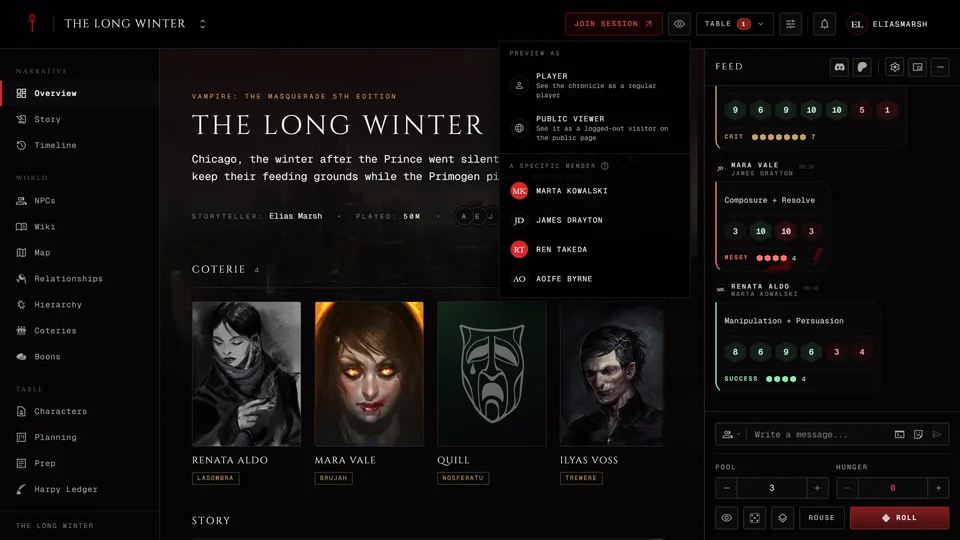
A moderator opens Settings only with Edit chronicle and Planning and Prep only with Manage planning. Moderators never see the XP page. If you're not sure what someone sees, preview the chronicle as a player.
Moderator permissions
When you make someone a moderator you pick what they may do. Tick the boxes one by one under Permissions or start from a Preset:
| Group | Permissions |
|---|---|
| Membership | Manage members, Manage invites |
| Characters | Import characters, Assign characters, Edit characters, Remove characters, Final death |
| World | Manage NPCs, Edit wiki, Manage coteries, Edit relationships, Manage map, Edit handbook |
| Story | Edit story, Manage planning |
| Chronicle | Edit chronicle |
Membership Moderator ticks the Membership group and World Moderator ticks the World group. Character Moderator ticks the Characters group except Edit characters. Full Moderator ticks every box except Edit characters. No preset lets a moderator edit someone's sheet, so tick Edit characters yourself if you want that. Change any box after picking a preset and the preset switches to Custom.
Manage members lets a moderator invite people by name and remove members. Manage invites lets them make invite links and approve join requests. Nothing lets a moderator change anyone's role.
Change someone's role
Only the storyteller and co-storytellers can do this.
- Open Settings and go to the Access tab.
- In Roles & Permissions find the person and press Change role.
- Pick a Role. For a moderator also pick a preset or tick their permissions.
- Press Save.
The storyteller's own row is marked Owner and can't be changed. On a co-storyteller's row a co-storyteller sees Change role greyed out with "Only the Storyteller can change a Co-Storyteller."
Remove someone
On Members open the menu at the end of the person's row and choose Remove. Confirm and their seat is gone. Their characters stay on their own account and are no longer part of this chronicle. To come back they need a new invite. This is open to the storyteller, co-storytellers and a moderator with Manage members. Nobody can remove the storyteller.
To leave a chronicle yourself see Leave a chronicle.
Related articles
About this article
- Type
- Guide
- Editions
- All editions
Need more help?

Ask the team in #ghoulapp-feedback on the Player Companion Discord. Or try #ghoulapp. GhoulApp players are active there and help each other.
Open Discord(New tab)