


The world
NPCs, the wiki, the map, coteries, boons and the timeline.
Guides 19
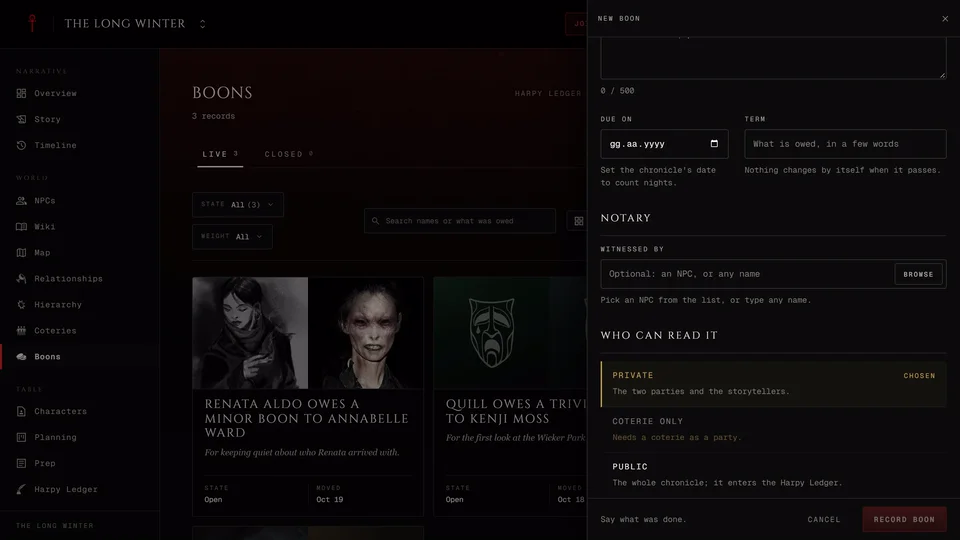
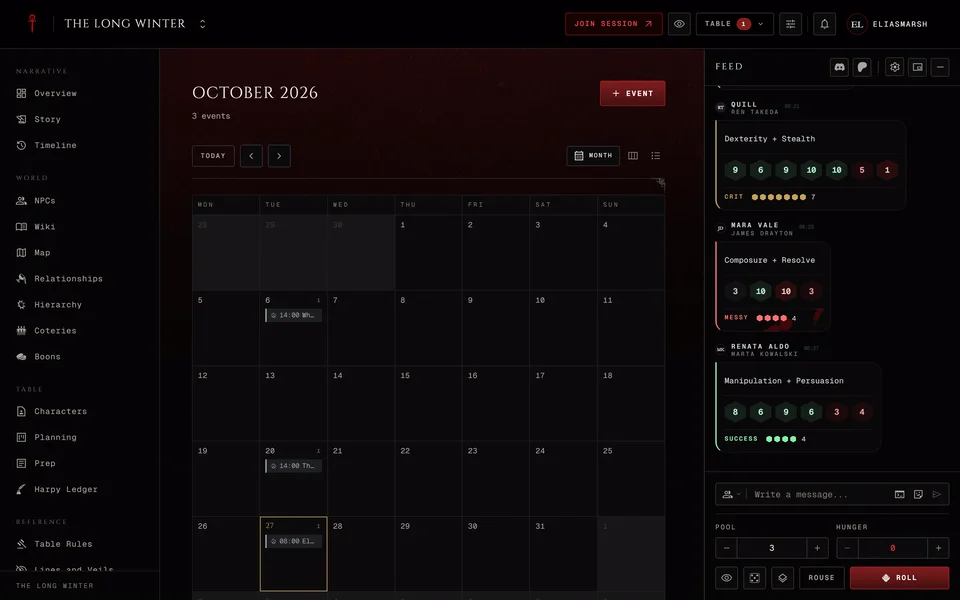
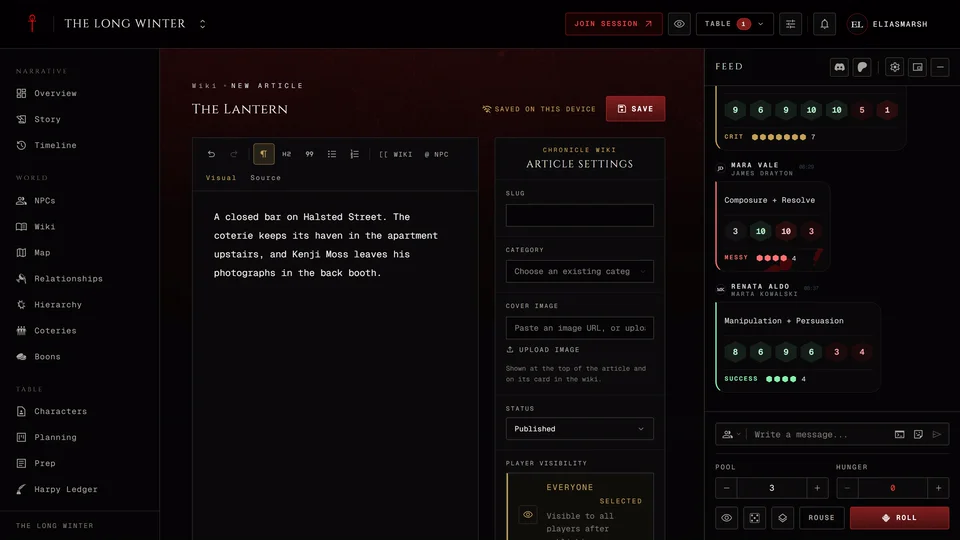
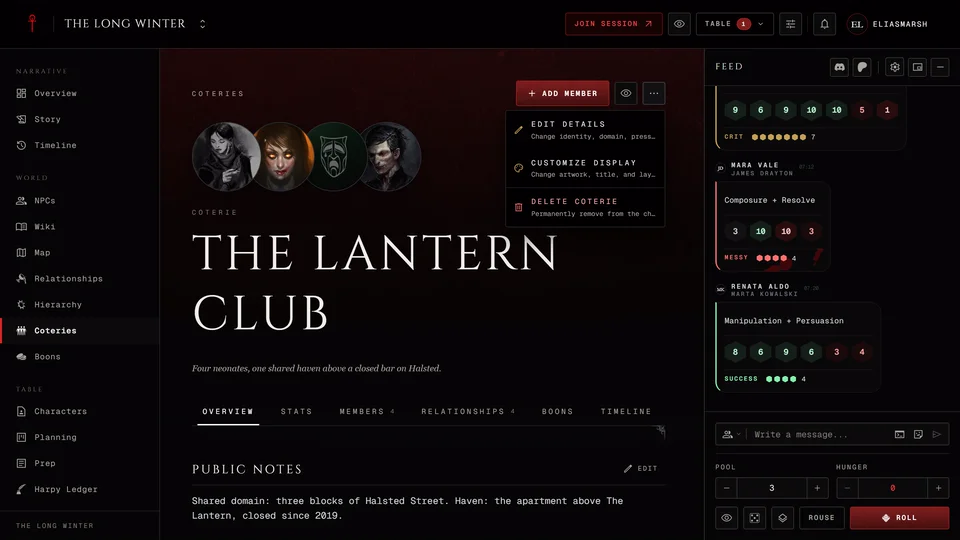
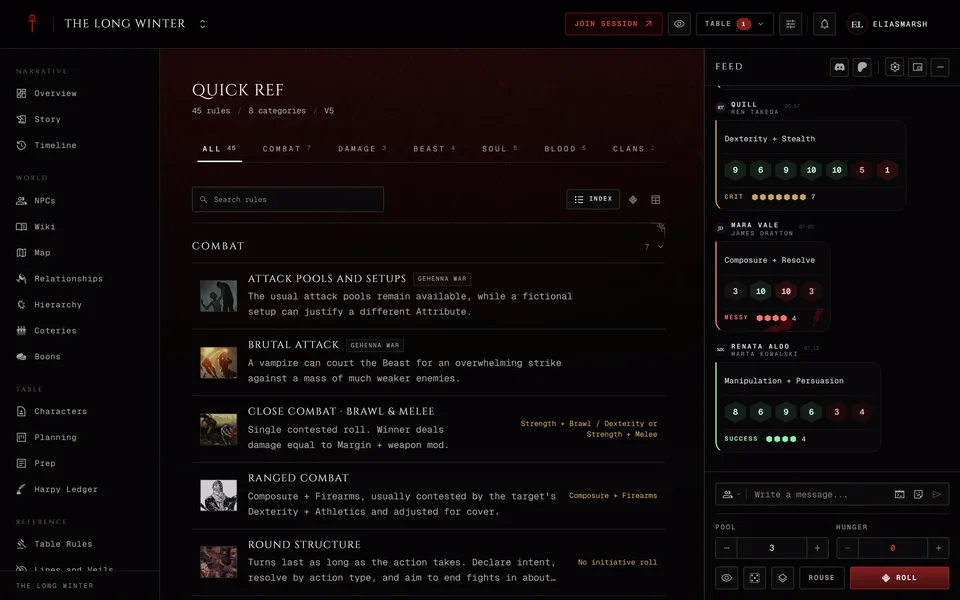
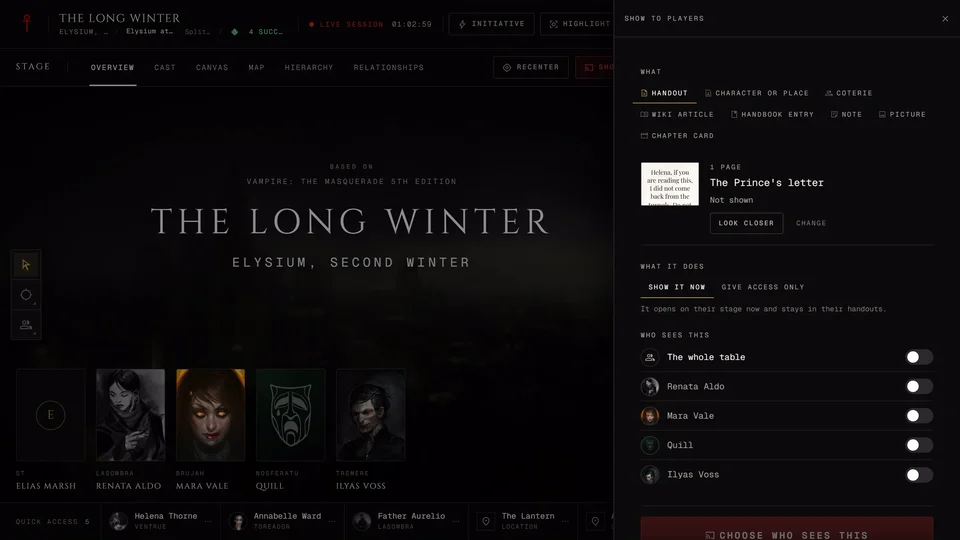
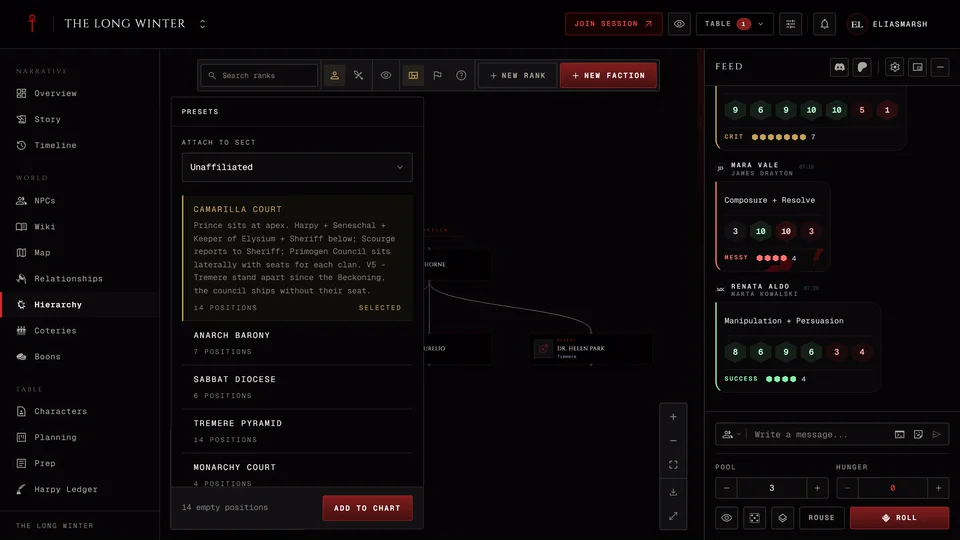
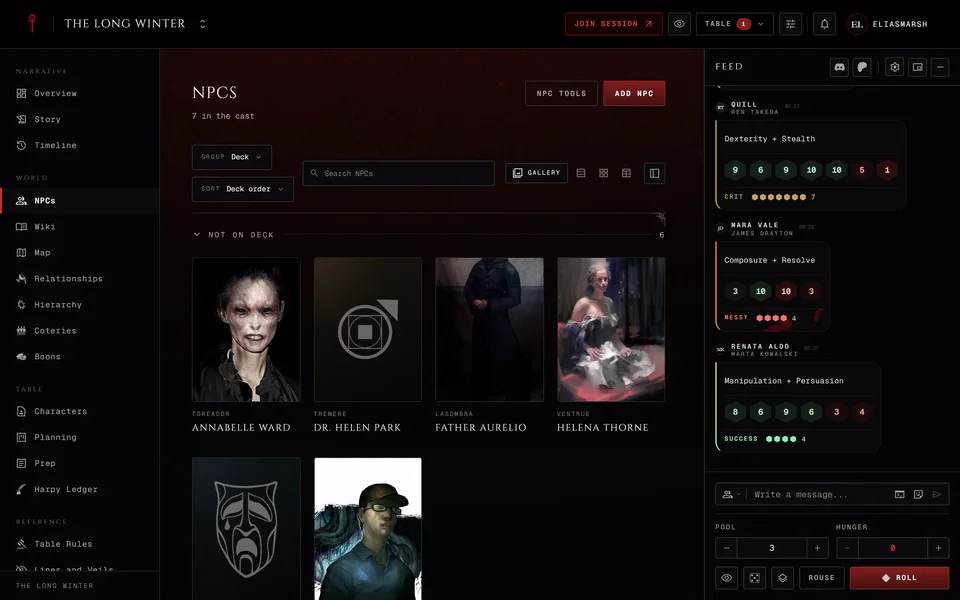
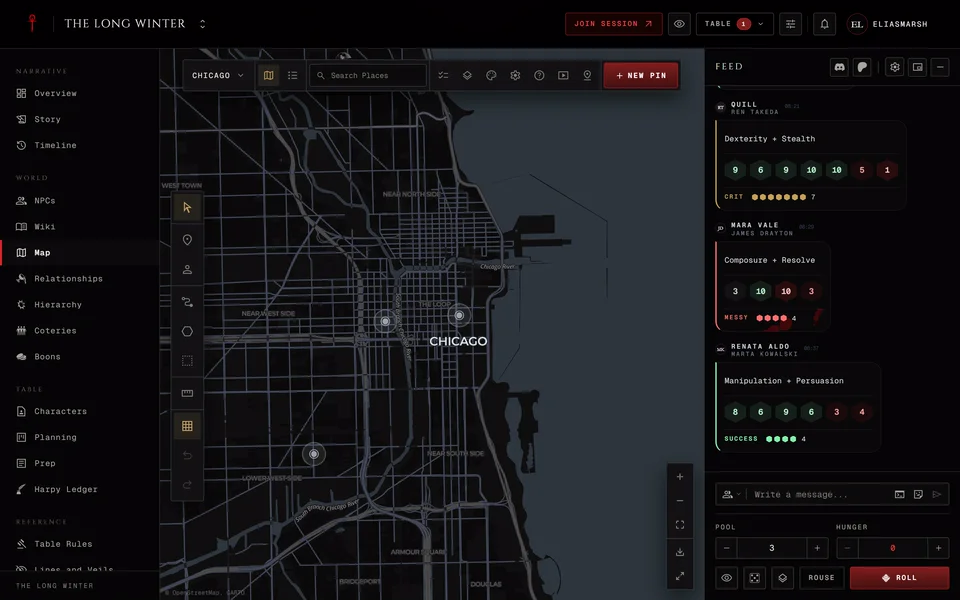
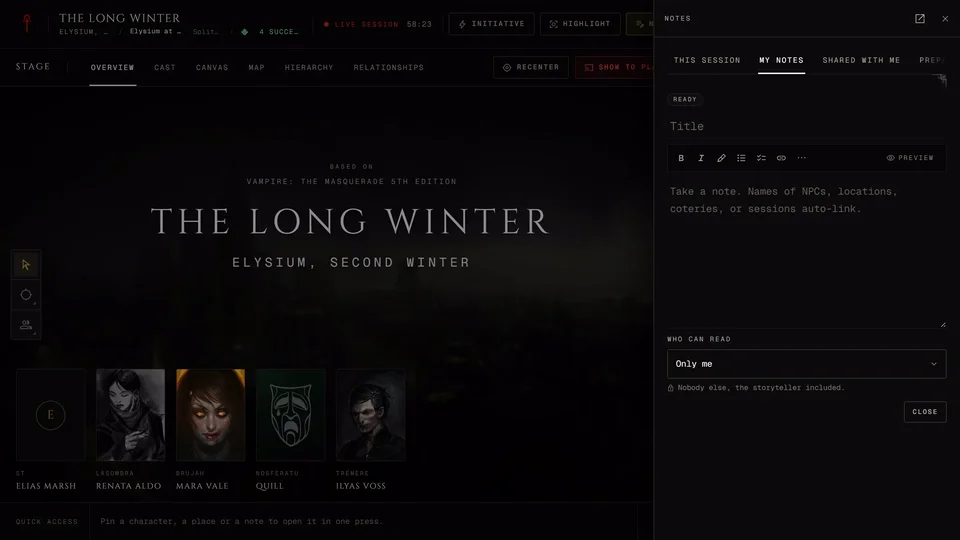
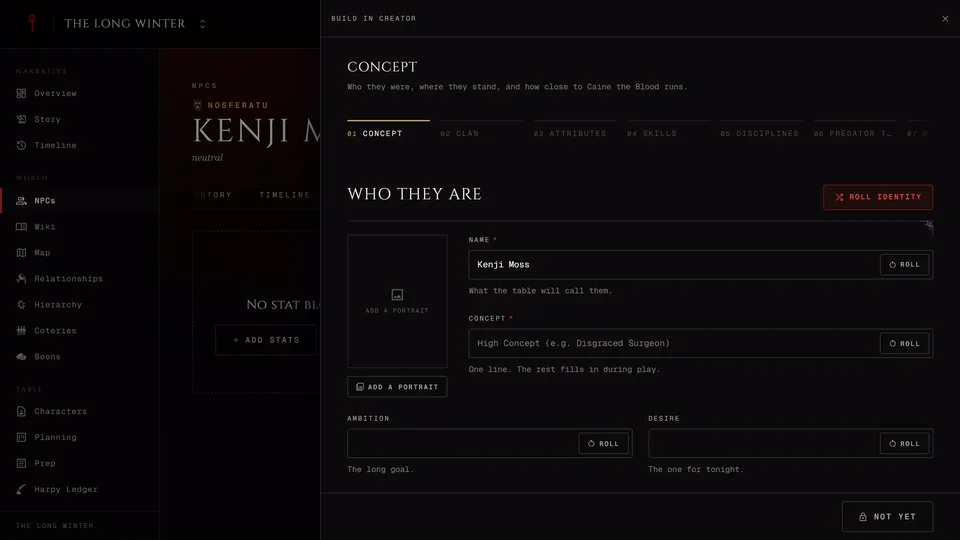
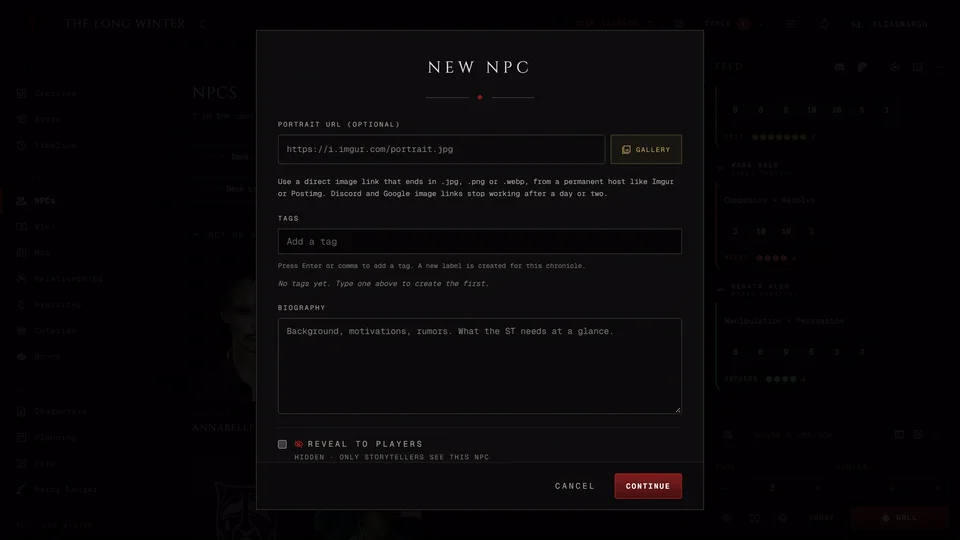
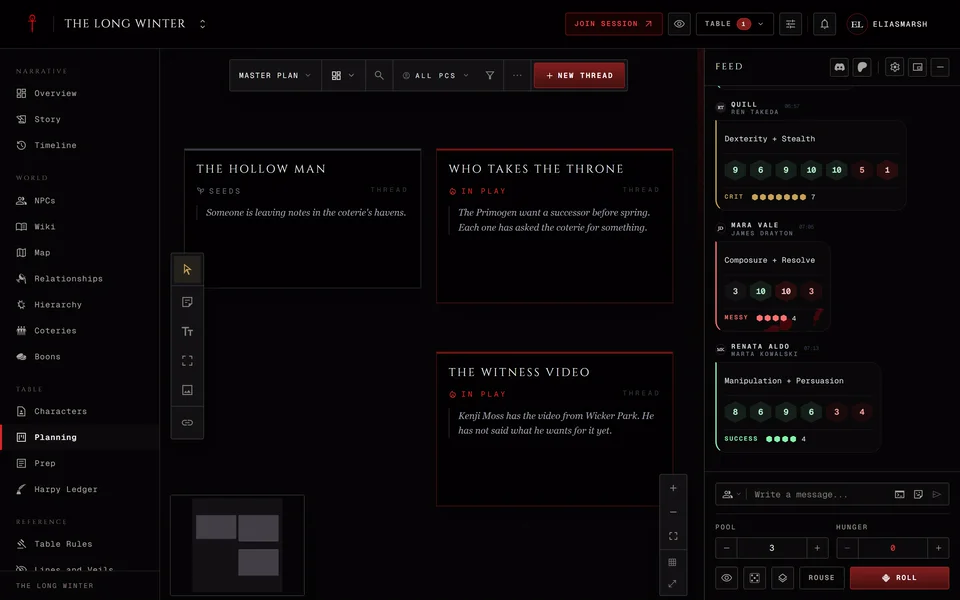
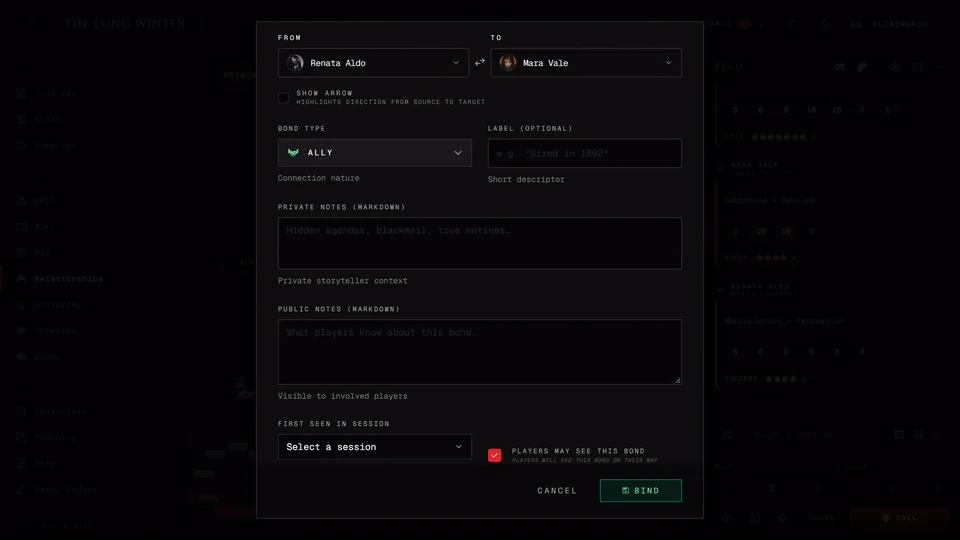
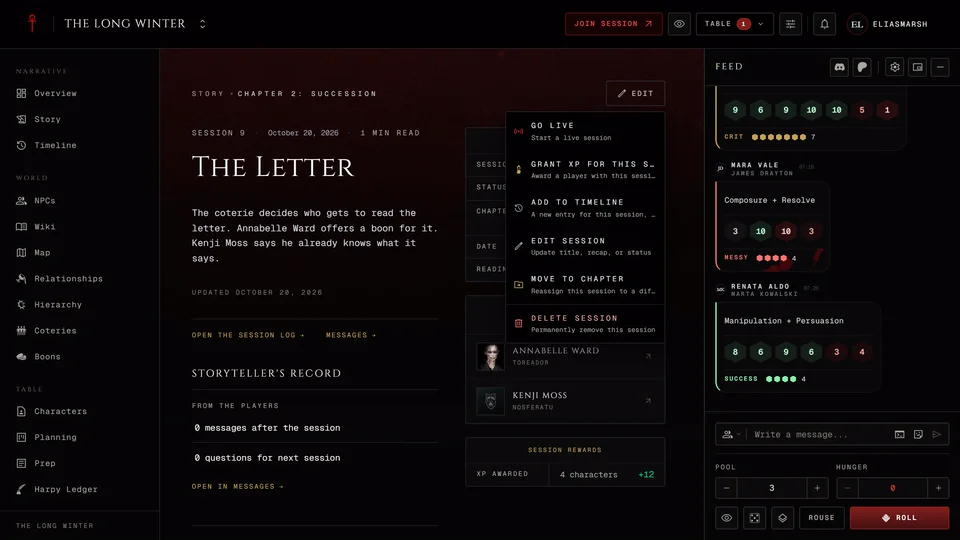
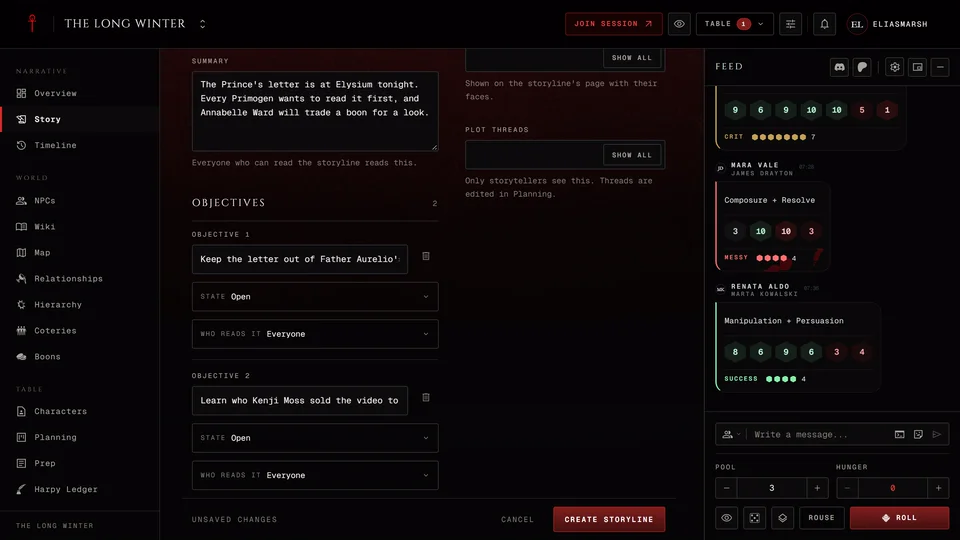
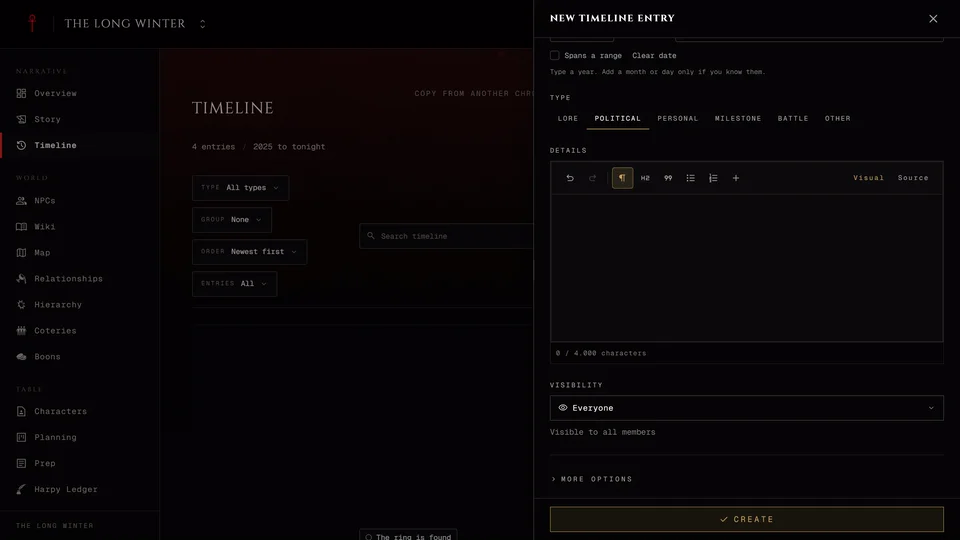
GuideDark Ages, Custom onlyBattlesTrack a Dark Ages battle from first muster to aftermath: sides, commanders, objectives, scenes and the War Room's mass-combat rolls.GuideBoonsRecord who owes whom and how much, follow a boon from open to settled and see how the sect changes the words.GuideThe chronicle calendar and RSVPsSchedule your game nights and other events, set them to repeat and see who's coming.GuideThe chronicle wikiWrite lore, codex entries and notes for your chronicle. Who can write, how a player's article gets approved and how articles link to each other.GuideV5, V20, Dark Ages, Custom onlyCoteriesRecord the chronicle's coteries, crews or packs, add their members and decide how much players see. Domain, pressure and shared Backgrounds in each edition.GuideThe HandbookThe Handbook holds your table's house rules, lore and setting notes. Who can write in it, how to read it and what visitors see.GuideHandoutsMake a paper handout for your chronicle, give it to one player or show it to the whole table and find the handouts you've been given.GuideHierarchy and factionsChart the city's politics: factions, ranks and who reports to whom. Presets for each edition, the chart's tools and what players see.GuideFind and manage your NPCsSearch and sort the chronicle's cast, keep the NPCs you need tonight on deck, read an NPC's page and hand out details as the players learn them.GuideThe chronicle mapSet up a map of your city or a picture of your own, then add places, territories and routes. What players can see and do on it.GuideNotesKeep your own notes in a chronicle, share them with everyone or choose who reads them at the live table. Pin them, link them and turn them into wiki articles or handouts.GuideV5, V20, Dark Ages, Custom onlyNPC stats in each editionGive an NPC a stat block: pick the edition and the level of detail, roll quick stats from a threat level or build the NPC in the creator.GuideNPCsAdd the people of your chronicle, from a blank editor, from your own characters or from a tool. What each page of the NPC editor holds and why a new NPC starts hidden.GuideThe Planning boardThe storyteller's private board for plot threads, sticky notes and pictures. Statuses, views and bringing a board onto the live stage.GuideV5, V20, Dark Ages, V6, Custom onlyQuick RefA searchable index of the book rules for your chronicle's edition. Tabs, the three ways to read it and pinning the rules your table uses most.GuideThe relationship mapRecord who is tied to whom: sires, allies, lovers, rivals and blood bonds. How to add a bond, what players see and how players can propose ties.GuideStory: chapters and sessionsKeep the record of your game nights in chapters, log each session with its recap and read back what happened. What players can add after a night.GuideStorylinesFollow a thread across sessions with a storyline, set its objectives and close it when it ends. How players propose a storyline of their own.GuideThe timelineRecord the history of your world with in-fiction dates, group it into eras, hide what players shouldn't know yet and copy a timeline from another chronicle.
Questions 3
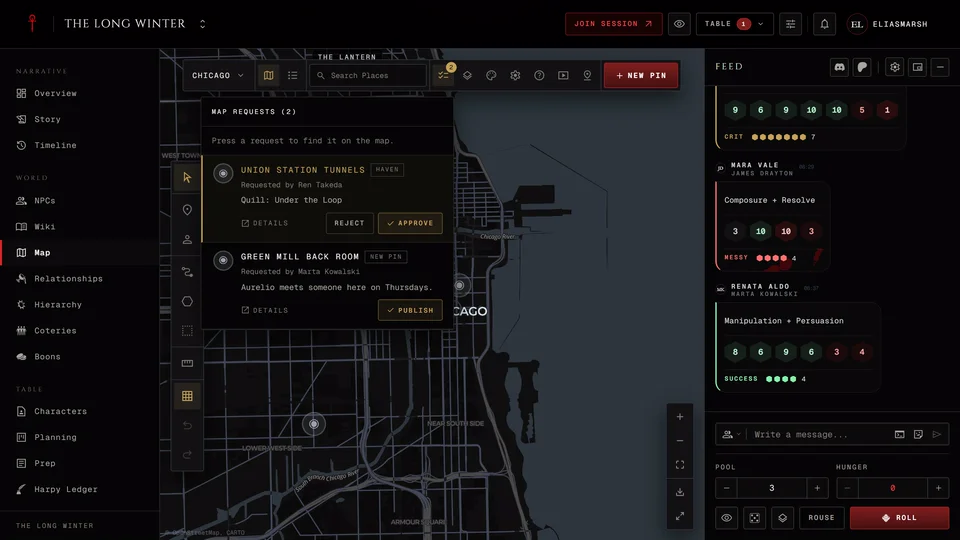
FAQImport and export a mapSave a world map's territories and pins as a GeoJSON or KML file and load them from one.FAQPlayer pins on the mapLet players add their own places to the map, choose whether their pins need your review and publish the ones waiting.FAQPlayer theoriesLet players note what they think ties two people together. Who can read a theory and how the storyteller confirms or contradicts it.
Need more help?

Ask the team in #ghoulapp-feedback on the Player Companion Discord. Or try #ghoulapp. GhoulApp players are active there and help each other.
Open Discord(New tab)