


Hierarchy and factions
- Lithaner555Author
- OzzEditor


On this page 6
Hierarchy is the chart of who rules the city and who answers to whom. A faction is a group like the Camarilla or the Anarchs. A rank is one seat in it like Prince or Sheriff. Someone sits in each seat: a player's character or an NPC.
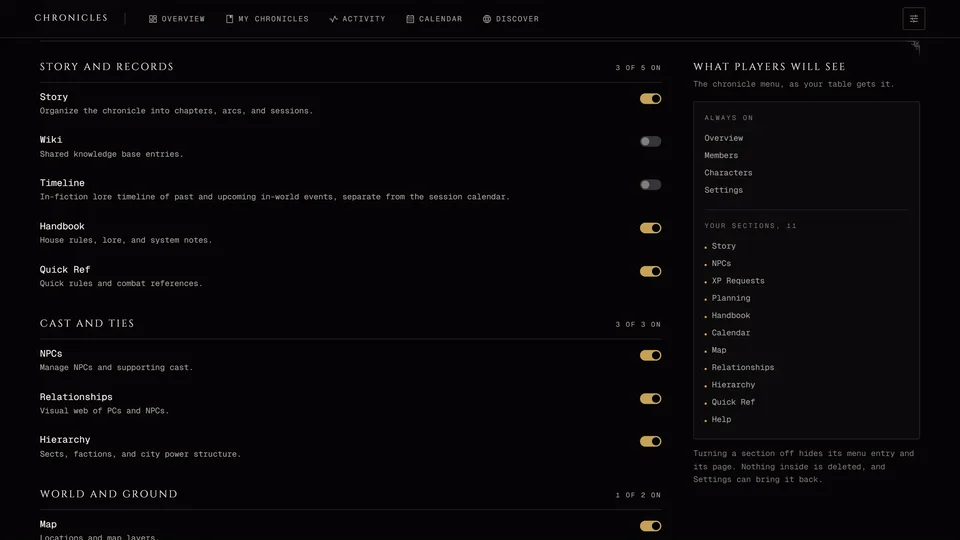
It's in the World group. A storyteller can switch it off.
Starting a chart
A new chart is empty. Press New Faction at the top to add a group, then New Rank to add seats to it.
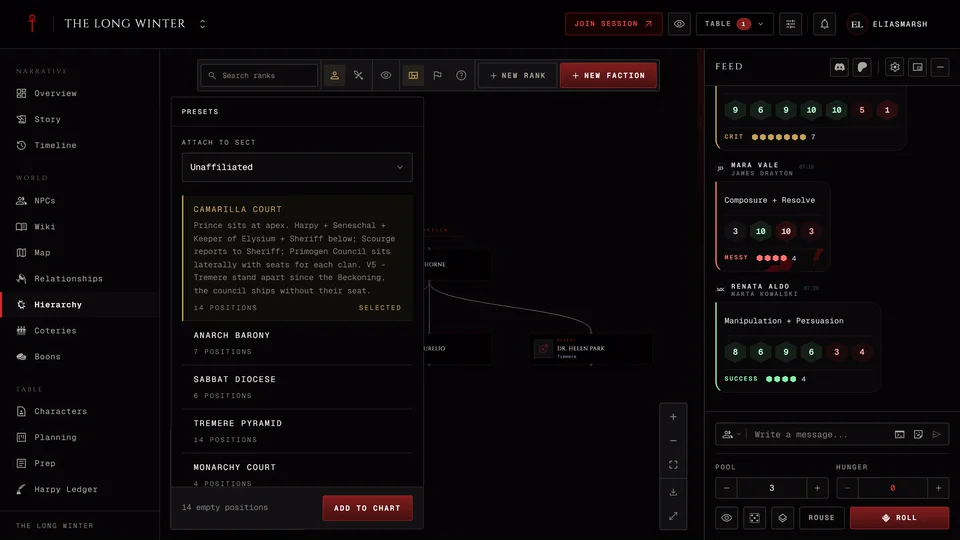
Or skip ahead with Presets, which fills in a whole court. Pick the preset, choose a faction to hang it under or type a name for a new one and press Add to chart. Each preset says how many positions it adds.
Which presets you get depends on the chronicle's edition. V20 and Custom chronicles get the Camarilla Court, Anarch Barony, Sabbat Diocese and Tremere Pyramid. V5 gets those four plus six court shapes: Monarchy, Firm, Collegium, Family, Caligula and Assembly. Dark Ages has its own set: the Cainite Court, the Feudal Ladder, the Crimson Curia, the Ashirra Court, the Voivodate, the Trinity of Constantinople and the Tremere Chantry.
A preset adds empty seats. Fill each one with a character or an NPC afterwards.
Factions
A faction has a name, an icon, a colour and a description. Presets fill those in for the usual ones like the Camarilla, the Anarchs or the Hecata. Dark Ages games get their own list. Manage factions lists every faction so you can open one, rename it or dissolve it.
Deleting a faction doesn't delete its ranks. They stay on the chart with no faction.
Ranks
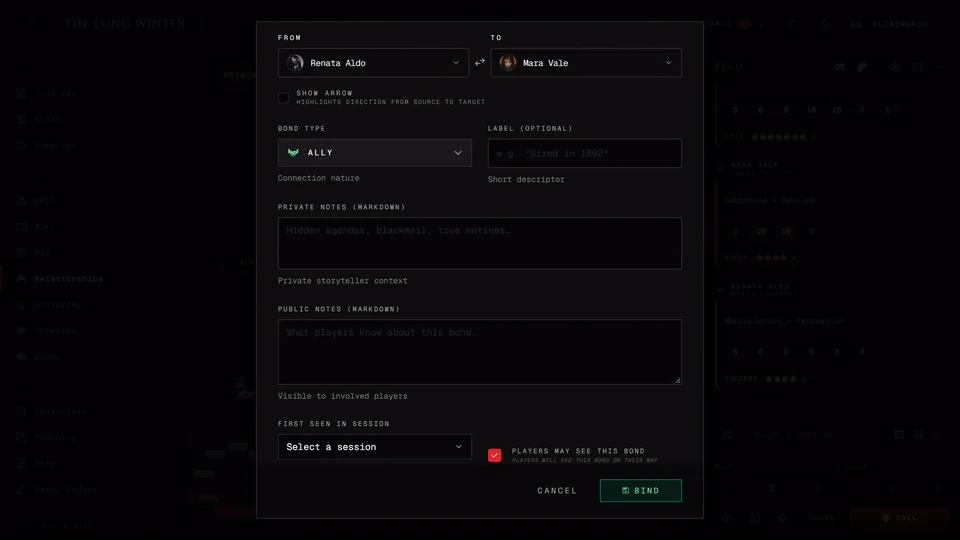
Press New Rank, pick the Faction (or Unaffiliated) and the Character who holds it, from the player characters or the NPCs. Choose a Title like Prince, Seneschal, Primogen, Harpy, Sheriff, Baron or Regent or pick Custom and type your own. Reports to sets the seat above it. Leave it empty for whoever's at the top. Add another supervisor lets a seat answer to more than one person. Tick Visible to players if players should know about this seat.
A rank can wear a Facade too, so players see a false name in that seat.
A council or a committee doesn't need an empty rank of its own. Select the ranks and choose Group into collective. The group starts folded up and nothing in it is deleted.
Working on the chart
The tools run down the side, like the map's. The key after each one picks it.
Select V moves things and picks ranks. Faction F adds a faction where you press. Rank R adds a rank. Press an existing rank to put the new one under it. Link C ties two ranks: press one, then the other. Esc goes back to Select and clears what you picked.
Select a rank and a bar of actions appears: Edit, Duplicate, Visibility, Move to faction and Disband. Right-click a rank for the same in a menu. Hold Shift and click to pick more than one. Dragging across empty space catches several at once. Delete or Backspace removes the picked ranks after one question.
Dragging a faction's banner moves the faction with all its ranks. Dragging a single rank moves it inside its group and the chart remembers where you put it. Ctrl+Z undoes your last move and Ctrl+Shift+Z brings it back. Auto-layout L tidies the whole chart. It asks first, because it throws away every position you set by hand and your undo history.
? or Help and shortcuts in the bar lists all of this. On a Mac use Cmd where it says Ctrl. The letter keys only work on a computer and only for storytellers.
The faction page
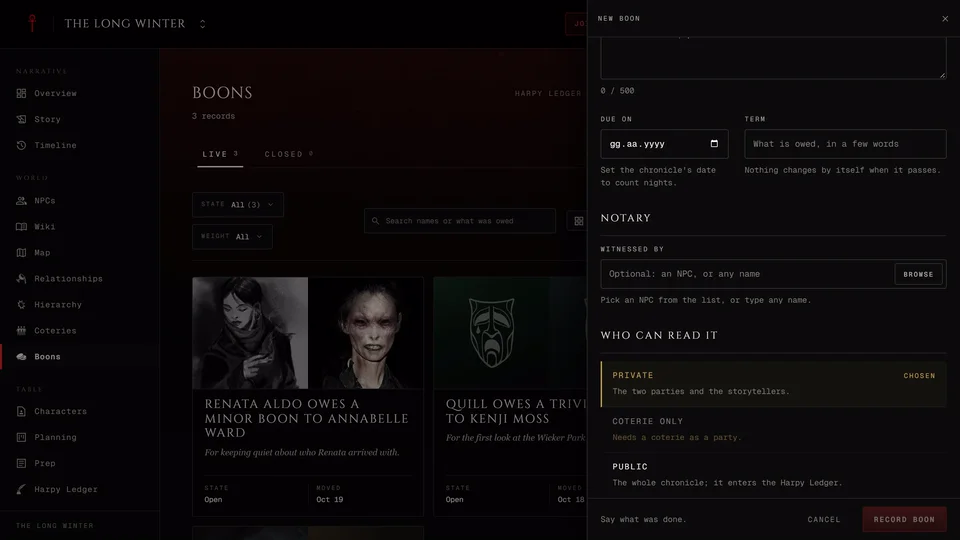
Each faction gets a page with its Leader and Members, the Boons between them, its Timeline entries, its Holdings on the map and its members' Ties. Storytellers also get notes only they see and Add a track, a clock for the faction from Prep's threats, which opens in Planning. Open in Hierarchy takes you back to the chart at that faction.
What players see
Players only see the ranks you've made visible. If a rank has a Facade they get the disguise. Until you share something a player sees "No ranks have been shared yet." Players can search the chart and switch between Show portraits and Show clan icons.
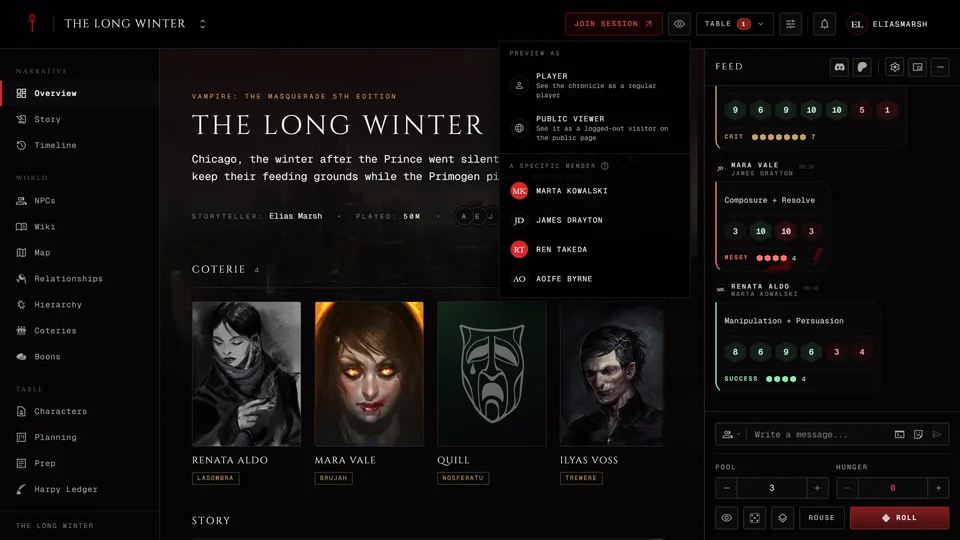
As storyteller you can press See as a player to check what they get.
Related articles
About this article
- Type
- Guide
- Editions
- All editions
In this article
Need more help?

Ask the team in #ghoulapp-feedback on the Player Companion Discord. Or try #ghoulapp. GhoulApp players are active there and help each other.
Open Discord(New tab)