


Quick Ref
- OzzAuthor and editor

On this page 4
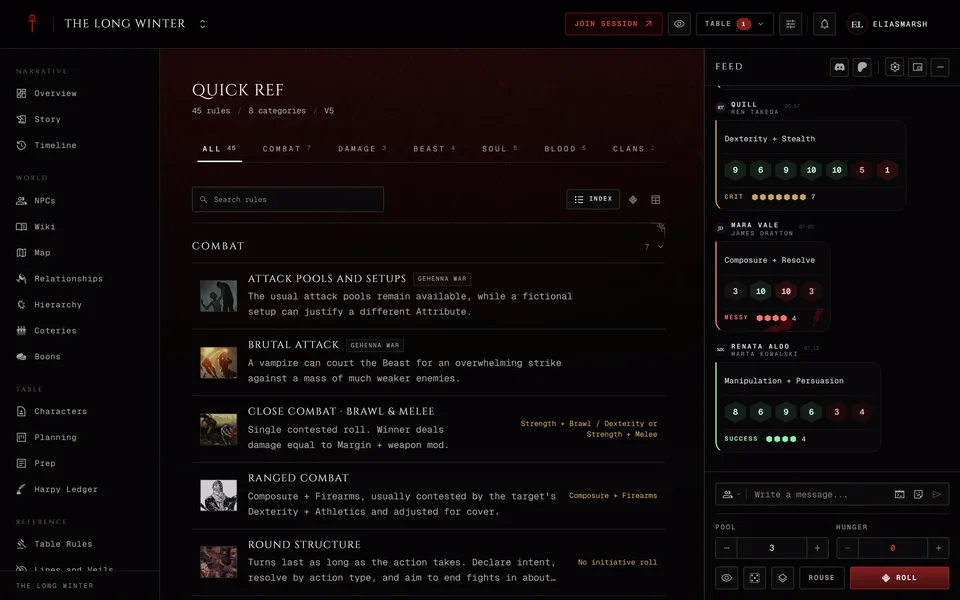
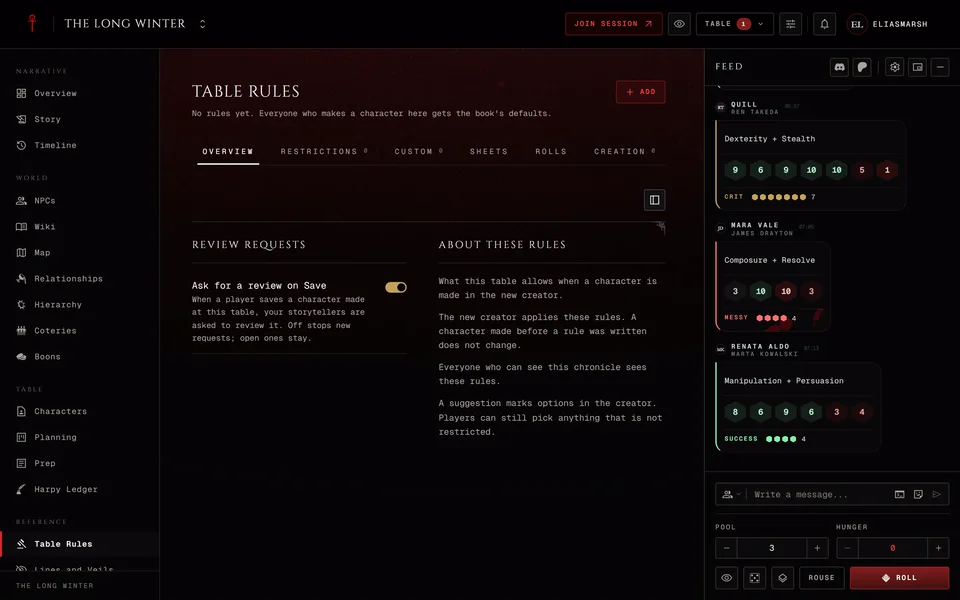
Quick Ref is the core rules of your chronicle's edition, ready to look up in the middle of a scene. Nobody has to write it. Your own house rules go in the Handbook.
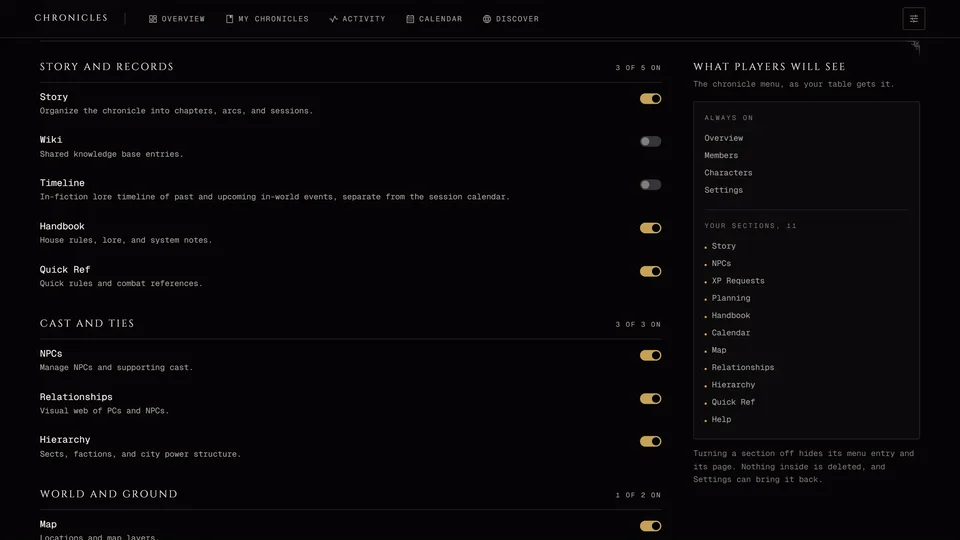
It's in the Reference group and a storyteller can switch it off. It's for members only. Visitors on a public link don't get it.
Which rules you get
The chronicle's edition decides. V5 games get the V5 rules plus rules from the V5 sourcebooks. V20 games get V20 and Dark Ages games get Dark Ages. A Custom game gets V5 and V20 together and each rule carries a mark saying which edition it's from, since the same rule can appear twice. There's no V6 chronicle and no V6 reference yet.
The top of the page shows the edition and how many rules there are.
Finding a rule
The rules are split into tabs: All, Combat, Damage, Beast, Soul, Blood, Clans, Disciplines and Tests. The search box looks through every tab at once and lists what it finds. Try a clan, a Discipline or a word like frenzy.
You can read a tab three ways. Index lists your pinned rules first and then each section. Pools puts every rule that has a dice pool in one table with its pool beside it, for when someone asks what they roll. Sheet lays out every reference table in the tab on one page. The app remembers which one you used.
On a computer Ctrl+K opens a search box over the page from anywhere in Quick Ref, even while you're typing somewhere else. It shows your pinned rules before you type. Pick one and it opens. Use Cmd+K on a Mac.
A rule's page
A rule's page has its summary and a quick pool where there is one. Below that come the mechanics: the dice pool, the difficulty or opposition, the cost, the level and the system, as the rule has them. Some link to the matching wiki article with Open the wiki article.
Pinning
Pin rule keeps a rule at the top for you. That pin lives in this browser only, so it won't follow you to your phone.
Storytellers and moderators also get Pin for the table. That pin is saved with the chronicle and everyone sees the rule at the top. The list marks which rules are Pinned by you and which are Pinned for the table. To take a pin off press Unpin rule or Unpin for the table.
Related articles
About this article
- Type
- Guide
- Editions
- V5, V20, Dark Ages, V6, Custom
Need more help?

Ask the team in #ghoulapp-feedback on the Player Companion Discord. Or try #ghoulapp. GhoulApp players are active there and help each other.
Open Discord(New tab)