


The Handbook
- OzzAuthor and editor

On this page 3
The Handbook is the part of a chronicle your table writes for itself: house rules, lore, notes on the setting, how you handle a rule the books leave open. It starts empty. Every member can read every entry.
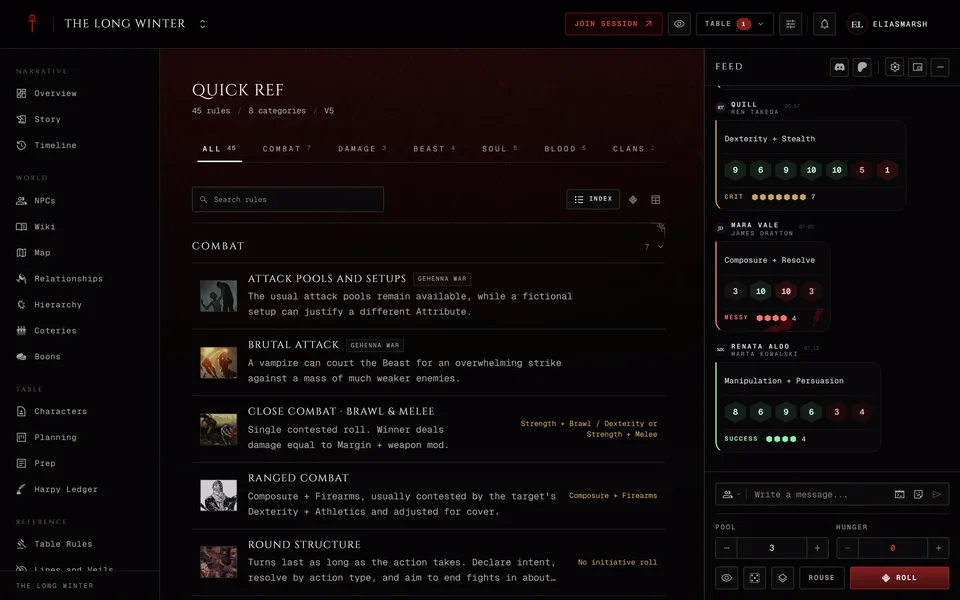
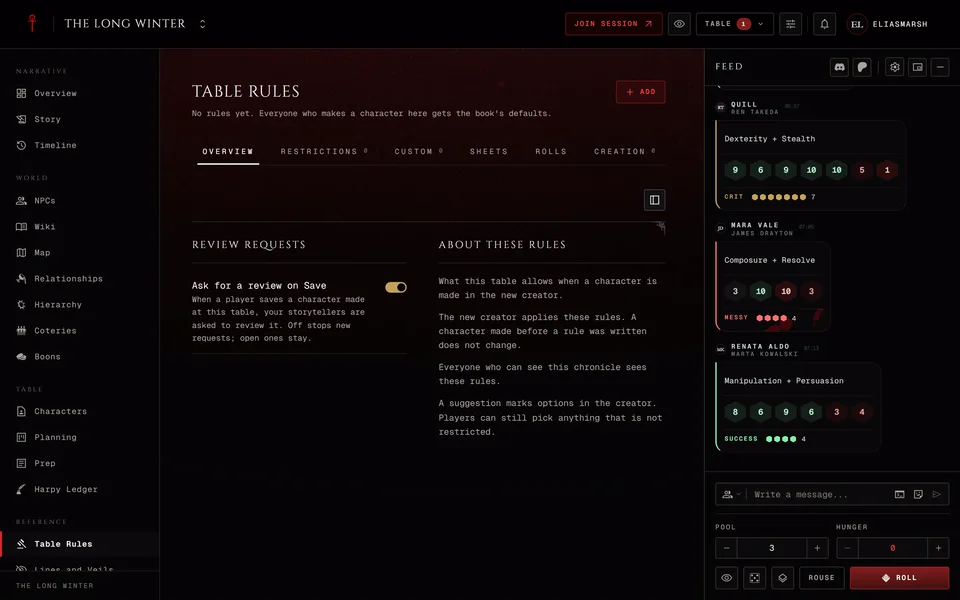
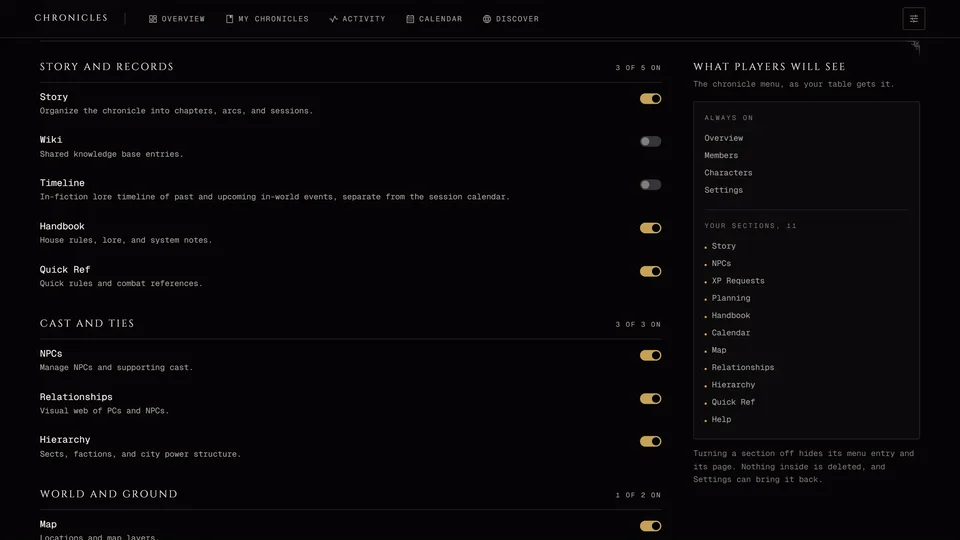
It's in the Reference group and a storyteller can switch it off. The book rules for your edition are in Quick Ref, so nobody has to copy them in here. What a new character is allowed to take and the house rules the app applies to rolls are a third thing. Those live in Table Rules.
Writing an entry
Storytellers write entries with New entry. A moderator can too if you've given them the Edit handbook permission. Players can't add entries.
The entry opens in the chronicle's full-page editor. Give it a title at the top and write the text below. The toolbar has headings, quotes, lists, tables and the rest and Source lets you write Markdown instead. Ctrl+B and Ctrl+I make text bold or italic and Ctrl+Z undoes.
The panel on the side holds the entry's settings. Category files it: pick one you've used before or type a new name. An entry with no category goes in General. Sort order sets where it sits inside its category. If your chronicle has a public link you also get Who reads it, with Members only or On the public link.
Press Save when you're done. Until then your work is kept on this device, so a closed tab doesn't lose it. History lists the saved versions and Restore brings an older one back. The current one stays in the history too.
Reading it
Read it as a List or switch to Reading to page through it like a book. You can filter by category and search titles and text. Contents on the side jumps to any entry. Recently updated shows the ones that changed last. Each entry shows how many minutes it takes to read.
Whoever can write entries finds Edit and Delete in each entry's menu on the list. Deleting can't be undone.
The public link
If your chronicle has a public link visitors can read the Handbook. They only see the entries you've put on it. Each entry's menu has Show on the public link and Hide from the public link. The list marks each one On the public link or Members only so you can see what a stranger would read.
Related articles
About this article
- Type
- Guide
- Editions
- All editions
Need more help?

Ask the team in #ghoulapp-feedback on the Player Companion Discord. Or try #ghoulapp. GhoulApp players are active there and help each other.
Open Discord(New tab)