


The timeline
- BluenchanterAuthor
- OzzEditor


On this page 7
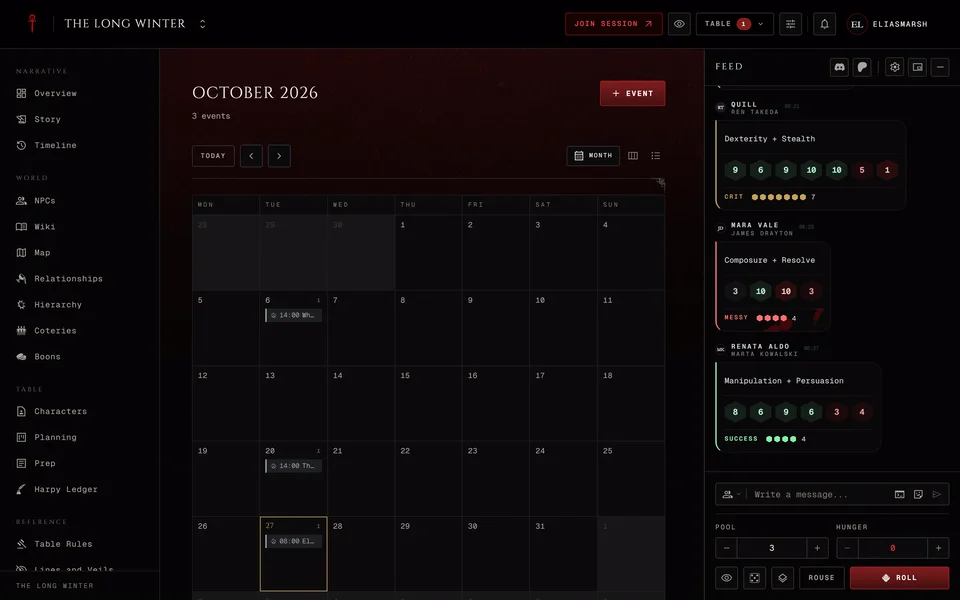
The night the Prince took the city goes on the Timeline. It's the history of the world itself, with in-fiction dates. Your real game nights go in the Calendar and what happened at the table goes in Story.
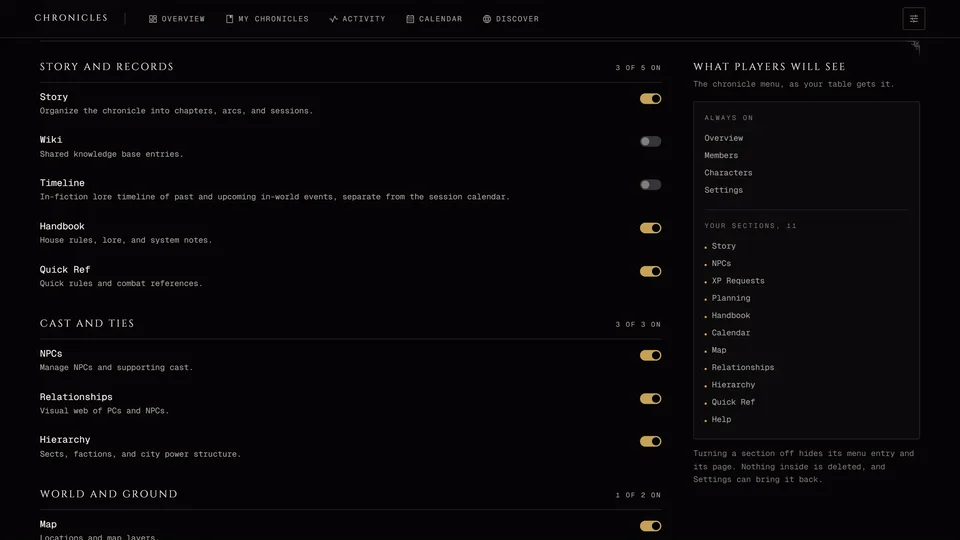
It's in the Narrative group. A storyteller can switch it off. Visitors on a public link can read it.
Reading it
There are three views: Canvas, Spine and Table. The app remembers which one you used last in each chronicle and phones open on Spine.
Spine splits entries into Upcoming, Past and Undated. "Now" is the in-world date the storyteller set in Settings under In-world present. If there isn't one it's today. In a Dark Ages chronicle it's the start of 1242.
You can filter by era and type, flip between newest and oldest first, group by type or series and search everything. Storytellers can also show hidden entries only.
Moving around the canvas
The canvas lays the entries out along a line of dates. Scroll to move along it and hold Ctrl (Cmd on a Mac) while you scroll to zoom where the pointer is. Once you've clicked into the canvas + zooms in, - zooms out and 0 fits everything on screen. The buttons in the corner do the same and Jump to now sits beside them.
Where too many entries crowd one spot they fold into a count. Press it to see them all and Esc to close the list.
Adding an entry
Storytellers press Add entry. Players can read the timeline but can't add to it.
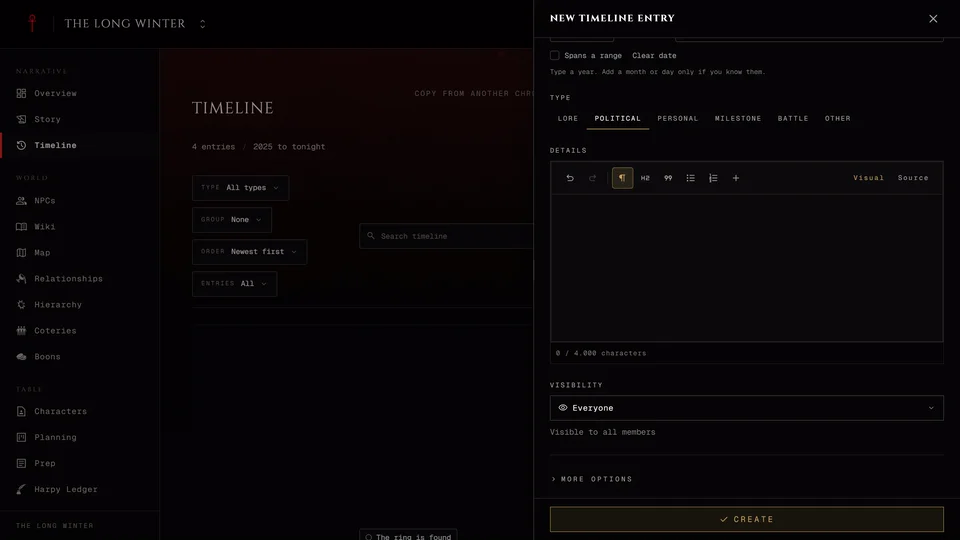
Give the entry a Title and an In-world date. A year is enough, so only add the month and day if you know them. Spans a range gives it an end date and Shows as previews how the date will read. Pick a Type (Lore, Political, Personal, Milestone, Battle or Other) and add Details if you want.
Visibility starts on Everyone. Storyteller only hides the entry from players and Specific Players hides it from everyone except the players you pick. Press Create.
More options has room for an image, a link, an Approximate date like "Winter 1888", a Series name that keeps related entries together, an Era label and a manual order for entries on the same date. You can also put the entry in an era there. Under Connections you can tie it to a chapter, a session, a place, a faction, a coterie or a character or NPC.
Custom chronicles can use their own calendar, set in Settings under Timeline calendar. Everyone else uses the real-world one. Dates before year 1 work too, except on a custom calendar.
When two entries share a date you can put them in order with Move up and Move down or drag them on a computer. The same menu has Add before and Add after. On the canvas you can drag an entry to a new date and undo it from the message that pops up.
Eras
Manage eras groups entries into ages like "Modern nights". Press New era and give it a name, a start date and an end date, which you leave empty if it's still going. Entries with a date inside an era fall into it on their own. Deleting an era keeps its entries and their dates.
Keeping things secret
An entry for storytellers only is hidden from players. Its menu has Reveal to players and Hide from players (see Keep things hidden from players).
Sometimes players should know something happened but not what. Show that it happened gives them one line, the date and the type. The title, text, links and picture stay hidden. Write that line without the secret. Turn off Show the date and they only see the year. Reveal to players later shows the whole entry and drops the line.
Copying from another chronicle
Copy from another chronicle brings entries in from a chronicle where you're also a storyteller. Pick it under Copy from, tick the ages and entries you want (hidden ones stay hidden here) and check the preview. Links to sessions, people or places that don't exist in this chronicle get left out and the dialog lists them. Between two Custom chronicles you can copy the calendar too, if this one doesn't have its own yet. Then press the copy button, which says how many entries it adds.
The copies go in beside what's already here. Nothing gets changed or replaced. Dates from a Dark Ages chronicle are copied as they are.
From the table and the log
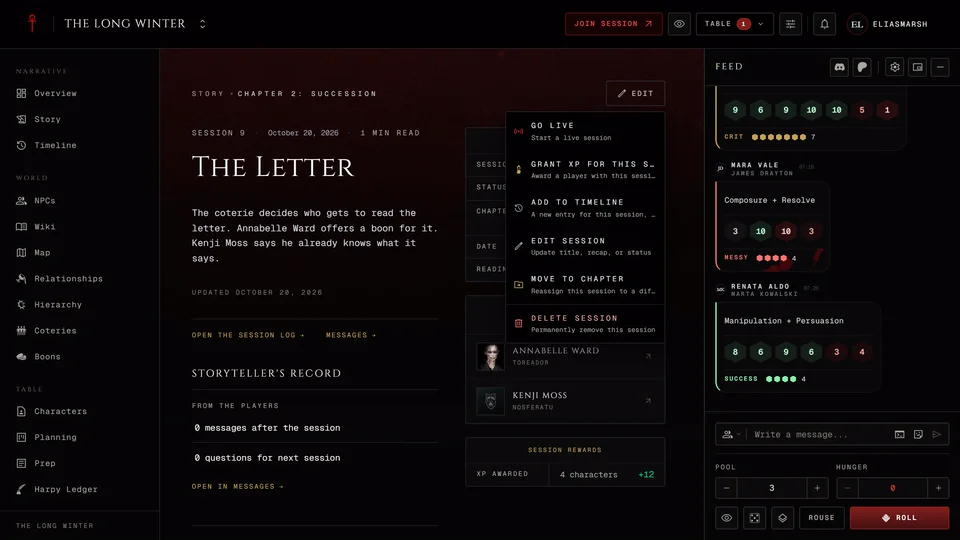
While a session runs the storyteller's changes reach every seat and Jump to now is one of the quick actions at the table. A storyteller can turn a note into a hidden timeline entry with Add to timeline in the notes rail. The same action sits on a played session's page and on a turn in the Session log.
Related articles
About this article
- Type
- Guide
- Editions
- All editions
Need more help?

Ask the team in #ghoulapp-feedback on the Player Companion Discord. Or try #ghoulapp. GhoulApp players are active there and help each other.
Open Discord(New tab)