


The chronicle calendar and RSVPs
- OzzAuthor and editor

On this page 5
The Calendar holds your table's real dates: game nights, downtime, the week off over the holidays. Storytellers add events and players say whether they're coming. In-fiction history with in-world dates goes in the Timeline.
It's in the Narrative group. A storyteller can switch it off. Visitors on a public link can see it but can't answer.
Reading it
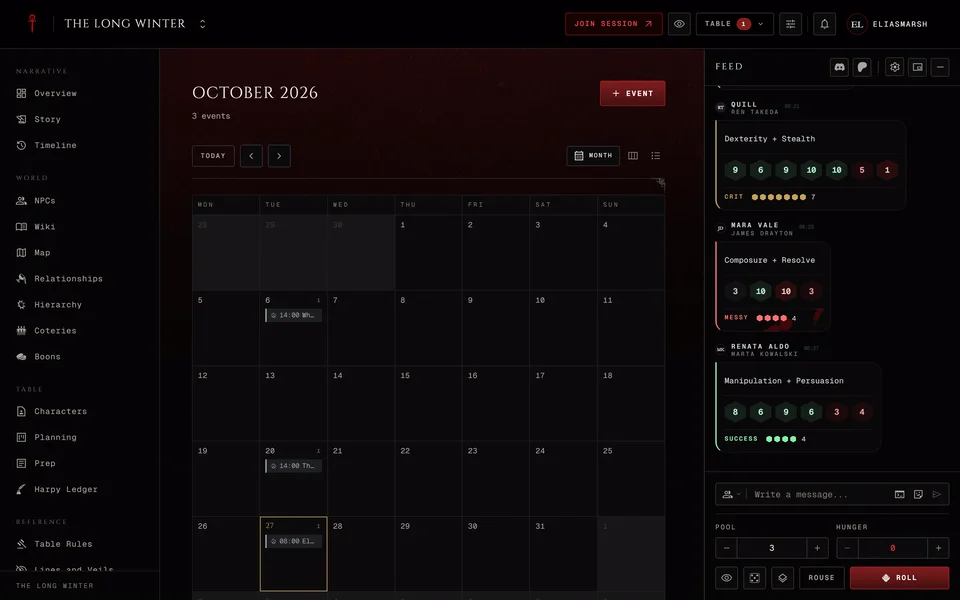
On a computer you can pick Month, Week or Agenda at the top. Phones get the agenda only, a plain list of what's coming. Today jumps back to the current date and the arrows beside it move a month or a week at a time. When you aren't typing in a field you can also press T for today and ← or → to step back and forward.
A day in the month view shows up to three events. A busier day adds a line like "+2 more" and the week view or the agenda shows the rest.
Times always show in your own time zone. If the chronicle runs in a different zone the event's page shows its time there too, so nobody turns up an hour early.
Adding an event
Storytellers press Event at the top and choose + New event. You can also click a day in the month or week view. That starts the event on that day at 20:00 in the chronicle's time zone.
Give the event a Title first. Under When set Starts and leave Ends (optional) empty if you don't know. All day covers the whole day. Repeat takes Weekly, Every 2 weeks or Monthly. Pick one and Ends asks whether it stops after a number of times (After count) or on a date (On date).
Under Details pick the Event type: Session, Downtime, Story, Milestone or Event. Location and Description are optional.
Under Visibility choose Everyone or Storyteller only. A storyteller-only event is hidden from players. They see a "Reserved" slot at that time so they know you've booked it without knowing what for.
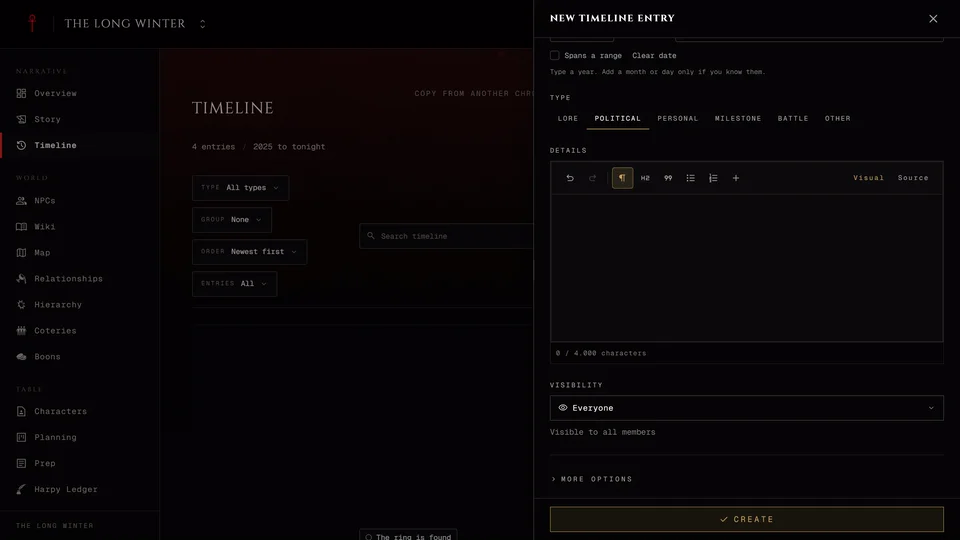
More options has room for an In-game date and a Night label like "Night 7". Both show on the event's page. Press Create when you're done.
Changing an event
Open the event and use Edit or Delete at the top. A repeating event is one event with a rule. Opening any night of it opens the whole series. An edit or a delete changes every night of it at once. You can't move or cancel a single night on its own.
Who's coming
Open an event and answer under Attendance with Yes, Tentative, Maybe or No. The panel lists everyone's answer so far. You can change yours any time. You need to be signed in to answer.
Sharing an event
Under Share on the event's page Copy link copies its address for your group chat. Add to Google Calendar opens Google Calendar with the event filled in so it lands in your own calendar.
If the event belongs to a session its page also links to that session in the story.
Related articles
About this article
- Type
- Guide
- Editions
- All editions
In this article
Need more help?

Ask the team in #ghoulapp-feedback on the Player Companion Discord. Or try #ghoulapp. GhoulApp players are active there and help each other.
Open Discord(New tab)