


Battles
- OzzAuthor and editor

On this page 4
Battles is for sieges and skirmishes: who fought, what each side was after, how it went and what it cost. It's in the World group.
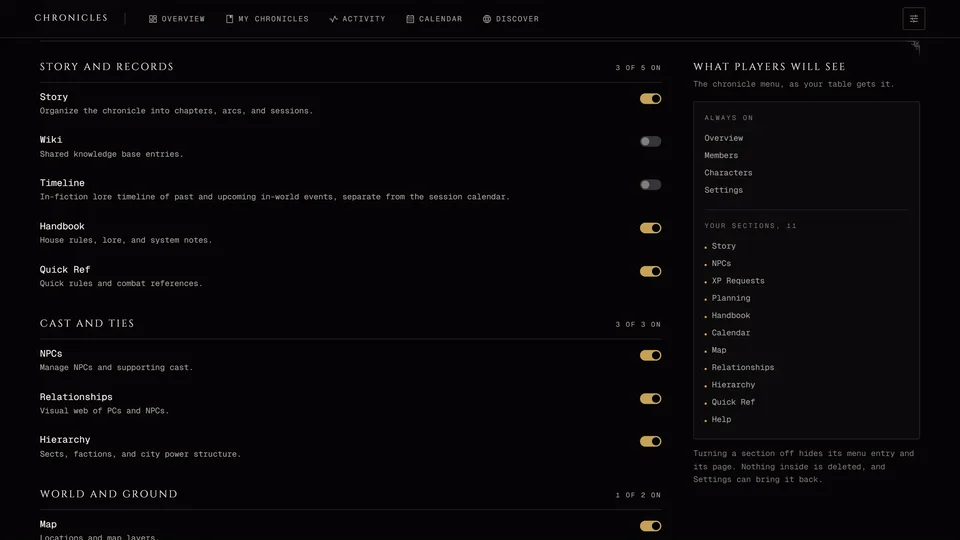
It's a Dark Ages section. A Dark Ages chronicle made with the Full Campaign preset has it switched on. The other presets leave it off and the storyteller can turn it on in Settings. A Custom chronicle gets it once the storyteller turns on Battles on the Features tab in Settings. V5 and V20 chronicles don't have it.
Storytellers record battles. Players read the ones they're allowed to see. Visitors on a public link don't see Battles at all.
Recording a battle
Press New battle. A panel opens on the side and walks you through three steps. Press Next to move on and Back to go back.
- Give it a Battle name like "The siege of Loza". That's the only thing you have to fill in.
- Name the Defender and the Attacker and use Add commander to put a player character or an NPC at the head of each.
- Add the In-game date in words and a Year if you want it placed on the timeline later. Pick a Location from your map's places or press Place on map to point at it. Under Who can see this battle choose Storyteller only or Everyone.
A new battle starts as Storyteller only. Press Create battle and its page opens. Everything from the panel can be changed there later.
The battle page
The page has Overview and Scenes. The storyteller also gets the War Room. Battle status at the top tracks where it stands: Forming, Engaged, Won, Lost or Withdrawn. Beside it the storyteller can show the battle to everyone or to chosen members only.
The overview is the record of the fight. It lists the sides with their commanders and the forces they committed. Add side brings in a third party, say mercenaries who join late. Any side can be hidden from players on its own.
Each side gets objectives with Add objective, like taking the fortifications or holding out against a bigger force. Mark each one Open, Achieved, Failed or Replaced. A side can have one final objective. A failed objective starts a new scene by the rules, so add one when that happens.
Casualties tracks each side's total strength, the wounded and the dead. Tale of the tape is a free comparison: add rows with a label and a value for each side. Aftermath is what changed afterwards, like land that changed hands. The notes box at the bottom is only for the storyteller.
Scenes breaks the fight into the parts you play out. Each has a title, an in-game moment, a summary everyone sees, your private notes and the objectives it covers. A scene is Pending, Played or Resolved.
The War Room
The War Room is the storyteller's calculator for mass combat in long turns. Players never see it or its rolls.
Pick a Unit and set the Count. The units come from the rules, with an example set from the siege of Loza and any of your own you've made with Manage units. Choose attack or defense under Mode, then the Weapon. Defense also asks for the Most-worn armor. Add Horses (small), Horses (large) and Auto successes where they apply and set the Difficulty. The Pool shows the dice before you roll.
A Custom chronicle can switch the Dice between V20 and V5. In V5 the roll asks for Successes needed instead of a difficulty. Dark Ages always rolls the V20 way.
Press Roll. The result goes in the Roll log with your label, so you can look back at how each wave went.
When it's over
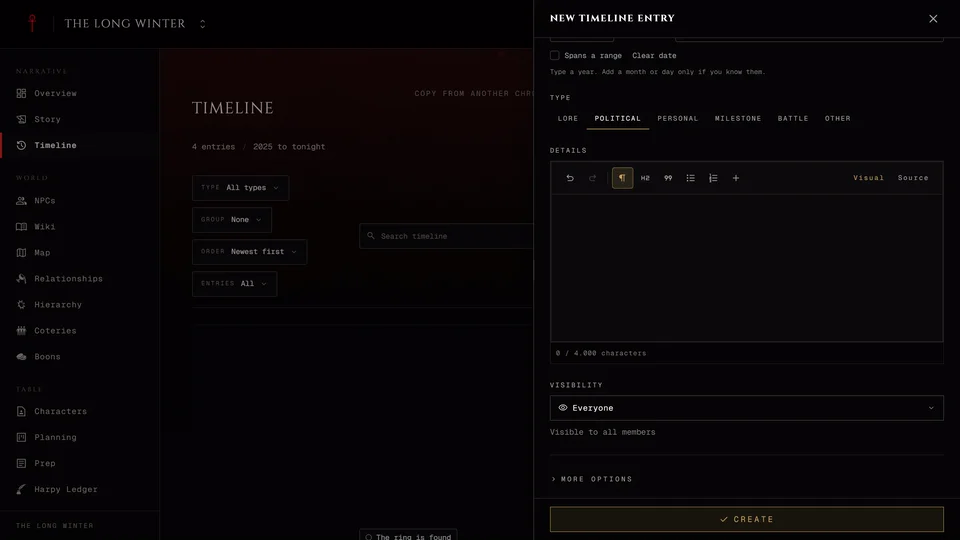
Set Battle status to Won, Lost or Withdrawn and the battle goes on the timeline by itself. It takes the date, the place and the aftermath and it's shown to the same people who can see the battle. If that didn't happen, Record on timeline on the overview does it by hand.
To write the battle up in the wiki press Create wiki article at the top. Once the article exists the same spot reads View wiki article and takes you there. Delete battle removes the battle for good.
Related articles
About this article
- Type
- Guide
- Editions
- Dark Ages, Custom
In this article
Need more help?

Ask the team in #ghoulapp-feedback on the Player Companion Discord. Or try #ghoulapp. GhoulApp players are active there and help each other.
Open Discord(New tab)