


Account and settings
Signing in, your settings, languages, deleting things.
Guides 2
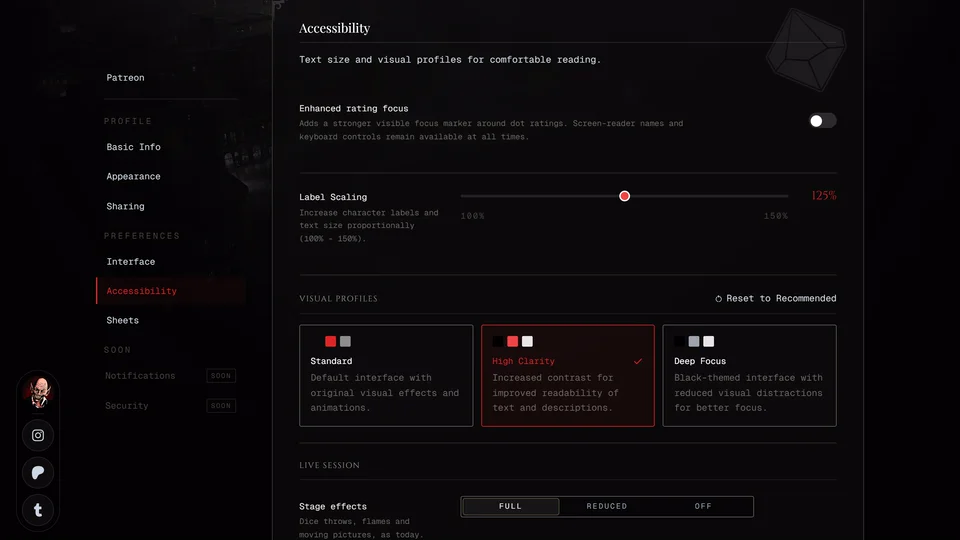
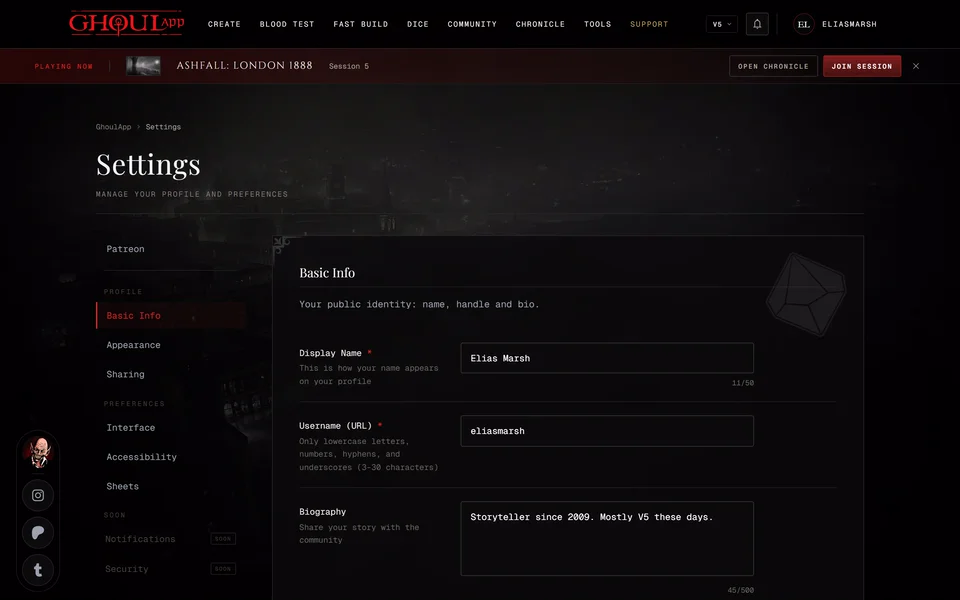
GuideAccessibility settingsMake text larger, raise the contrast, cut back visual effects and strengthen the focus marker on dot ratings.GuideYour settingsWhat each section of your settings holds, from your name and profile picture to the default look of your character sheets. Also which changes need Save Changes.
Questions 4
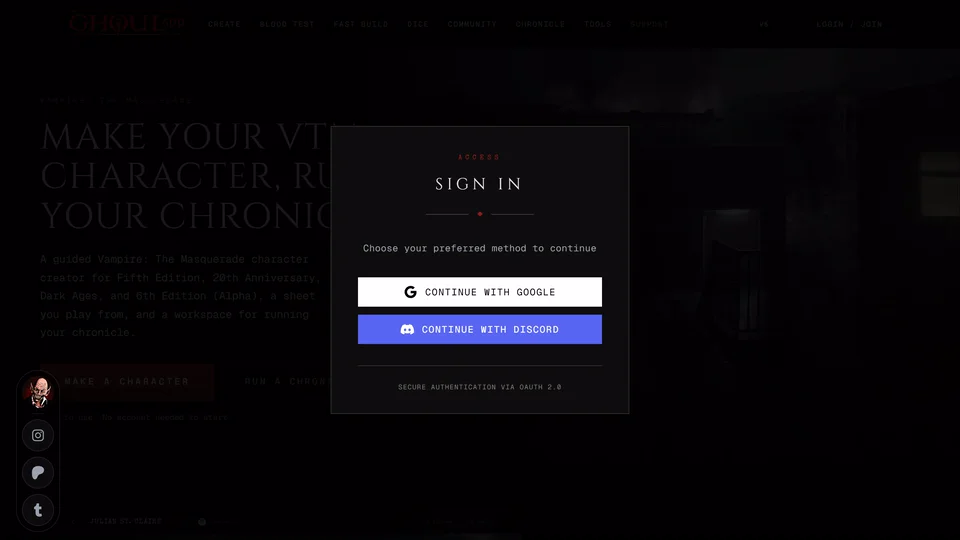
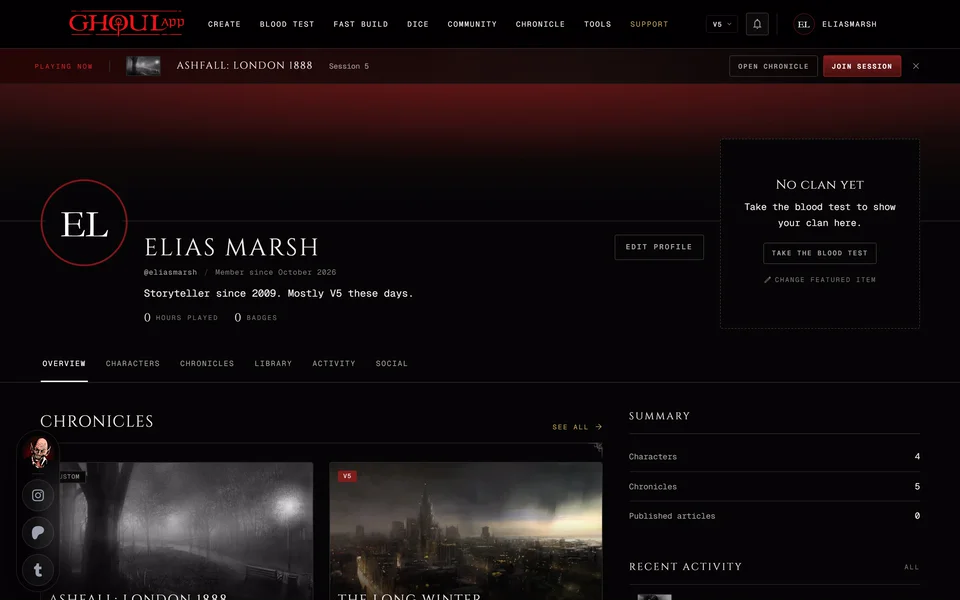
FAQHow do I delete my account?Send an e-mail to info@playercompanion.com and we'll delete your account and its data. There's no delete button in the app.FAQWhat does GhoulApp store and who can see it?Your characters are private unless you make them public. Your profile is public. A chronicle's storyteller sees the sheets bound to it. The Privacy Policy has the full detail.FAQHow do I sign in?GhoulApp signs you in with your Google or Discord account. There's no separate GhoulApp password.FAQHow do I change my name, username or profile link?Both are in Profile Settings under Basic Info. Your username is also your profile address so changing it changes the link.

Problems 1
Need more help?

Ask the team in #ghoulapp-feedback on the Player Companion Discord. Or try #ghoulapp. GhoulApp players are active there and help each other.
Open Discord(New tab)