


How do I sign in?


On this page 2
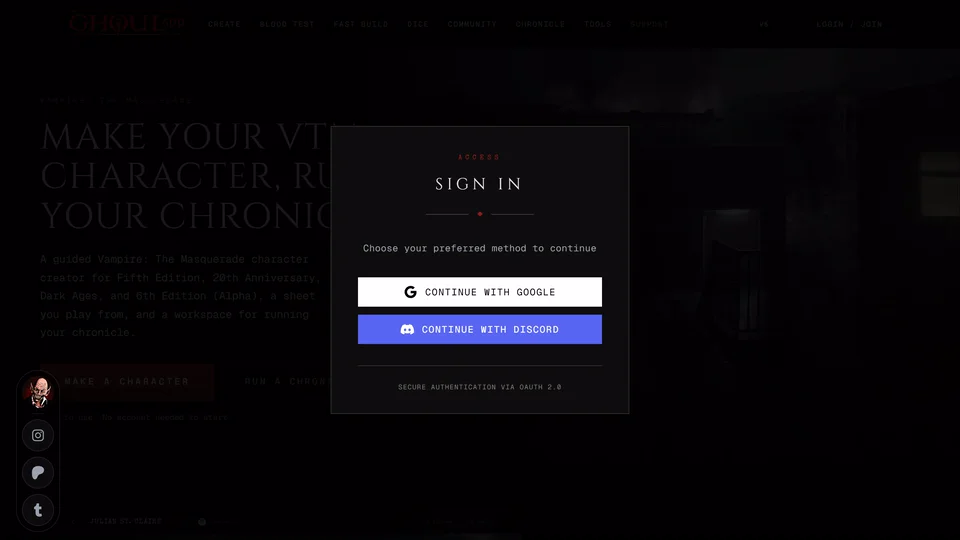
Choose at the top of the page. A window called Sign In opens. Choose Continue with Google or Continue with Discord and that account signs you in to GhoulApp. There's no GhoulApp password to make or remember and GhoulApp never sees your Google or Discord password.
When the top bar is short of room the button shrinks to its icon. It's the same button and it opens the same window.
The first time this makes your GhoulApp account. After that you sign in the same way each time. Stick to the one you started with. If your Google and Discord accounts use different e-mail addresses signing in with the other one makes a second empty GhoulApp account.
While Google or Discord is working the button reads Connecting.... When you're done you come back to the page you started on so an invite link you opened still works.
Your first sign-in
A new account gets a short setup page called Set up your account. It has up to four steps.
On Profile you choose your display name, your username and a picture. The username is the one thing you have to pick. It's also your profile address so the step tells you as you type whether it's free. See Change your name, username or profile link.
Table role asks whether you're a Storyteller, a Player or Both. It only decides what the last step offers you.
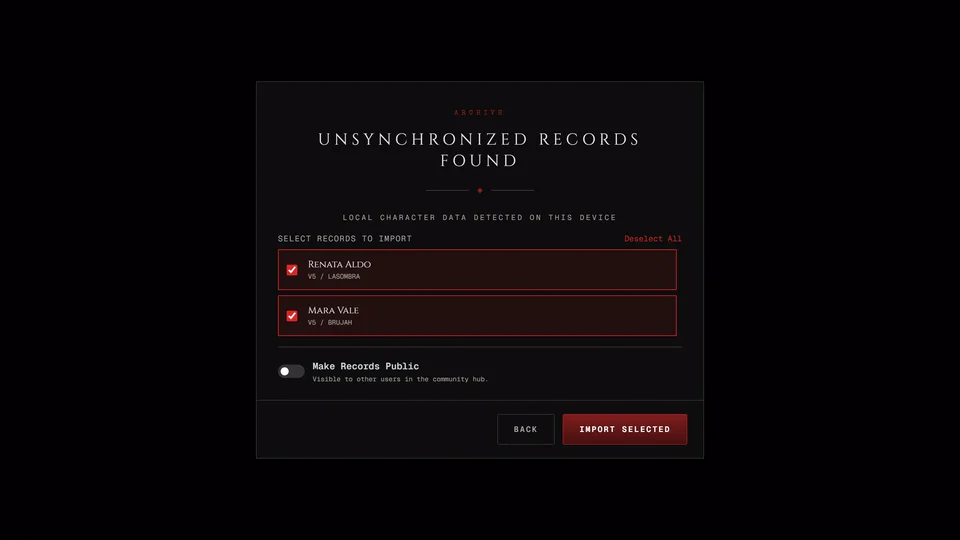
Your sheets shows up only if this browser holds characters you made without an account. You can move them into your account here or keep them in the browser for now. See Can I use GhoulApp without an account?
Chronicles ends the setup with a way in that fits your role: start a chronicle, join one, make a character or take the Blood Test.
You can change your name, username and picture later in your settings.
Sign out
Open the menu under your picture at the top (Profile in the bottom bar on a phone) and choose Log Out. This signs you out on every device where you're signed in, this one included. The same menu has Profile, Profile Settings and Connect Patreon while your Patreon isn't linked.
If this device holds chronicle drafts you haven't published yet GhoulApp asks Sign out? first. The drafts stay on this device either way and they're there again when you sign back in to the same account. Choose Sign out or Stay signed in.
Related articles

About this article
- Type
- FAQ
- Editions
- All editions
In this article
Need more help?

Ask the team in #ghoulapp-feedback on the Player Companion Discord. Or try #ghoulapp. GhoulApp players are active there and help each other.
Open Discord(New tab)