


My character is gone


On this page 7
You open GhoulApp and a character you made isn't there. Most of the time it still exists and you're looking in a different place, a different browser or a different account. Go through these in order.
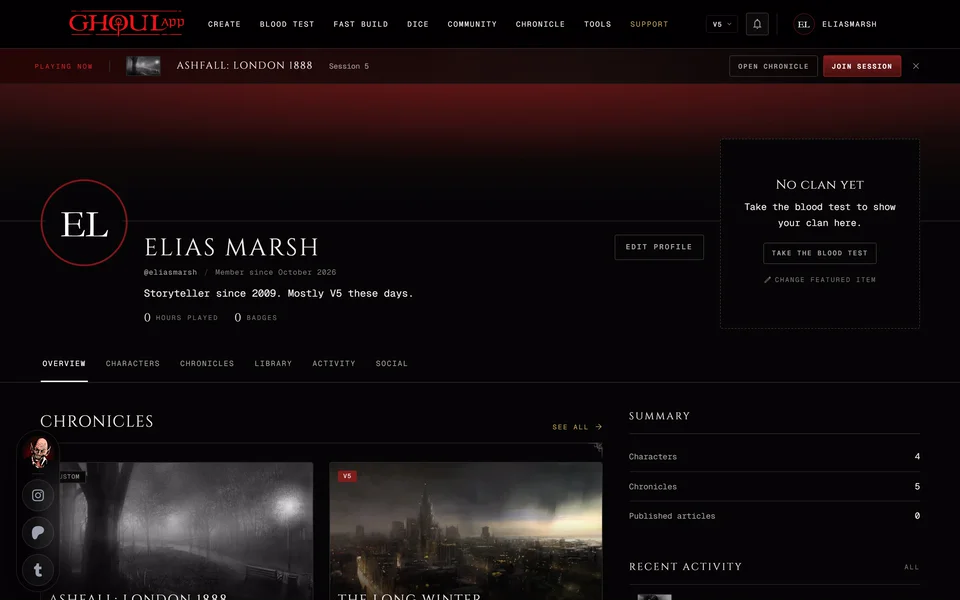
First, where your characters are listed. Your characters on your home page shows a few of them and All opens the full list. The Characters tab on your profile has every character in your account.
1. It was made without signing in
A character you made while signed out is saved only in the browser you made it in. It isn't in your account, so your profile won't show it.
- Same browser: look for On this device on the home page. If it's there move it to your account now with Import to account. See Move your browser characters into your account.
- Another browser or device: go back to that one. The character can't be seen from anywhere else.
- Browser data cleared: a character that lived only in the browser is gone for good once the site's data is cleared. There's no backup to restore from.
2. A filter is hiding it
The Characters tab on your profile has a search box and filters for Edition, Clan, Type and Visibility. Type only shows when you have more than one kind of character, like vampires and ghouls. If one of them is set the list hides everything else. When nothing matches it says "No characters match these filters." Set every filter back to All and clear the search. The filters also reset when you reload the page.
3. It was deleted
A deleted character waits in Recently deleted on your profile's Characters tab for 7 days. The button is near the end of the toolbar next to the view switch and only shows when something is waiting there. See Restore a deleted character.
If you had the sheet open in another tab when it was deleted, saving from that tab shows "Character was deleted" and your changes aren't saved. Restore it first. Then make the change again.
4. You signed in with the other button
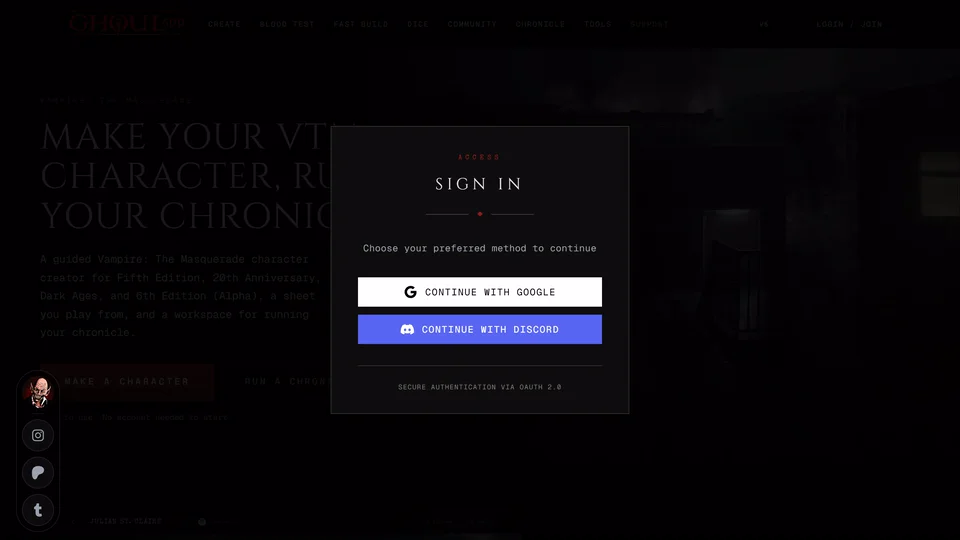
GhoulApp signs you in with Google or Discord. If you made the character while signed in with one and you're now signed in with the other you may be in a second account. Sign out and sign in with the other button.
5. It left a chronicle
When a storyteller removes your character from their chronicle (or you leave the chronicle) the character is only taken out of the chronicle. It isn't deleted. It's still on your profile but no longer listed in the chronicle.
If you're a storyteller and you handed a character to a player it belongs to them now and leaves your own list.
6. It was never finished
An unfinished character is a draft. Drafts aren't saved to your profile. Look under Continue creating on your home page. If it isn't there either see My unfinished character is gone.
If you still can't find it
Ask in the GhoulApp Discord or contact us from this help site. Tell us the character's name, roughly when you last saw it, whether you were signed in and with Google or Discord.
Related articles
About this article
- Type
- Troubleshooting
- Editions
- All editions
In this article
Need more help?

Ask the team in #ghoulapp-feedback on the Player Companion Discord. Or try #ghoulapp. GhoulApp players are active there and help each other.
Open Discord(New tab)