


The character sheet
The sheet in each edition, its pages, XP and sharing.
Guides 11
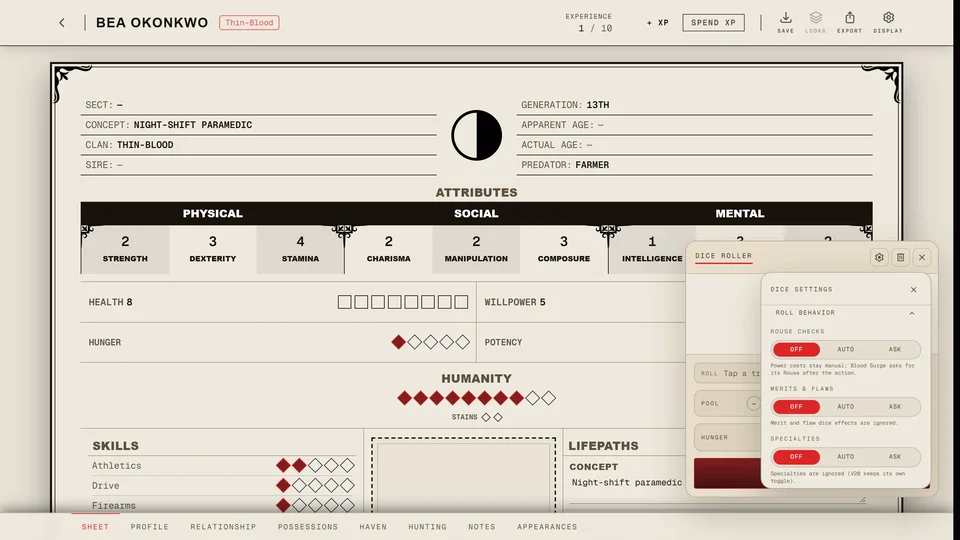
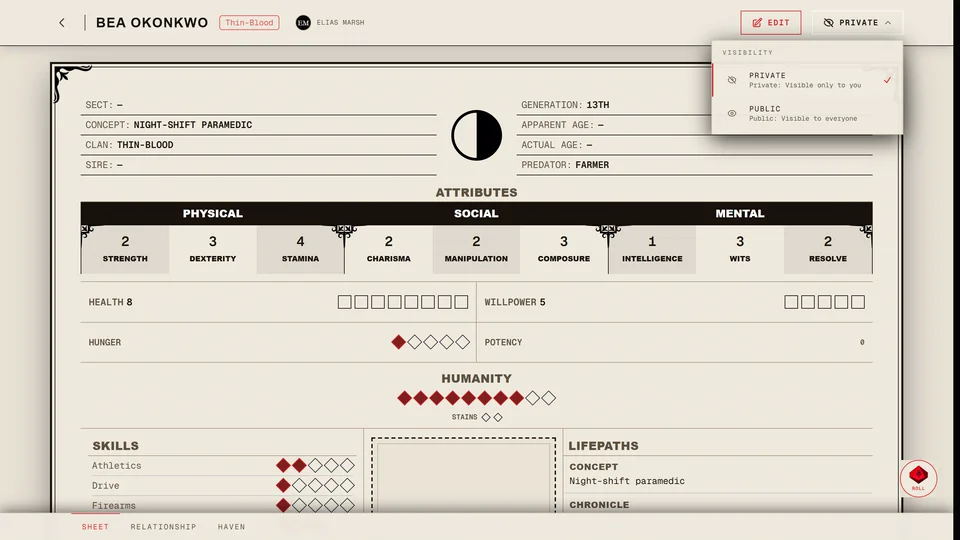
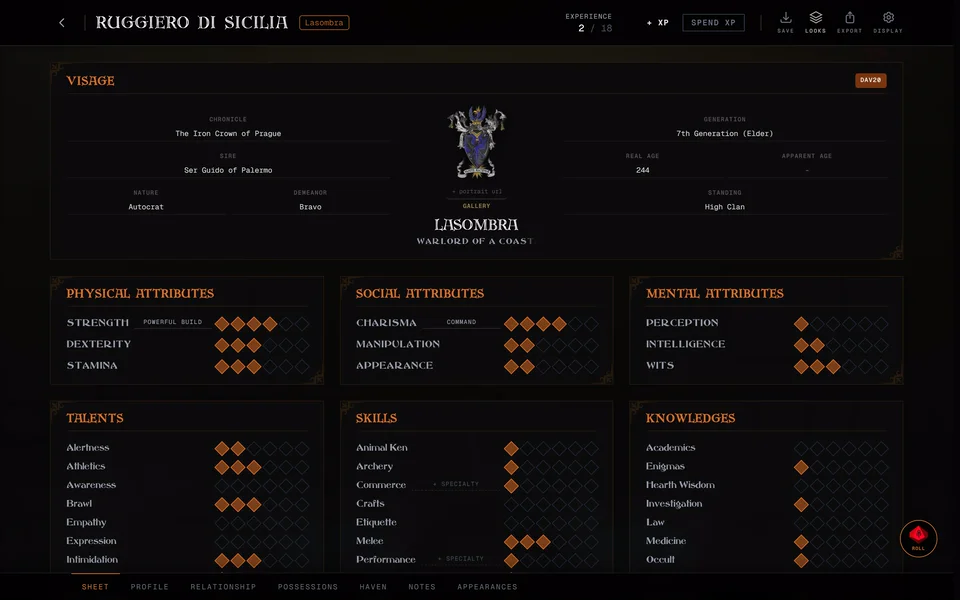
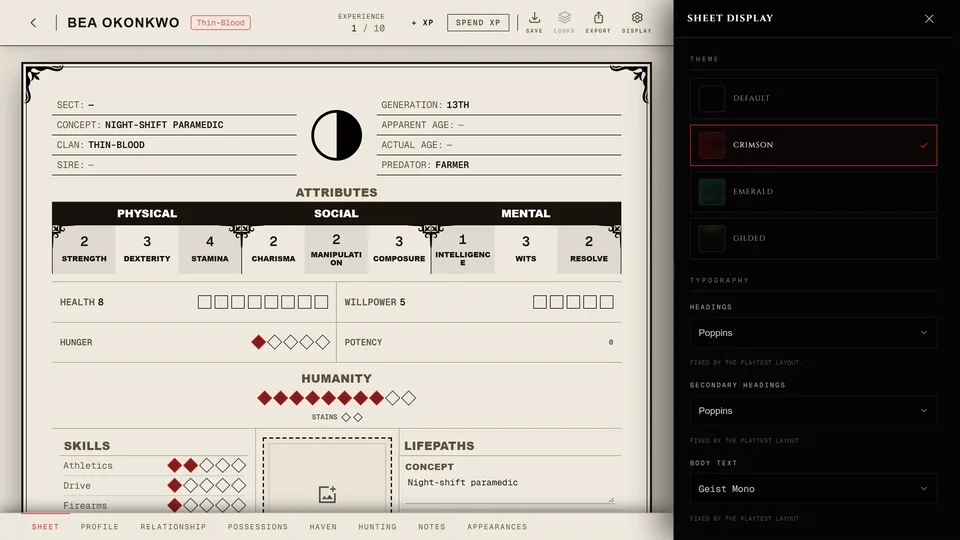
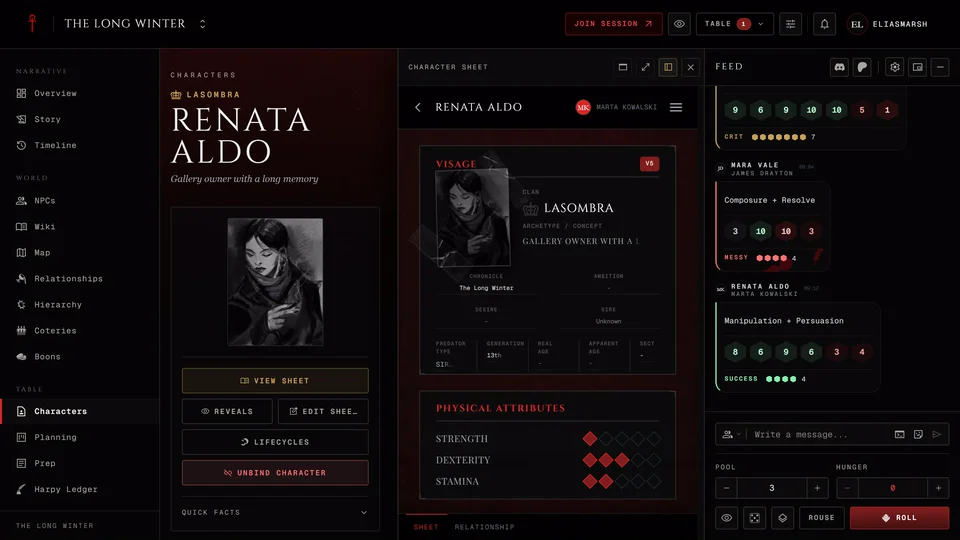
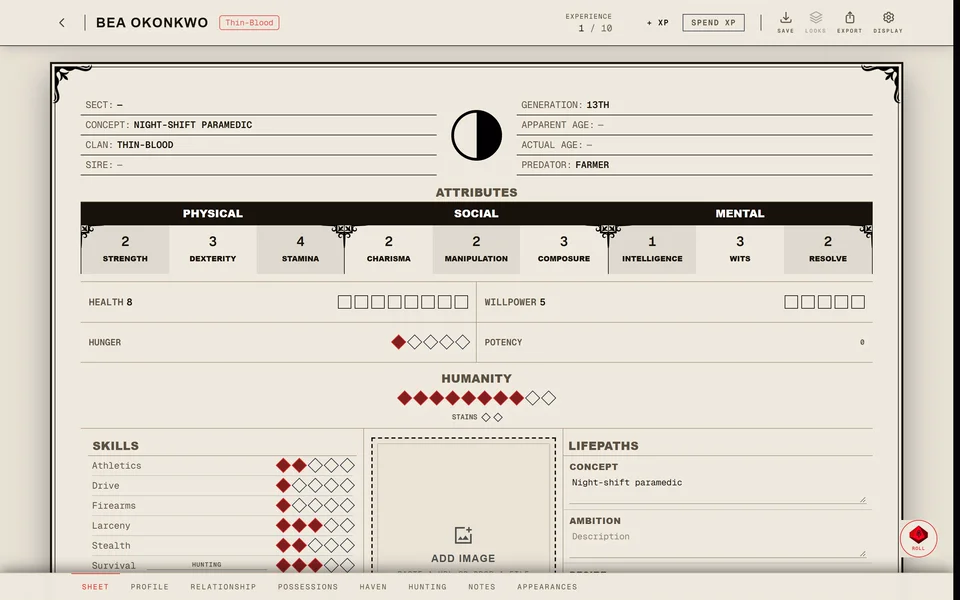
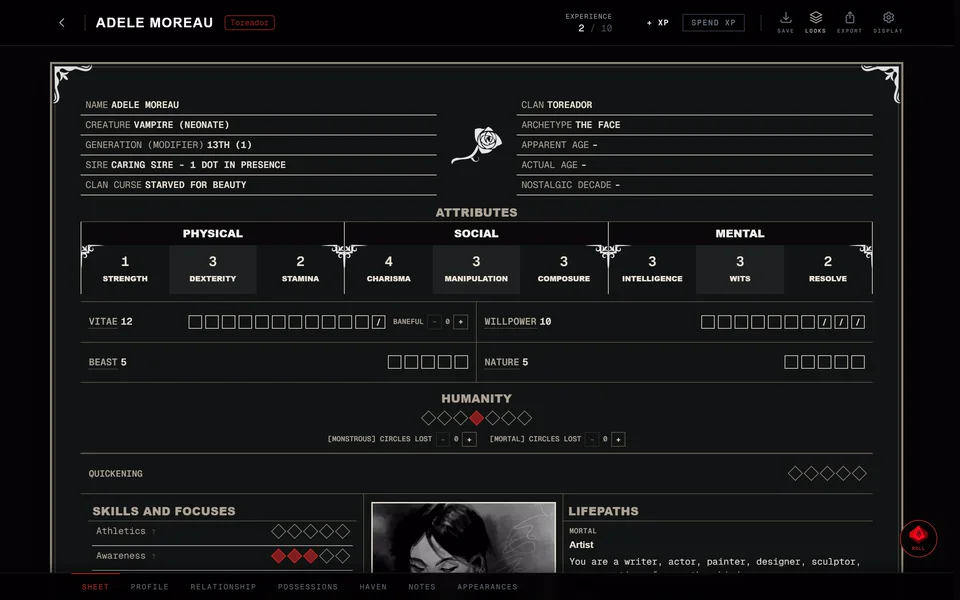
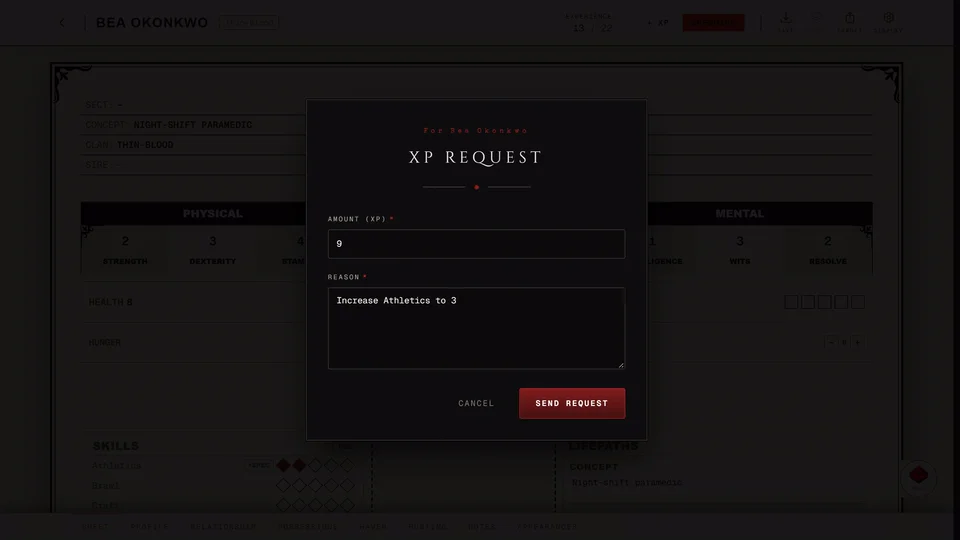
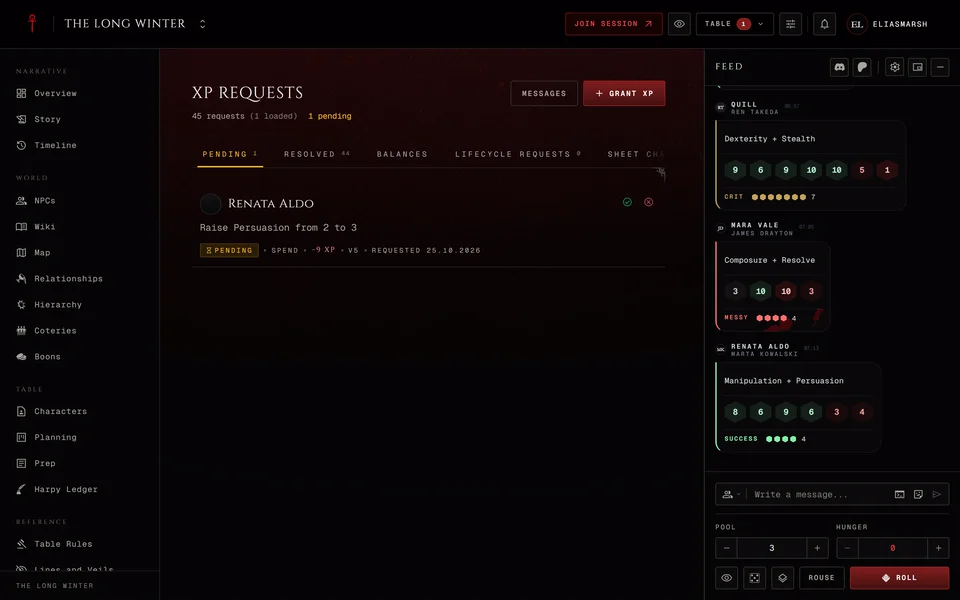
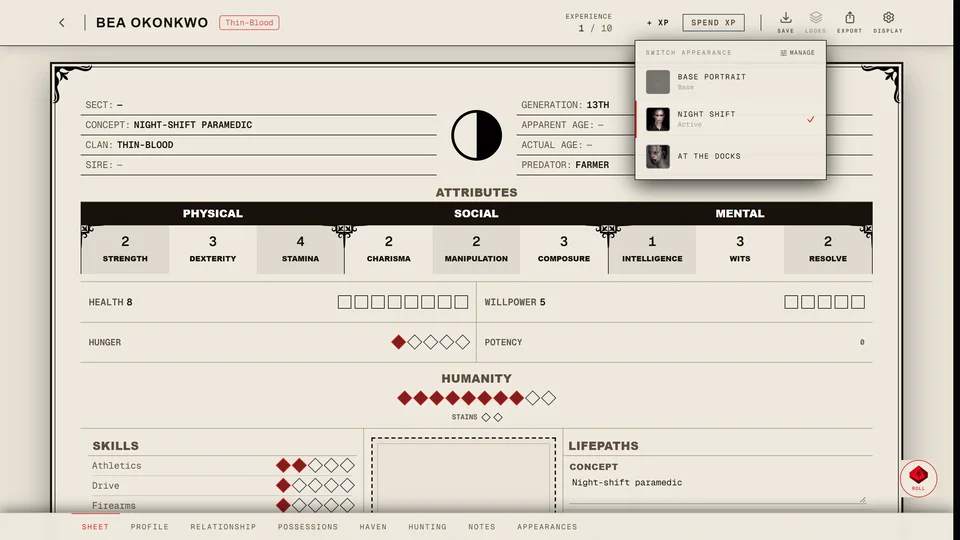
GuideV5, V20, Dark Ages onlyThe Facade page: what others seeA Facade is a disguise for your sheet. Other players and people with the link see the false details you choose while you and your storyteller see the real sheet. It changes what the page shows and it doesn't keep the real sheet secret.GuideV5, V20, Dark Ages, V6 onlyRoll dice from the sheetPress ROLL in the corner of the sheet to open the dice roller. Press trait names on the sheet to build the pool and the roller reads the result by your edition's rules.GuideShare your characterSet the sheet to Public and send its address. Anyone with the link can read it. A private sheet can still be read by your chronicle's storyteller and partly by its players.GuideDark Ages onlyThe Dark Ages sheetA Dark Ages sheet works like a V20 sheet with Roads in place of Humanity and Paths, the Dark Ages Abilities, Backgrounds and merits and a catalogue of period equipment.GuideClassic and Compact layouts, themes and looksPress Display on a sheet to change its layout, theme, fonts, colours and background. Settings, Sheets sets the look every one of your sheets starts from.GuideFind your way around the sheetOpen a character to see its sheet. The pages along the bottom hold the rest of the character and the buttons at the top spend XP, save the sheet and change how it looks.GuideV20 onlyThe V20 sheetWhat's on a V20 character sheet and how to use it in play. Health runs through seven levels, the blood pool and blood per turn follow Generation and Willpower has a permanent rating and points you spend.GuideV5 onlyThe V5 sheetWhat's on a V5 character sheet and how to use it in play. Health and Willpower take Superficial and Aggravated damage, Hunger runs from 0 to 5 and Stains fill in from the right of the Humanity track.GuideV6 onlyThe V6 sheetWhat's on a V6 playtest sheet and how to use it in play. Vitae replaces Health and blood, the Beast and Nature trackers fill from Quickening and Humanity is a scale from Monstrous to Mortal.GuideV5, V20, Dark Ages, V6 onlyEarn and spend XPTurn on Spend XP and press a dot to buy it at the book's price. On a sheet of your own it happens at once. In a chronicle it usually goes to your storyteller as a request and lands when they approve it.GuideV5, V20, Dark Ages, V6 onlyWhat XP costs in each editionThe XP price of each trait you can buy on the sheet in V5, V20, Dark Ages and V6. In V5, V20 and Dark Ages your chronicle's Table Rules can change a price.

Questions 4
FAQHow do I put my haven on the chronicle map?On the Haven page of a sheet bound to the chronicle press Place on map and pick a location or add a pin. The storyteller has to allow it and approve your request.FAQV5, V20, Dark Ages onlyHow do I learn a ritual?Turn on Spend XP, press + Add Ritual on the ritual card and pick one up to your Discipline's rating. A ritual costs its level x 3 XP. In a chronicle it goes to your storyteller for approval.FAQHow do I add a portrait or pictures to my character?On a saved sheet in the editor press Gallery on the portrait to upload a picture or use a link. The Appearances page holds more looks for the character.FAQSee what changed on a sheetSaved changes are listed in the History & XP Log at the bottom of the sheet with who made them and when. Storytellers see every sheet in their chronicle under Sheet changes.
Need more help?

Ask the team in #ghoulapp-feedback on the Player Companion Discord. Or try #ghoulapp. GhoulApp players are active there and help each other.
Open Discord(New tab)