


The Facade page: what others see
- BluenchanterAuthor
- OzzEditor


On this page 4
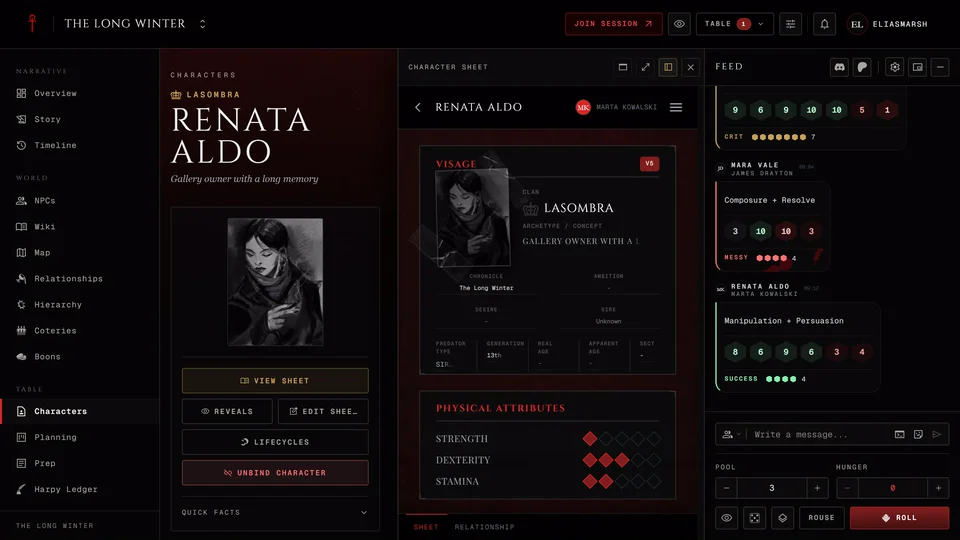
A Facade lets your character pass as someone else on the page. You pick the fields to disguise and what they say. Other players in your chronicle and anyone who opens a public link see the disguise. You and your storyteller always see the real sheet.
The Facade page is on V5, V20 and Dark Ages sheets. V6 doesn't have one.
Set up a disguise
- Save the character first. An unsaved sheet can't store a disguise.
- Open the sheet in the editor and go to the Facade page at the bottom.
- Each field has a Real and a Disguise switch. Set a field to Disguise and fill in what others should see.
- Turn the switch at the top to Disguise active.
Rows that differ from the real sheet are highlighted with the real value marked beside them so you can tell at a glance what you've changed. The page saves by itself a moment after each change. Your real sheet is never touched.
To stop showing the disguise turn the top switch to Disguise off. Everyone then sees your real sheet. The disguised fields stay saved for next time.
What you can disguise
The fields are grouped under Identity and Stats. Identity starts with Type, which makes the character pass as Kindred, a Ghoul, a Revenant or a Mortal. After it come the name, portrait, concept, clan, Generation, sect, sire and ages. The stats you can disguise are the Attributes, Abilities or Skills, Disciplines, Backgrounds, Merits and Flaws.
Once you disguise the Type the page offers the fields that type has. A mortal passing as Kindred gets a clan and Disciplines to fill in. Fields that don't fit the type you picked are hidden and kept, so they come back if you change the Type again.
Each edition adds its own:
- V5: Predator Type, Ambition, Desire, Humanity, Blood Potency, Touchstones, Convictions and Stains.
- V20 and Dark Ages: Nature, Demeanor, Virtues, Health & Willpower and Path of Enlightenment.
A ghoul or revenant has no Generation, Predator Type, Blood Potency or Path to disguise. A mortal also has no clan, Disciplines, sect, sire or apparent age.
A storyteller can open your sheet in the chronicle and edit your Facade there too.
In a chronicle
Two settings in the chronicle decide whether players can use a Facade there. The storyteller finds them under Settings, Features, Facade:
- Enable facade is on unless the storyteller turns it off. Off, everyone who isn't a storyteller sees the real identity everywhere in the chronicle.
- Let players use facade is off unless the storyteller turns it on. Off, the Facade page is hidden on players' sheets in the chronicle and other players see the real sheet.
Neither switch deletes a disguise you've saved. People outside the chronicle who open your public link still see the disguise.
What a Facade can't do
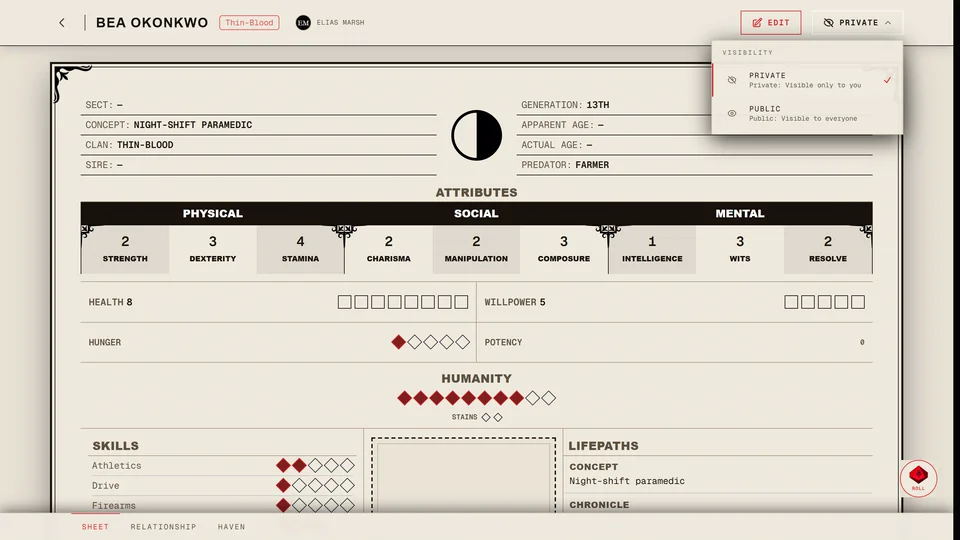
A Facade changes what the page shows. It isn't a privacy setting: anyone who can open the sheet can still get at the real details if they try. Don't put anything on the sheet that must stay secret from the people who can open it. To keep a sheet from strangers make it private (Share your character).
Related articles
About this article
- Type
- Guide
- Editions
- V5, V20, Dark Ages
Need more help?

Ask the team in #ghoulapp-feedback on the Player Companion Discord. Or try #ghoulapp. GhoulApp players are active there and help each other.
Open Discord(New tab)