


How do I change my name, username or profile link?
- NeronAuthor
- OzzEditor

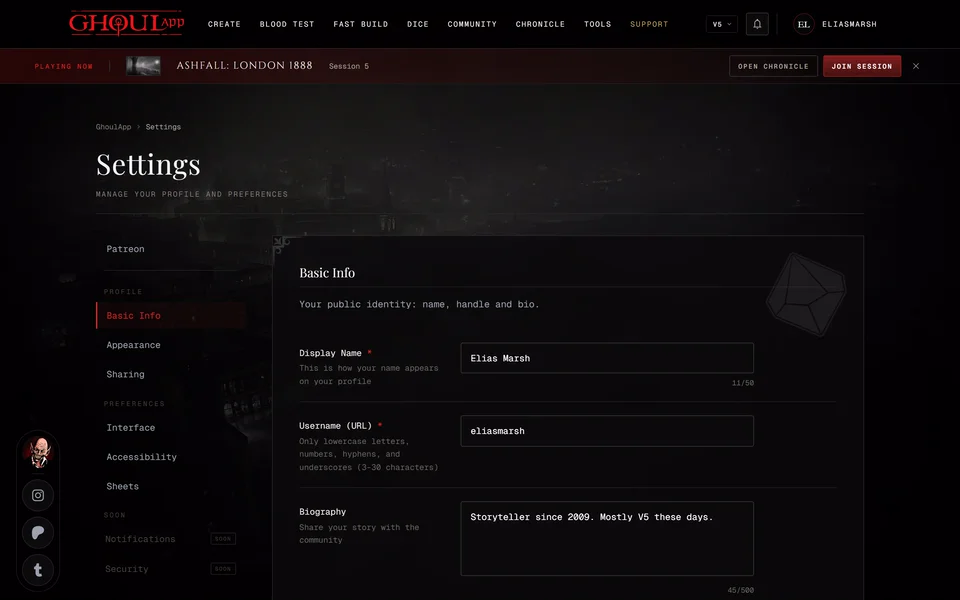
Open Profile Settings from the menu under your picture (Profile at the bottom on a phone). Choose Basic Info, change the field and choose Save Changes.
You have two names. Display Name is how your name appears on your profile. It can have spaces and any characters, up to 50.
Username (URL) is your handle. It must be 3 to 30 characters long and use only lowercase letters, numbers, hyphens and underscores. Capital letters turn lowercase as you type. Nobody else can already have it. As you type the field says whether it's Available or Taken. If it's taken you can't save until you pick another one.
You can change either one at any time. There's no waiting period.
Your profile link
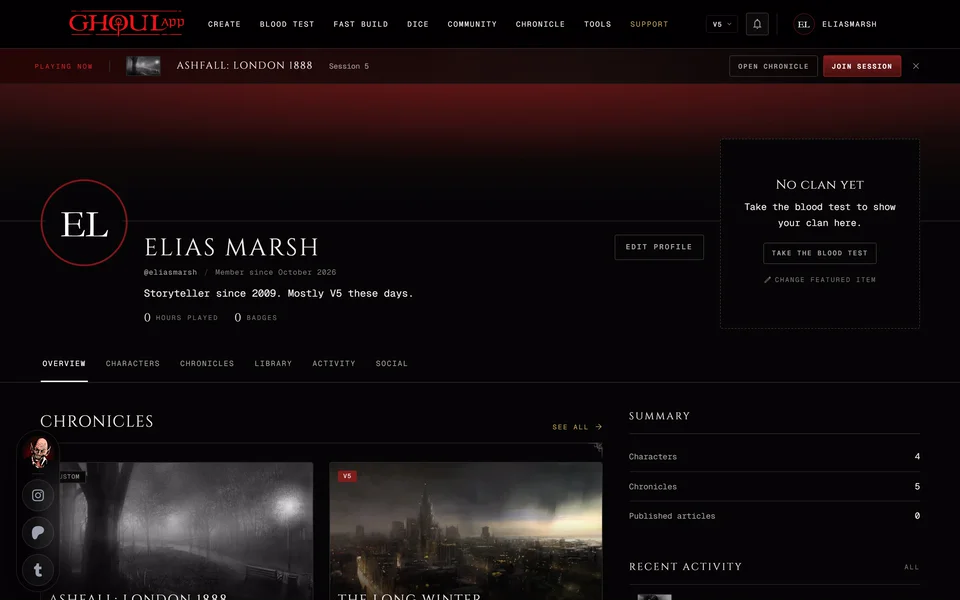
Your username is your profile's address: ghoulapp.com/id/ followed by your
username. Sharing in your settings shows the full link with Copy Link.
When you change your username the address changes with it. Links you shared with the old username stop working so send the new link to anyone who had the old one. Your characters, chronicles and followers stay with your account.
Related articles

About this article
- Type
- FAQ
- Editions
- All editions
In this article
Need more help?

Ask the team in #ghoulapp-feedback on the Player Companion Discord. Or try #ghoulapp. GhoulApp players are active there and help each other.
Open Discord(New tab)