


How do I delete my account?

On this page 2
Write to info@playercompanion.com and ask us to delete your account. There's no button for it in the app so an e-mail is the only way.
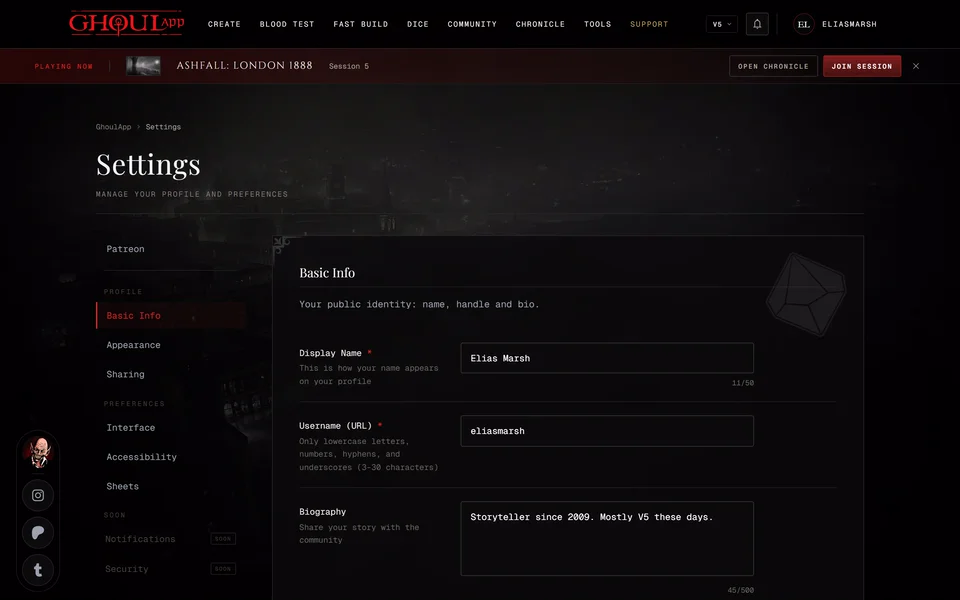
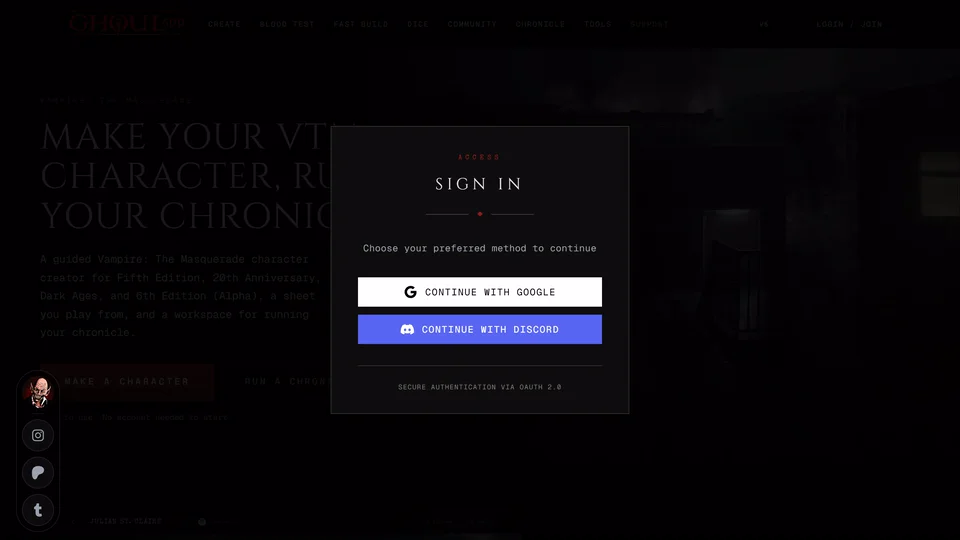
Put your GhoulApp username in the message and say whether you signed in with Google or Discord. That's how we find the right account. Send it from the e-mail address of that Google or Discord account if you can.
What is deleted
We remove your whole account and its data. Copies can stay in our provider's automatic backups for a short time until those backups roll over.
Deleting a GhoulApp account doesn't touch your Google or Discord account.
Before you write
If you only want some things gone you can delete them yourself without writing to us. Characters and lists can be deleted at any time. A character you delete can be brought back for 7 days from Recently deleted on your profile. See Restore a deleted character.
A chronicle you own is archived or deleted from its Settings on the Danger tab, which only the owner sees. Archiving keeps everything and takes the chronicle off your active list. Deleting removes what belongs to it for good.
Characters you made without signing in were never in an account. They live in your browser and clearing your browser's site data removes them.
Related articles

About this article
- Type
- FAQ
- Editions
- All editions
In this article
Need more help?

Ask the team in #ghoulapp-feedback on the Player Companion Discord. Or try #ghoulapp. GhoulApp players are active there and help each other.
Open Discord(New tab)