


NPCs
- OzzAuthor and editor

On this page 3
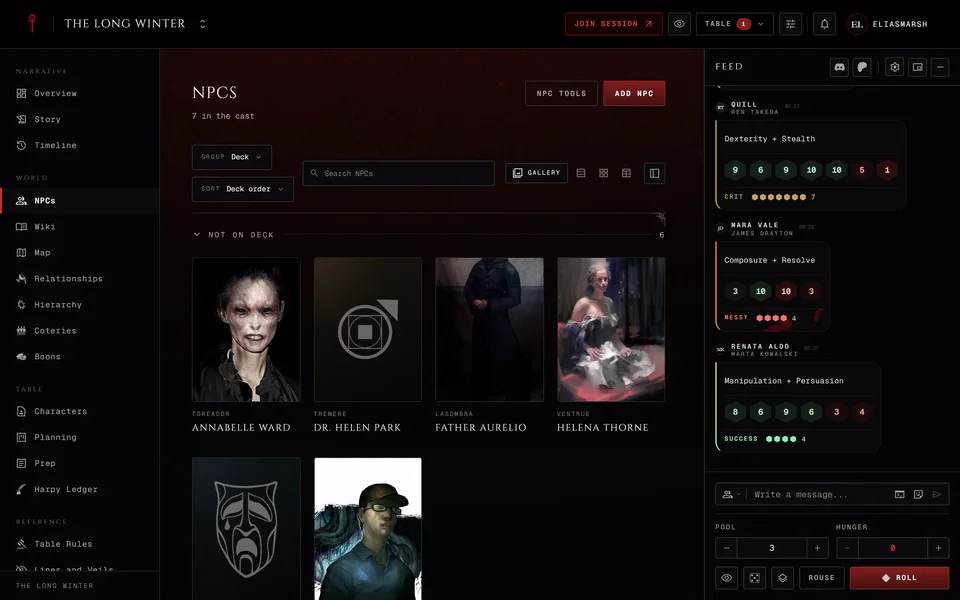
NPCs holds everyone in the chronicle who isn't a player's character: the Prince, a ghoul servant, a rival hunter. Storytellers add and edit them. Players only see the ones the storyteller has revealed.
It's in the World group. A storyteller can switch it off. This article is about getting people in. Sorting the cast, an NPC's page and deleting one are in Find and manage your NPCs.
Adding an NPC
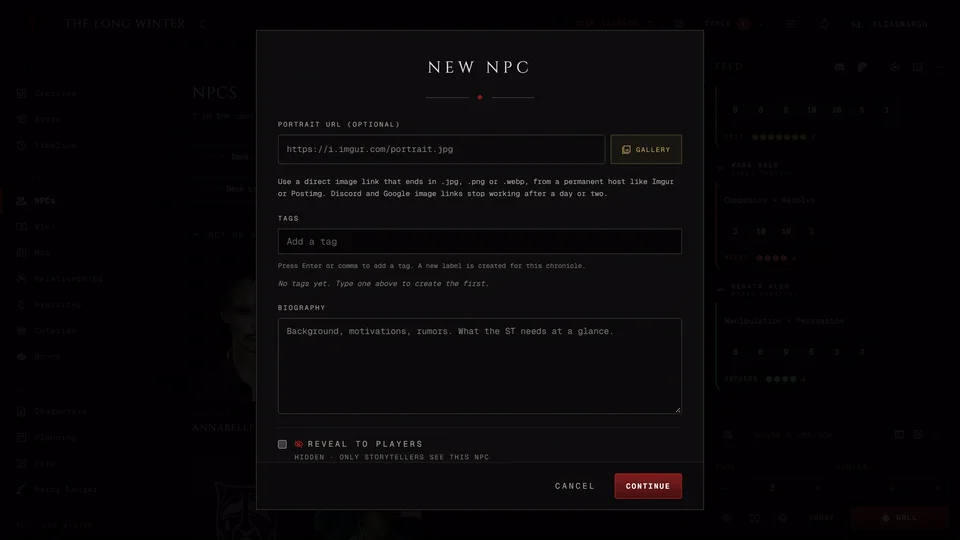
Press Add NPC. Only the name is required and the rest can wait. The editor has up to four pages and Continue moves you through them. Back returns to the page before.
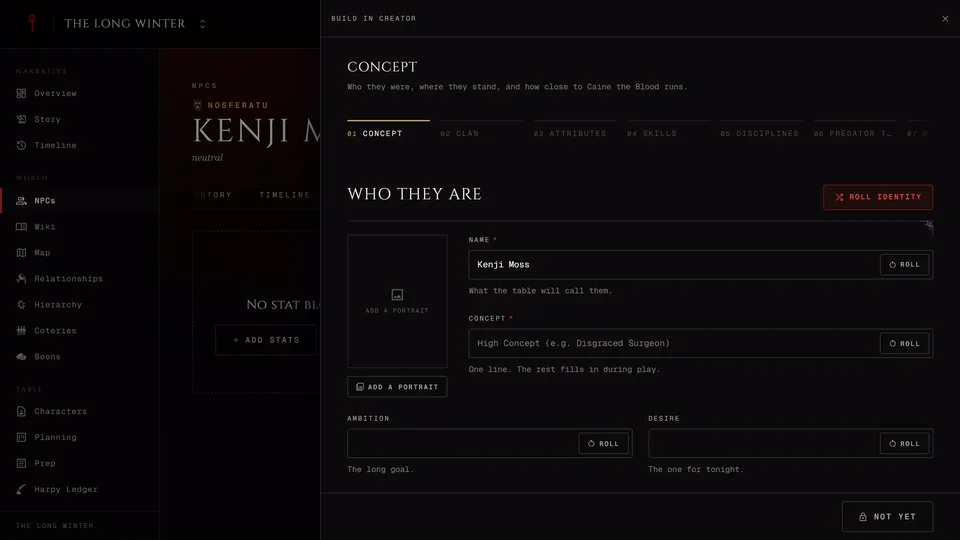
The first page is who they are. Give them a Name, a Disposition like "loyal" or "suspicious" and a type: Kindred, Ghoul, Revenant, Mortal, Werewolf, Mage, Hunter, Wraith, Animal or Other. Kindred get a clan and revenants a family. The clan list follows the chronicle and a Custom chronicle shows V5 and V20 clans together.
Below that you'll find the sect (called Standing in Dark Ages), the Status, Importance and Generation. Add a portrait from a link or the media library, tags, a custom group and a Biography. Reveal to players starts off, so a new NPC is hidden.
The second page, Narrative Hooks, holds their concept, ambition, desire, sire, ages, Touchstones and Convictions. V5 games add a predator type. V20, Dark Ages and Custom games add Nature and Demeanor. For a ghoul the sire field becomes Domitor and for a revenant it's Patron. You can also pick an existing NPC as the sire. On a new NPC this page also has Stat out, which gives quick starter stats from a threat level (see NPC stats in each edition). Skip jumps past the page.
The third page decides which details players will see once you reveal the NPC, one by one. A field you don't touch counts as revealed. The fourth sets up a Facade if the chronicle allows them. That's a false identity players see in place of the real one. Leave a field blank and players see the truth for that field.
Press Bring them in to finish.
Other ways in
NPC tools beside the add button has a few shortcuts. Import as NPC turns one or more of your own characters into NPCs. It makes a copy, so later changes to the sheet don't reach the NPC. For a ghoul or a revenant you can name the domitor or patron on the way in. Create in Creator builds an NPC step by step in the character creator and shows when the new creator is on in your settings. Dark Ages chronicles also get Add from DAV20 to start from a Dark Ages character or creature.
On the Characters page a storyteller can press Copy as NPC on a player's character. The stats go into a new hidden NPC and the backstory into its storyteller notes. The character and its player stay as they are. If the player uses a Facade it's copied too.
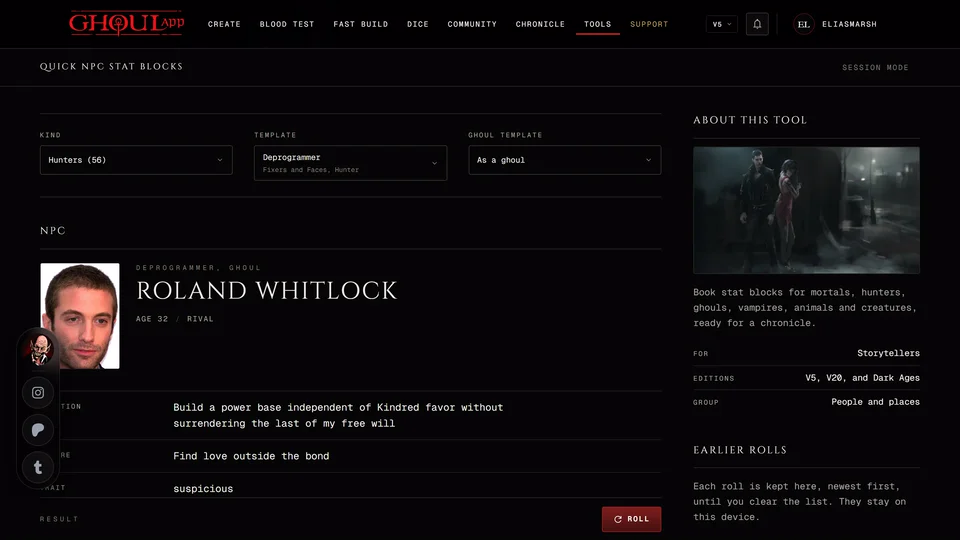
The Quick NPC Stat Blocks tool and the NPC Generator can drop a result straight into a chronicle you run with Add to a chronicle (see Quick NPC stat blocks).
However they arrive, new NPCs start hidden.
What doesn't work
V6 characters can't become NPCs, because there's no V6 chronicle and NPC stat blocks have no V6 edition. Copy as NPC says so on a V6 sheet.
Players can't add NPCs themselves. They can ask for one from their sheet, like their sire or a Touchstone. The storyteller decides.
Related articles
About this article
- Type
- Guide
- Editions
- All editions
Need more help?

Ask the team in #ghoulapp-feedback on the Player Companion Discord. Or try #ghoulapp. GhoulApp players are active there and help each other.
Open Discord(New tab)