


Quick NPC Stat Blocks

On this page 4
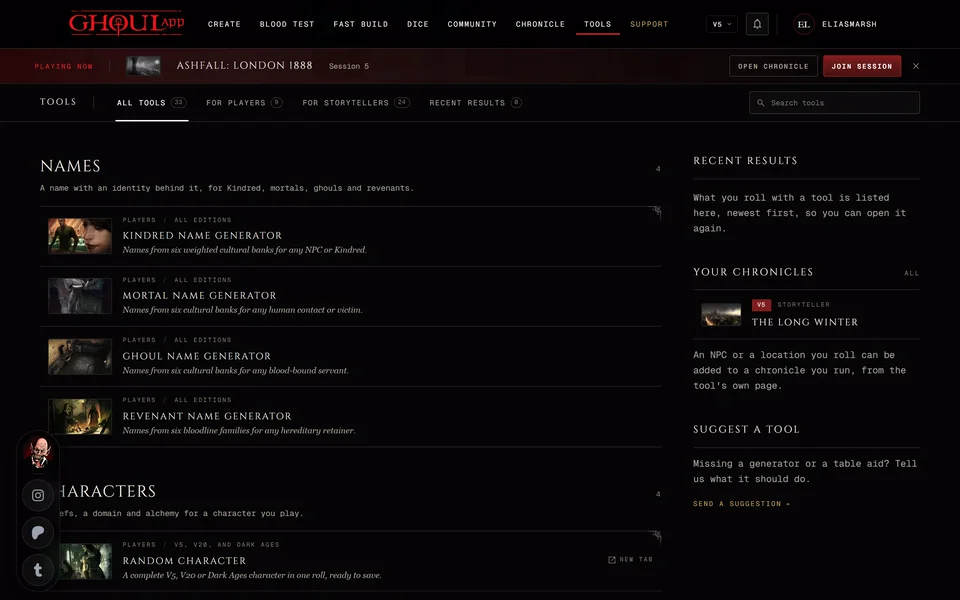
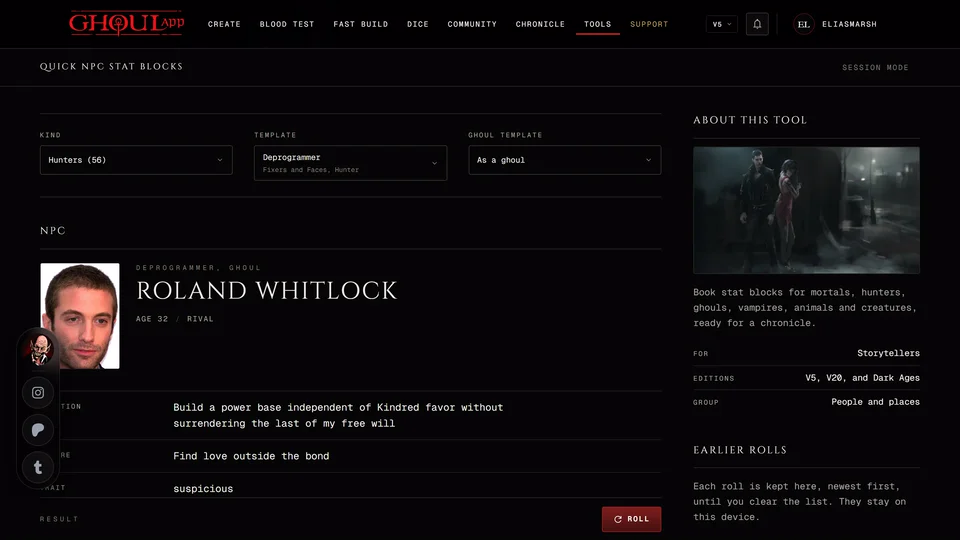
The players picked a fight with a bouncer you hadn't planned for. Quick NPC Stat Blocks gives you a ready opponent or extra from the books in a few seconds: pick what you need and you get a named person with their stats. It's under People and places on the Tools page.
It covers V5, V20 and Dark Ages and each edition has its own blocks. V6 has none, so opening the tool while you're set to V6 switches you to V5. If the page ever shows "No stat blocks for V6" press Show V5 stat blocks.
Pick a block
Choose a Kind first. Each kind in the list shows how many blocks it has in brackets. The kinds are mortals, hunters, ghouls, vampires, animals, werewolves, mages, ghosts, creatures, faeries and demons, but only the ones your edition's books cover are listed. All shows every block.
Then choose a Template. If you change the Kind and the template you had isn't in it, the first template of the new kind takes its place.
The result shows a person built on that block: a name, an age and a disposition with a portrait. Roll or R keeps the template and gives you a new person. A template that isn't a person has nothing to roll so the button is greyed out for it.
What a block shows
A V5 block has the General Difficulty, the Standard Dice Pools for Physical, Social and Mental, the Secondary Attributes Health and Willpower, any Exceptional Dice Pools and Disciplines. A few V5 templates come as a full sheet with every Attribute and Skill instead.
V20 and Dark Ages blocks show Attributes and Abilities, Disciplines, Backgrounds, Virtues, Willpower and Humanity. Dark Ages blocks show the Road of Humanity in its place.
Two V5 extras
For a V5 mortal or hunter Ghoul Template has two choices: As printed and As a ghoul. As a ghoul applies the book's changes for a ghoul. Physical goes up by 1 and so does Health. The General Difficulty's second number goes up by 1, so "4/2" reads "4/3". The block gains Celerity 1 and Potence 1, which you can swap for two other dots of your choice. Exceptional pools stay as they are.
Some vampire blocks have no clan in the book. Pick one under Clan before you add that vampire to a chronicle. Until you do Add to a chronicle is greyed out and its tip says "Choose a clan first. The book names none for this vampire."
Add it to a chronicle
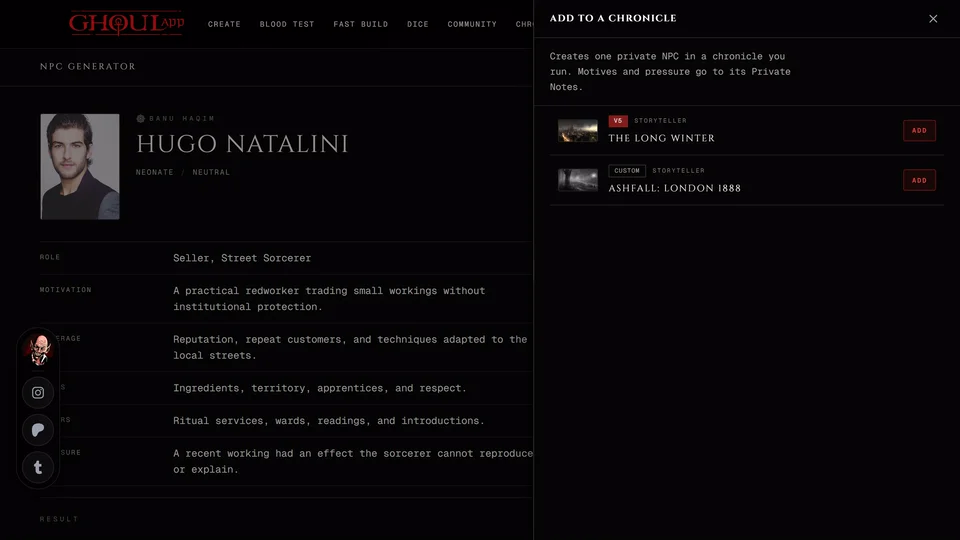
Add to a chronicle creates an NPC with this stat block in a chronicle you run. It starts hidden from the players and its trait and mannerism go into its Private Notes. V5 blocks go to V5 or Custom chronicles, V20 blocks to V20 or Custom chronicles and Dark Ages blocks to Dark Ages chronicles. A moderator who may manage NPCs can add one too. See Save a tool's result to your chronicle for how the panel works.
How each edition's NPC stats work inside a chronicle is in NPC stats in each edition.
Related articles
About this article
- Type
- Guide
- Editions
- V5, V20, Dark Ages
In this article
Need more help?

Ask the team in #ghoulapp-feedback on the Player Companion Discord. Or try #ghoulapp. GhoulApp players are active there and help each other.
Open Discord(New tab)