


The City and Domain Builder

On this page 5
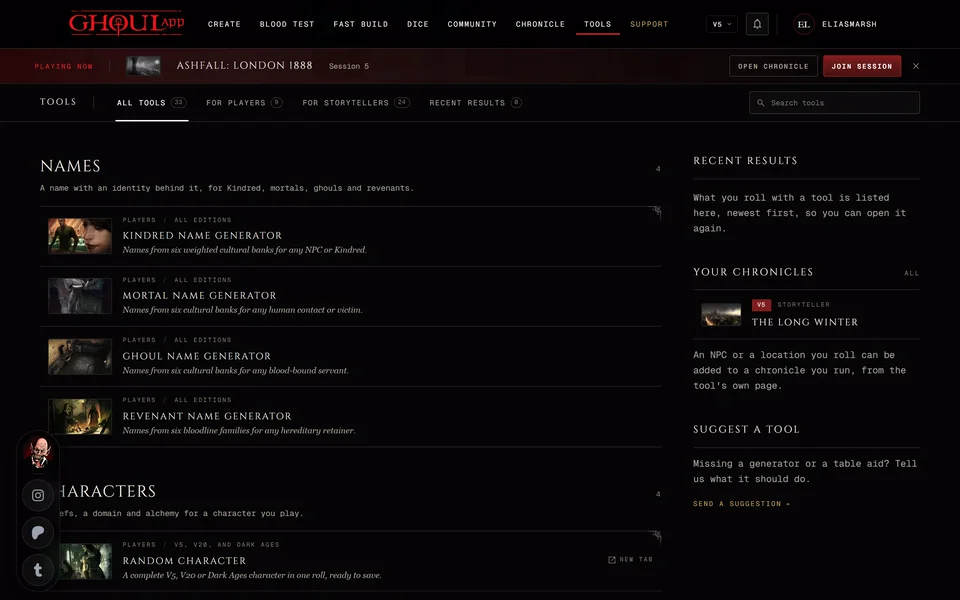
Say your chronicle moves to Lisbon and you need to know who holds which part of town by tonight. The City and Domain Builder rolls a city split into domains, gives each one a holder and lays them out on a map. It's under People and places on the Tools page. You don't need an account to roll one.
Every edition has its own tables: V5, V20, Dark Ages and V6. The edition is part of the result's link so a shared city opens the way you rolled it.
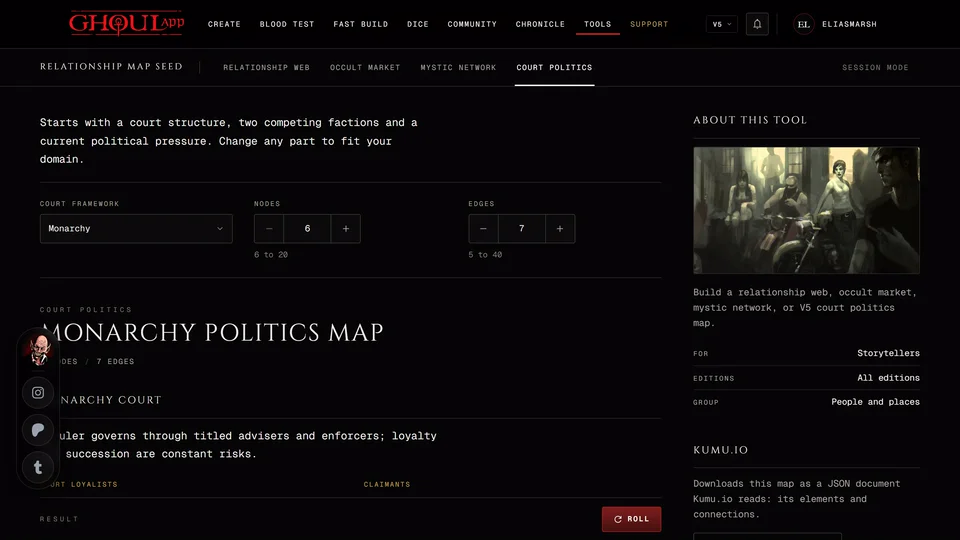
To roll the ties between the people in it, see The Relationship Map Seed.
Roll a city
- Type a City name of up to 80 characters. You can also press Real city for a random real city or Made-up city for an invented one. Both put a new name in the field.
- Under Domains pick the number of domains: 6, 8, 10 or 12. A new city has 8.
- Press Roll or R.
Each domain gets a holder and its details. In modern games that's the Holder, Motivation, Agenda, Feeding ground, Security, Seat of power, Complication and Stake. Dark Ages domains have a Benefit, a Manor, a Settlement, ratings and a domain event. The list of domains shows each one with its holder's clan. Press one to open it.
The map
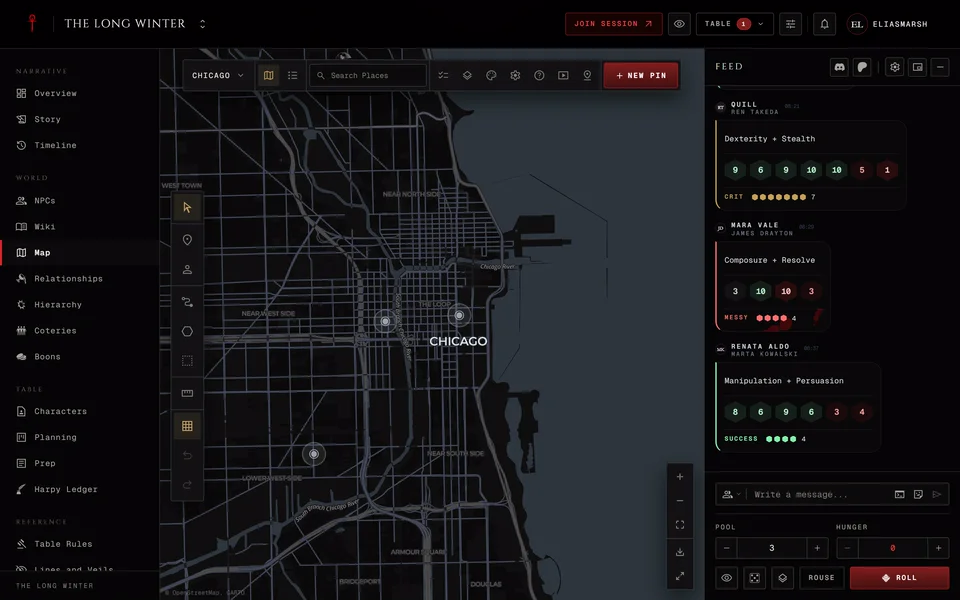
A city name the app knows as a real city goes on a real map. A name it doesn't know is drawn on a blank board. If your city is real but landed on the blank board press Find on map. It shows once the name has two letters or more and looks the place up by that name. If nothing comes back it says "No place by that name was found."
Drag a domain's clan mark to where it belongs. After you've moved one Reset positions appears and puts every mark back where it started.
Keep the domains you like
Open a domain and press Lock. The button now reads Locked and the domain's row says so too. The next Roll keeps locked domains and rerolls the rest. Roll domain rerolls only the open domain. It's greyed out while that domain is locked. Press Locked to unlock it.
Keep a city
Save city keeps the city with your account. You need to be signed in. Saved cities are listed under Saved cities at the side and open on any device. Save again later and the same saved city is updated. To delete one open its row menu and choose Delete. A chronicle you already added it to keeps its map.
Earlier cities lists what you rolled on this device. Copy, Export and Copy link work as they do in every tool. See Copy, export and share a tool's result.
Add it to a chronicle
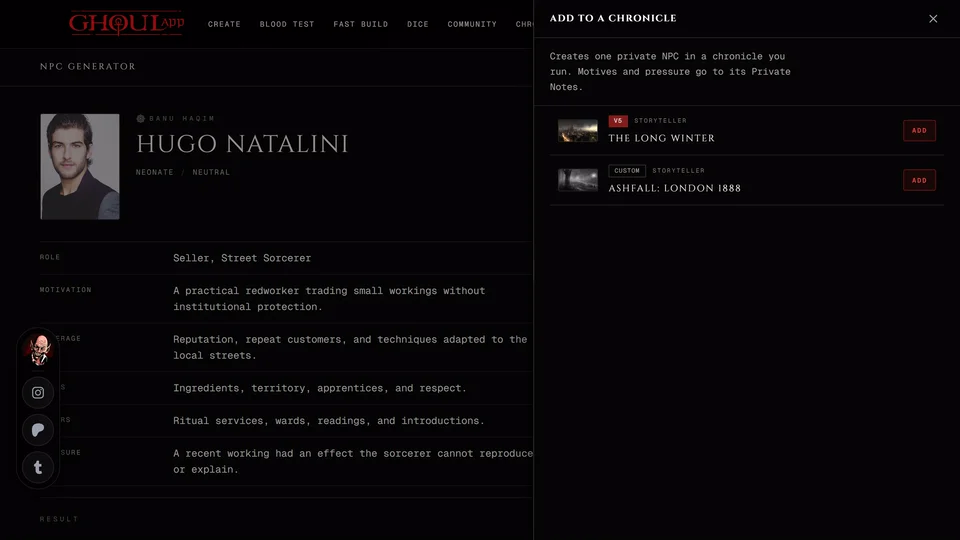
Add to a chronicle adds the city to a chronicle you run as a new map. Each domain becomes a territory and each seat of power gets a pin. Your other maps don't change.
The panel spells out what happens. The new map is open to storytellers only because anyone who can open a map can read every domain on it. Share it from the map's access settings when you're ready. Seats of power are hidden from players and the holders, complications and stakes go into each pin's storyteller notes. A made-up city is drawn on a blank map. If the city's map is still loading the panel asks you to wait.
Only chronicles you own or run as storyteller or co-storyteller are offered. The city also has to fit the chronicle's edition. A V5 or V6 city goes to a V5 or Custom chronicle, a V20 city to a V20 or Custom chronicle and a Dark Ages city to a Dark Ages chronicle.
If only part of the city was written the panel names what's missing and offers Retry the rest. What was already written stays.
What you can do with the map after that is in The chronicle map.
Related articles

About this article

- Type
- Guide
- Editions
- All editions
In this article
Need more help?

Ask the team in #ghoulapp-feedback on the Player Companion Discord. Or try #ghoulapp. GhoulApp players are active there and help each other.
Open Discord(New tab)