


Resonance Roller and Thin-Blood Alchemy
- OzzAuthor and editor

On this page 5
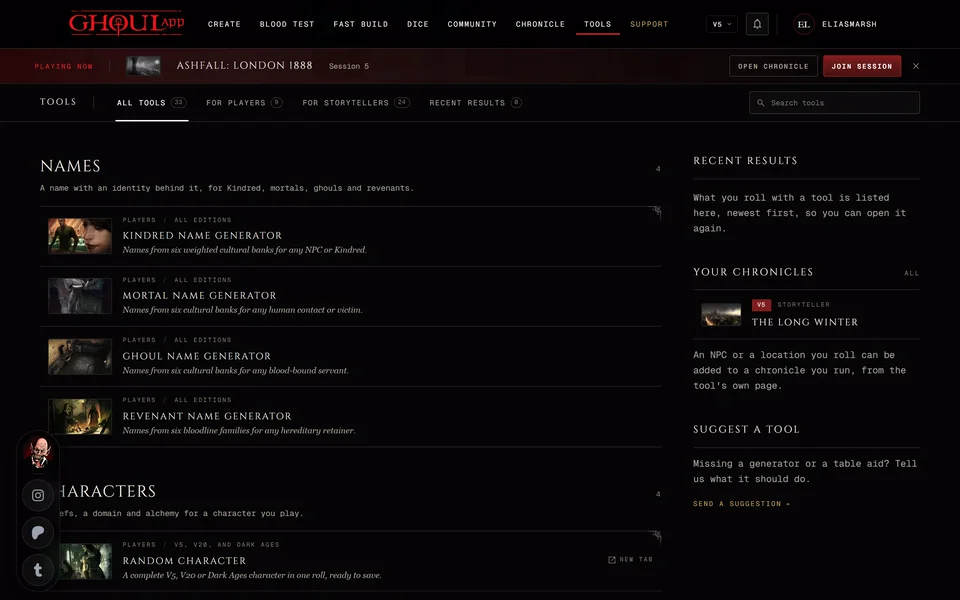
These two tools use V5 rules only and both can send what they make to one of your V5 characters. Opening one while you're set to another edition switches you to V5. The Resonance Roller is under At the table on the Tools page and the Thin-Blood Alchemy Workbench under Characters.
For the V5 combat and hunting aids see V5 combat and hunting aids.
Resonance Roller
Rolls the Resonance of a vessel's blood. Press Roll or R. You get the Temperament die, the second die and the Resonance with its effect, the Disciplines it feeds and the emotions it's typical of. When the Temperament is Acute you also get a Dyscrasia.
The tiles under Resonance decide where the Resonance comes from. The first tile, marked d10, lets the dice decide. The next four are the humors with the die range that gives each one. Pick one and only the Temperament is rolled. The last tile, marked Ø, is Empty. It's never on the die so you can only pick it. An Acute Empty vessel gets no Dyscrasia because the books give none.
The Dyscrasia shown is one of that Resonance's sample Dyscrasias at random. Choose another is a list of the others for that humor. Reroll next to it picks another at random.
Each roll is kept under Earlier rolls. Copy link opens the same roll again. Once you change the Dyscrasia by hand the link goes away because it would open the rolled one.
Import to a sheet adds the Resonance to one of your V5 characters as its own Resonance entry. Ghouls and mortals aren't listed. Resonance text already on the sheet stays as it is.
Thin-Blood Alchemy Workbench
This one helps you build and test thin-blood formulas. It has four tabs: Catalogue, Formula, Distillation and Research.
Catalogue lists the official formulae. Search by formula, effect, ingredient or source and filter by level. Each one shows its effect, cost, pool, Resonance and required method. To learn an official formula use the character sheet, so your method ratings and XP rules still apply.
Make your own formula
- Open Formula. Under Formula draft give it a Name, a Dot level from 1 to 5, a goal and effect, a system and a duration. A name that belongs to an official formula is refused.
- Pick the Distillation method: Athanor Corporis, Calcinatio or Fixatio. The formula belongs to that method only.
- In the Ingredient cabinet the alchemist's own vitae is the fixed base. Add up to five more ingredients. Search or filter them by category.
- Work down the checklist: a distinct name, a goal and effect, a symbolic chain of ingredients.
- Press Test distillation. It takes you to the Distillation tab. R doesn't press this one.
On Distillation set the method's pool, Hunger and the Difficulty you agreed with your storyteller. Roll batch or R rolls it and shows the successes and the margin. Edit formula takes you back.
Research
Research has four smaller tabs. Counterfeit tracks a project to copy a Discipline power through its stages. Side effects rolls the Wheel of Misfortune when a true vampire's borrowed formula wears off. Lab safety rolls the safety pool at Difficulty 2. A failure there takes 2 dice off the next safety roll. Kettle battle carries a boasting placement into one brewing roll: +3 dice for first, +2 for second, +1 for third. Four successes qualify.
Each of the last three has its own roll button: Roll the side effect, Safety roll and Distill the entry. R presses whichever one the tab shows.
Import your formula
Import to a sheet on the Formula or Distillation tab adds your formula to one of your characters. It stays greyed out until the formula has a distinct name and a goal. Its tip says "Add a distinct name and a goal before importing."
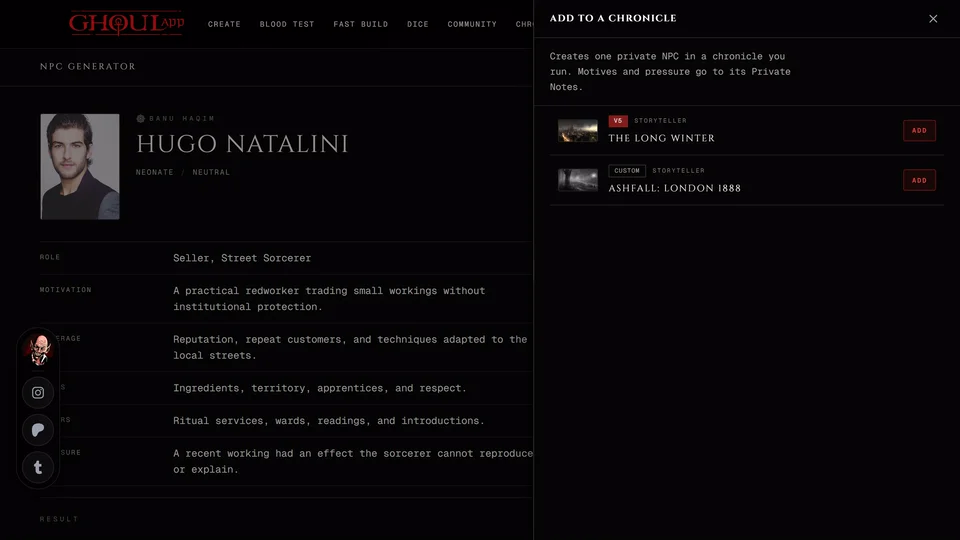
Only V5 thin-bloods that aren't in a chronicle and have a rating in the formula's method at or above its level are listed. Sheets in a chronicle are left out to keep the chronicle's XP records right. See Save a tool's result to your chronicle for how the panel works.
Related articles
About this article

- Type
- Guide
- Editions
- V5
In this article
Need more help?

Ask the team in #ghoulapp-feedback on the Player Companion Discord. Or try #ghoulapp. GhoulApp players are active there and help each other.
Open Discord(New tab)