


Name and character generators
- NeronAuthor
- OzzEditor

On this page 6
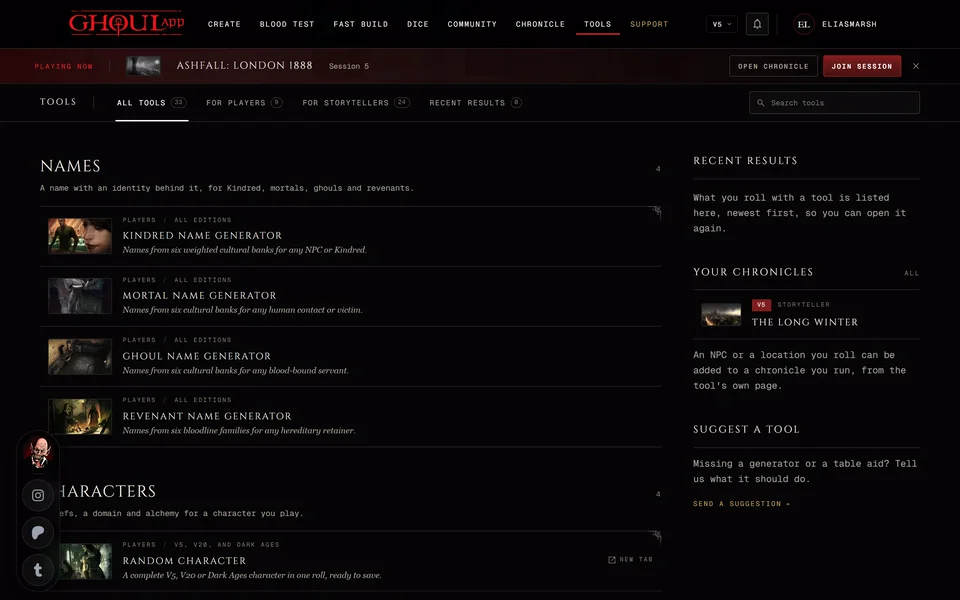
These are the player tools under Names and Characters on the Tools page. They all work without an account. Each one rolls a result as soon as the page opens. Press Roll or R for another.
The four name generators
The Kindred, Mortal, Ghoul and Revenant Name Generators give you a name and a short identity to go with it.
Tabs across the top pick where the name comes from. Picking a tab rolls a new name straight away. The Kindred, Mortal and Ghoul generators have six cultural banks: Anglo, Slavic, Mediterranean, Germanic, East Asian and Levantine. The Revenant generator uses the six revenant families instead: Bratovitch, Grimaldi, Obertus, Zantosa, Ducheski and Rossellini.
All banks draws from every one, but not evenly. Anglo names come up most often. Slavic, Mediterranean and Germanic names each come up two thirds as often as Anglo. East Asian and Levantine names come up a third as often. For revenants Bratovitch, Grimaldi and Obertus come up twice as often as the other three.
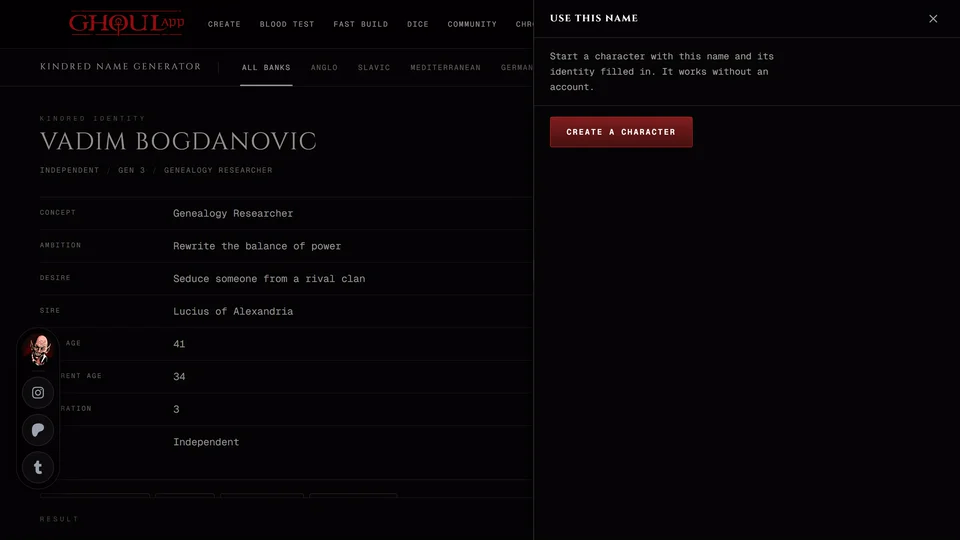
A Kindred name comes with a Concept, Ambition, Desire, Sire, Real age, Apparent age, Generation and Sect. A mortal gets a Concept, Ambition, Desire, Real age and Sect or faction. A ghoul gets the Concept, Domitor, Ambition, Desire, Real age, Apparent age and Sect plus whether they're a vassal or independent. A revenant gets a Family, Concept, Patron, Ambition, Desire, Real age and Sect or allegiance.
The names are the same in every edition. The concepts and sects follow the edition you've selected. V5 and V20 share one modern list of concepts. Dark Ages gets concepts and sects from its own period. V6 gets a third, more general list.
Use this name
Use this name opens a small panel. Press Create a character and the creator opens in your current edition with the name and its identity already filled in. You don't need an account for that. In V6 only the Kindred and Ghoul generators offer it.
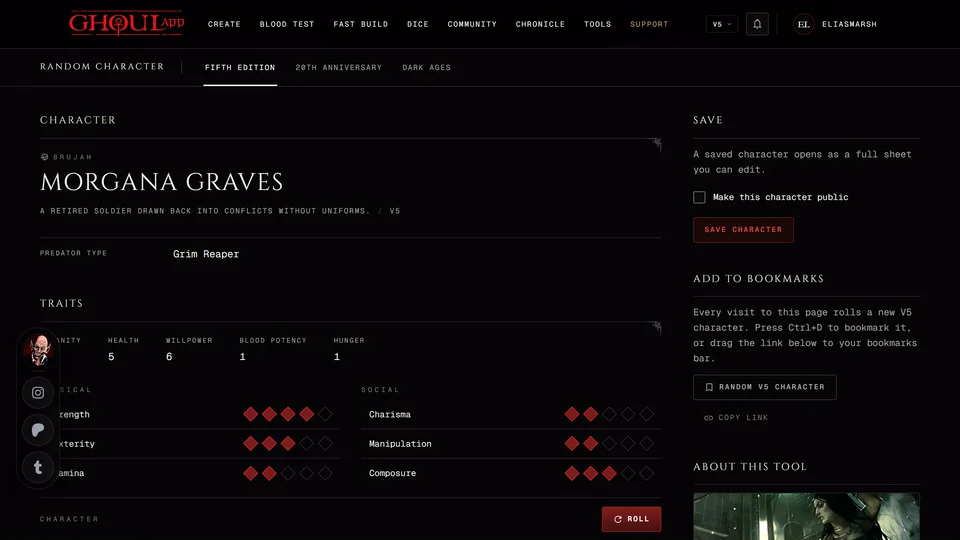
Random Character
Random Character builds a whole V5, V20 or Dark Ages character in one roll. It opens in a new tab. Roll or R rolls another and Save character keeps it as a sheet when you're signed in. The page also has an Add to bookmarks box with a link that rolls a fresh character every time you open it. Everything about it is in Roll a random character.
Kindred Domain Generator
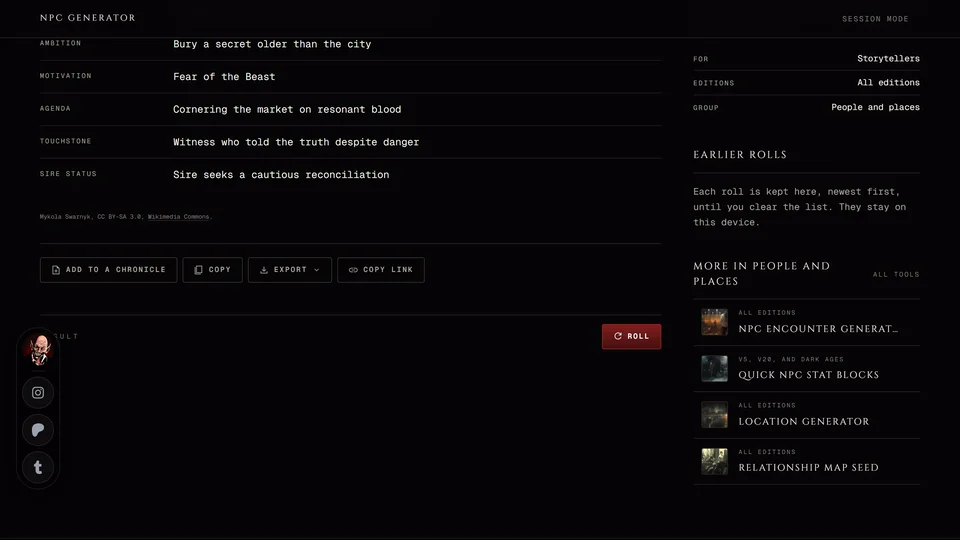
Rolls a domain: its name, Feeding ground, Security, Controller, Domain asset, Threat, Complication and a Story hook.
In V5 the domain also gets Chasse, Lien and Portillon ratings out of 5. What the ratings mean at the side explains them. It shows only in V5. V20 and V6 domains use the same modern tables without the ratings. Dark Ages domains come from tables of their own period.
You can copy or export a domain. It isn't added to a chronicle. For a Dark Ages domain you can add to a chronicle's map use the Domain Builder in The Dark Ages tools.
Convictions & Touchstones
Rolls a Conviction and the mortal who anchors it. You get a sentence tying the two together, then the Conviction, its Origin, the Touchstone's name, their age and job, how they're related to the character, how much they know and the tension between them.
The tabs at the top pick the kind of pair: Protect, Remind or Debt. Two smaller buttons reroll one half and keep the other: Conviction and Touchstone. A pair mixed from two rolls has no link of its own so Copy link goes away for it.
The text is the same whatever edition you play. Only V5 sheets can take it.
Import it to a sheet
- Press Import to a sheet. You need to be signed in.
- Under What to import choose the Conviction, the Touchstone or both.
- Pick one of your V5 sheets. Mortals aren't listed because their sheets have no Convictions. Search by name or clan narrows the list.
- Under Where in and the character's name choose Add as a new pair or Replace pair and a number. A slot with nothing in it reads Empty pair.
- Press Import. The panel says "Saved to" and the character's name.
If none of your sheets can take a pair the panel says so. Make a V5 character who isn't a mortal first.
How the other import panels work is in Save a tool's result to your chronicle.
Related articles
About this article
- Type
- Guide
- Editions
- All editions
In this article
Need more help?

Ask the team in #ghoulapp-feedback on the Player Companion Discord. Or try #ghoulapp. GhoulApp players are active there and help each other.
Open Discord(New tab)