


The Dark Ages tools

On this page 8
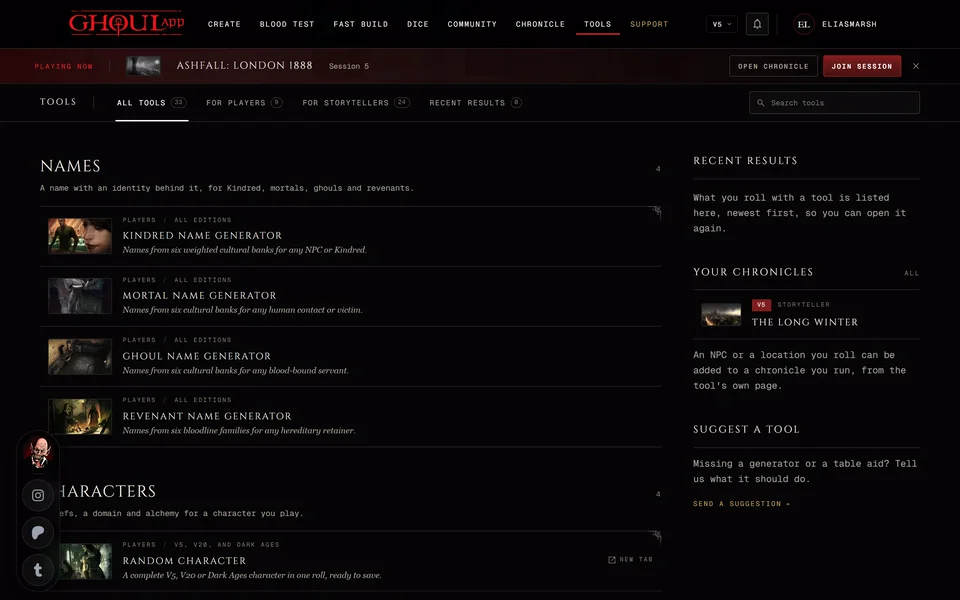
The Dark Ages group on the Tools page holds eight storyteller tools made for Dark Ages chronicles. They use Dark Ages rules only. Opening one switches the app to Dark Ages.
Every one has a Roll button and R presses it. On most of them Roll fills the whole tool with a random result you can then change by hand. Three work differently. On the Hunting & Feeding Calculator Roll rolls the hunt dice. On the Sorcery & Ritual Planner it picks a random ritual from the tab you're on and on the Holy Relic Builder a random artifact.
Most of them can send their result on:
- To a sheet with Import to a sheet. Only your own Dark Ages characters are listed.
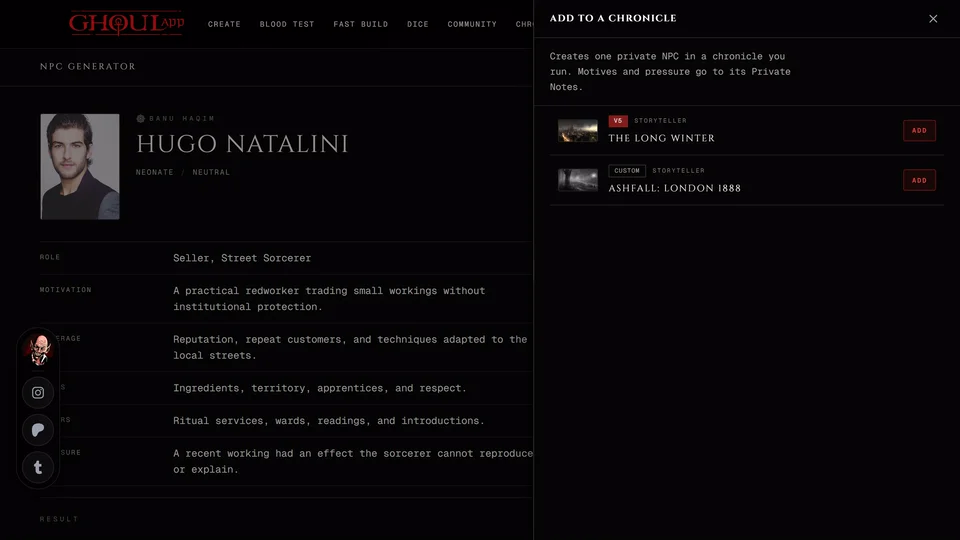
- To a chronicle with Add to a chronicle. Only Dark Ages chronicles you own or run as storyteller or co-storyteller are listed. What a tool adds there starts hidden from the players.
- To an NPC with Add to a chronicle NPC. Pick a Dark Ages chronicle you run, then one of its NPCs. You can search them by name or clan. The NPC's facade and visibility stay as they are.
See Save a tool's result to your chronicle for how the panels work.
Domain Builder
Builds a vampire's domain. The tool marks it as an optional house rule. It isn't part of the Dark Ages 20th core rules.
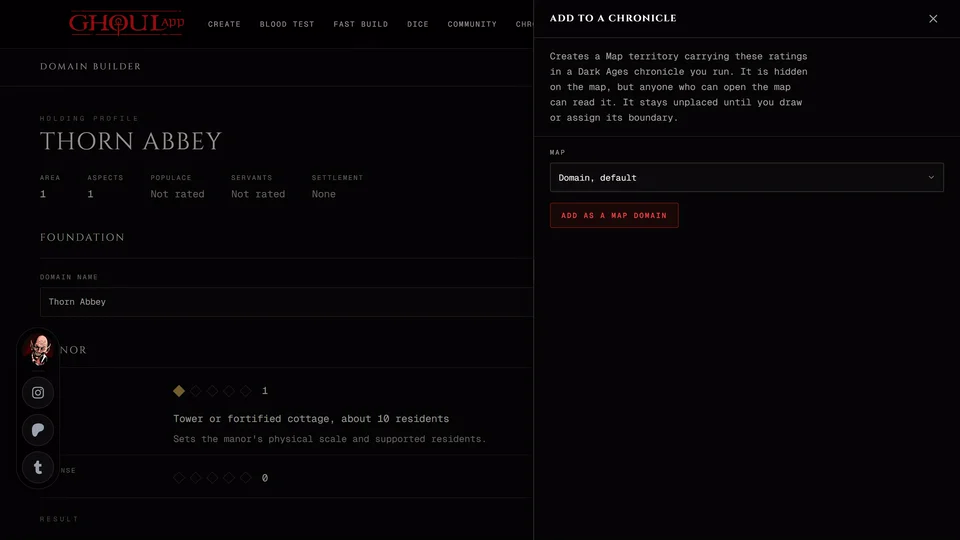
Foundation has the Domain name and Roll identity, which gives a new name and staff. Manor rates the Area, Defense, Prosperity and Secret Ways. People and place covers the Populace, Servants and Settlement. Current pressure has Roll event and Domain staff has Roll staff. Each of those rolls only its own part.
Add to a chronicle adds the domain as a territory on the chronicle Map you pick. It's hidden and not placed yet. It stays unplaced until you draw or assign its boundary on the map. A chronicle with no map yet gets its default map when you add the domain. Anyone who can open that map can read the territory once it's there.
Battle Group Builder
Builds a group of soldiers. Set the Command (group name, commander, unit type) with Roll identity for a new set. Then the Composition: 1 to 30 Members and their Member quality, the dice each one adds. Then the Equipment: the weapon and armor and their bonuses. Roll equipment picks new ones. Tick the Objective pressures on the group.
You get the group's attack pool, defense pool, initiative and actions per long turn. The result also reminds you that usually only six to eight combatants can engage one person at once.
Added to a chronicle it becomes a hidden Battle with this group as its opening force and each pressure you ticked as an open objective. Carry on from Battles.
Medieval Loadout Builder
Picks a weapon, a shield (or none) and a class of armor. The armor reads as its class, soak and penalty. Import to a sheet adds each piece to the character's Possessions.
Hunting & Feeding Calculator
Works out a hunt with the Dark Ages feeding rules.
- Pick the Area. Each tile shows its difficulty: Slums or circus 4, lower-class neighborhood 5, market district 6, merchant-class neighborhood 7 and heavily patrolled area 8.
- Enter the Base hunting pool and any Herd, Domain and Fame.
- Enter the Current blood, Self-Control / Instinct and the Planned intake, the blood taken on a success.
- Press Roll or R.
The difficulty is the area's minus Domain and Fame and never goes below 3. Herd adds its rating in dice. The Hunger threshold is 7 minus Self-Control or Instinct. The page tells you when current blood is below it. A success finds prey. A failure costs the hunting hour. A botch means the storyteller brings in a complication.
After a roll you can record the hunt. Imported to a sheet a success adds the blood you took to the Blood Pool up to its limit and writes the hunt into the hunting log. A failed hunt is logged and the Blood Pool stays the same. Added to a chronicle it becomes a hidden Timeline event named after the area.
Medieval Journey Generator
Choose a Travel mode and a Distance (km) from 1 to 5000. You get the pressure on the road, a question for the storyteller to ask, the stage of the journey and an estimate of the travel time in good conditions. Terrain, weather and poor roads can make it longer. Added to a chronicle it becomes a hidden Timeline event. No place is created on the map.
Knightly Order Builder
Gives an order its name, purpose, service and resources. Generated names stay editable. Added to a chronicle it becomes a hidden coterie of the Knightly Order kind. The purpose is its tagline, the resources a shared Background and the rest go into its notes. See Coteries.
Sorcery & Ritual Planner
Three tabs: Abyss Mysticism, Thaumaturgy and Biblical Necromancy. Pick a Ritual to see its purpose, ingredients, dice pool, duration and system.
Import to a sheet adds the ritual to a character's ritual list. Only characters with that tradition's Discipline are listed: Obtenebration, Thaumaturgy or Necromancy. Add to a chronicle NPC adds it to an NPC who already has that Discipline. An NPC without it says so.
Holy Relic Builder
Pick an Artifact and set the Active True Faith, up to the artifact's own rating. You get its active rating, aspects, miracle, limits and how its aspects are used. A relic or a consumable can go into a sheet's Possessions with Import to a sheet or into an NPC's with Add to a chronicle NPC. A holy place can't be imported or added.
Related articles
About this article
- Type
- Guide
- Editions
- Dark Ages
In this article
Need more help?

Ask the team in #ghoulapp-feedback on the Player Companion Discord. Or try #ghoulapp. GhoulApp players are active there and help each other.
Open Discord(New tab)