


Import and export a map
- Lithaner555Author
- OzzEditor


On this page 2
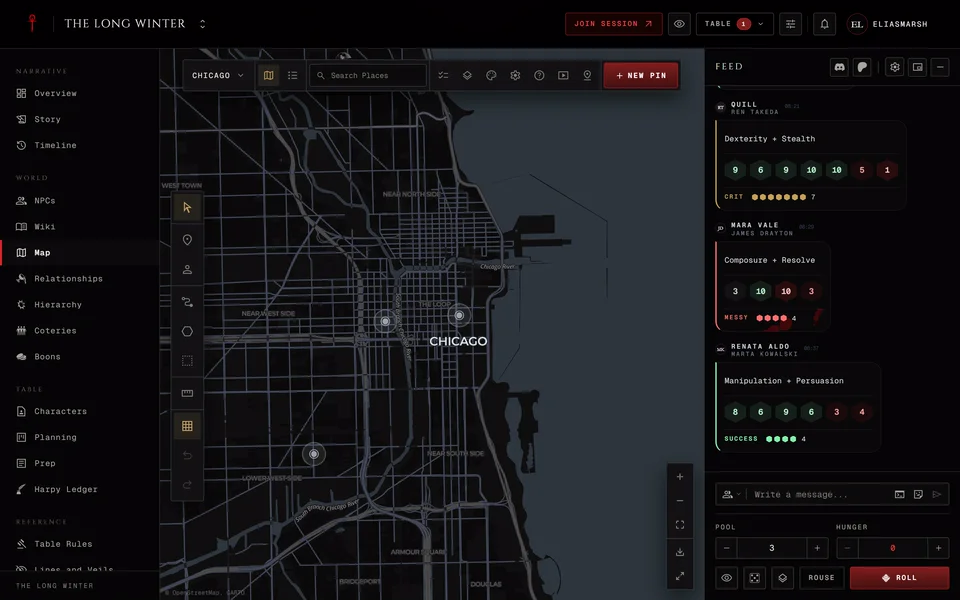
Storytellers can save a world map's territories and pins to a file and load them back from one. That's handy for moving a city to a new chronicle or for drawing districts in another mapping tool first. It only works on maps with a World map background. On a picture or a blank canvas the window asks you to switch the background first.
Open the map, press Map settings in the bar, find Import and export under Data and press Open.
Saving to a file
Pick GeoJSON or KML, tick territories, pins or both and press Download. The counts beside each box tell you how many go in. Pins with no real-world position are left out. The file takes the map's name and a line under the button tells you what was saved and what was skipped.
Each pin keeps its name, position, description, colour and icon. Territories keep their shape and style and V5 territories keep their Chasse, Lien and Portillon.
Loading from a file
Press Choose file and pick a KML, KMZ or GeoJSON file of up to 5 MB. The window shows how many territories and pins it found, with any warnings, before you press Import.
Importing adds to the map and never replaces anything. Load the same file twice and you get everything twice. New territories and pins come in hidden from players unless you tick Import as visible to players first. Owners and links to NPCs, characters or coteries don't come across, so set those again afterwards.
Leave Swap latitude and longitude off unless a file has the two the wrong way round. You'll know because the shapes land in the wrong part of the world. KML, normal GeoJSON and files saved from GhoulApp never need it.
If an import fails nothing is written. If the territories made it and the pins didn't the window says so. Press Import again to retry the pins.
Players can't import or export.
Related articles

About this article
- Type
- FAQ
- Editions
- All editions
In this article
Need more help?

Ask the team in #ghoulapp-feedback on the Player Companion Discord. Or try #ghoulapp. GhoulApp players are active there and help each other.
Open Discord(New tab)