


Player pins on the map
- BluenchanterAuthor
- OzzEditor


On this page 2
Yes, players can put their own pins on the map. The storyteller has to allow it first because it's off when a chronicle is made.
To allow it open the Features tab in Settings and switch on Allow players to add their own map pins. A second switch shows up under it, Publish players' pins at once, without review. Leave it off and every new pin waits for you to look at it before anyone else sees it. Turn it on and pins show up for everyone right away.
Only members who joined as players get the pin tool. Observers and moderators don't.
Adding a pin
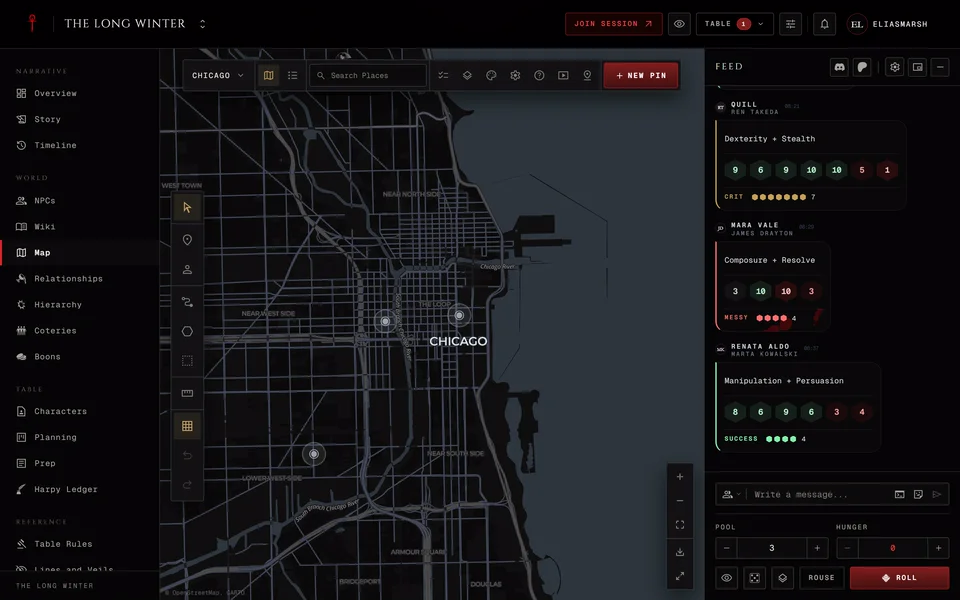
A player opening the map sees two tools, Select and Pin. Pick Pin, press the spot on the map and give the place a name. The description is optional and you can pick a symbol and an Override color too. Then press Add pin. You see your pin straight away even while it waits for review.
Each player gets up to 10 pins in a chronicle. Once you've used them all the Pin tool goes away until you delete one.
You can drag your own pins to a new spot with Select. To change one, open it and press Manage. That menu has Edit pin, Manage photos and Delete pin. Other people's pins are out of your reach. If the storyteller has built on your pin, say with notes or links, deleting it fails with "This pin is in use by the Storyteller. Ask them to remove it."
Reviewing them
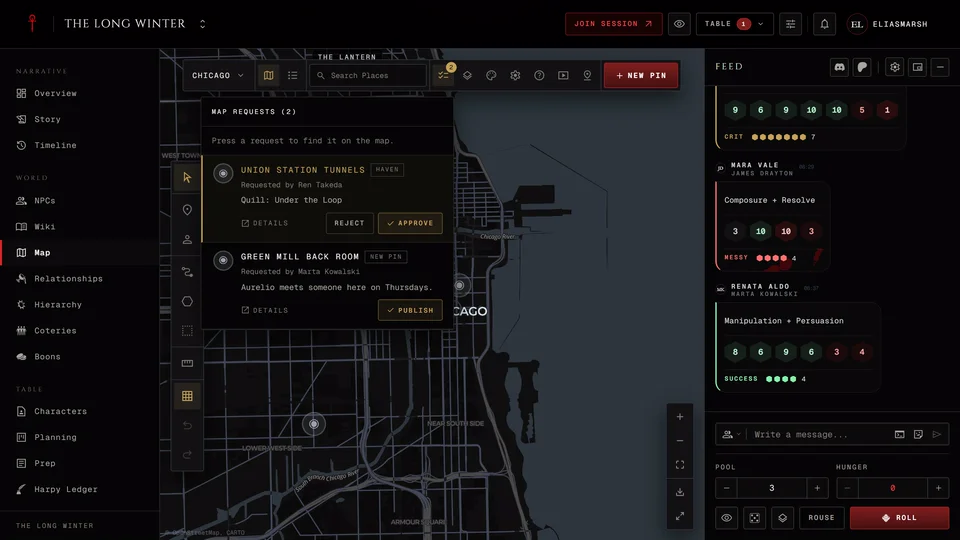
The storytellers get a notification when a player adds a pin. Waiting pins show up under Map requests at the top of the map, with a count beside it. The list holds the requests on the map you're looking at. Press a request and the map jumps to it.
There's a Publish button for each new pin but no reject button. If you don't want a pin, open it and delete it. As the storyteller you can also edit, move or hide any player's pin like one of your own. You'll also find haven requests in the same list. Those are players linking their character's haven to a place and they do have Approve and Reject (more in Put your haven on the map).
If you switch player pins off later nothing is deleted. The pins stay where they are and players can't add or change them any more. You can still edit or remove any of them.
Related articles

About this article
- Type
- FAQ
- Editions
- All editions
In this article
Need more help?

Ask the team in #ghoulapp-feedback on the Player Companion Discord. Or try #ghoulapp. GhoulApp players are active there and help each other.
Open Discord(New tab)