


NPC stats in each edition
- OzzAuthor and editor

On this page 5
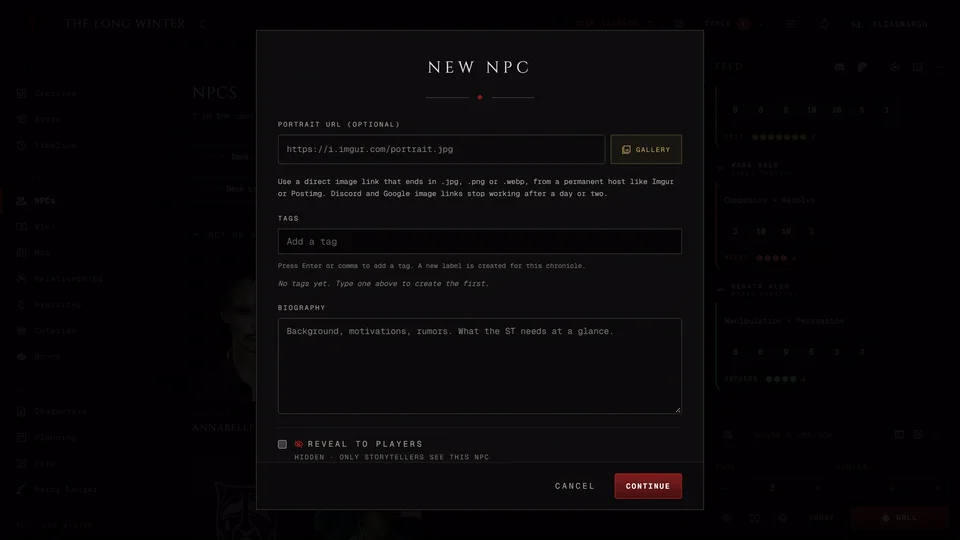
An NPC's numbers live on the Stats tab of their page. A new NPC has none. Press Add stats to type them in or Build in creator to make them in the character creator. Once there's a block Edit stats opens it again.
Players only see the parts you reveal, such as Attributes or Disciplines (see Keep things hidden from players).
Which edition
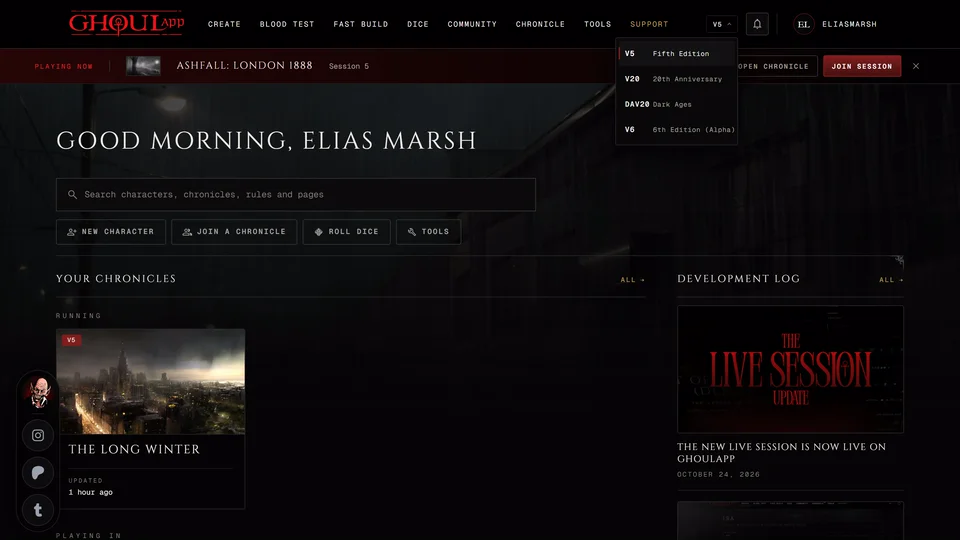
The Edition switch in the stat editor offers V5, V20 and Custom plus Dark Ages in a Dark Ages chronicle. An NPC starts on the chronicle's edition and keeps whatever it was saved with. In a Custom chronicle it starts on V20.
There are no V6 stat blocks. A chronicle is never V6, so V6 characters can't become NPCs.
How much detail
Layout gives you two shapes. Sheet looks like a character sheet. Block is the short form you'd see in a book: difficulties, dice pools and the NPC's powers.
With Sheet, Detail decides how much is there. Simple has the dice pools and the trackers Quick stats gives. Standard adds Attributes, Disciplines and Health and Willpower boxes. Full sheet adds Skills. Going down a level asks before it throws away any dots. Tick 10 DOTS if this NPC needs to go past five in something.
What changes by edition
In V5 Kindred get Blood Potency and a Hunger tracker. Auto from stats works out Health (Stamina + 3) and Willpower (Composure + Resolve) for you. Fortitude's Resilience adds its rating to Health. Vampires can carry a predator type.
V20 NPCs have Virtues (Conscience or Conviction, Self-Control or Instinct plus Courage). Kindred follow a Path with a rating. Attributes and Abilities take specialties.
Dark Ages works like V20 but Kindred follow a Road.
Mortals in V5 and V20 have Humanity. Every edition has Backgrounds, Merits and Flaws. Dice pools saves rolls you can fire straight from the NPC: give each one a label and the dice, either a number or something like Str+Brawl. Then press Roll.
Custom is a blank form. It has no Attribute or Discipline lists. You add your own fields with Add field and choose whether health takes Superficial and Aggravated damage or Bashing, Lethal and Aggravated. Custom fields stay with the storytellers even when the rest is revealed.
Quick stats
Quick stats gives an NPC starter trackers and dice pools from a Threat level between 1 (an average mortal) and 5 (an elder or an experienced werewolf). You can rename the pools, add more and change any number. Shuffle nudges the numbers a bit and Use these stats keeps them. V5 NPCs get Blood Potency and V20 and Dark Ages NPCs get a blood pool.
You'll find it as Stat out on the second page of the new NPC editor and on the Stats tab while the detail is set to Simple.
Building in the creator
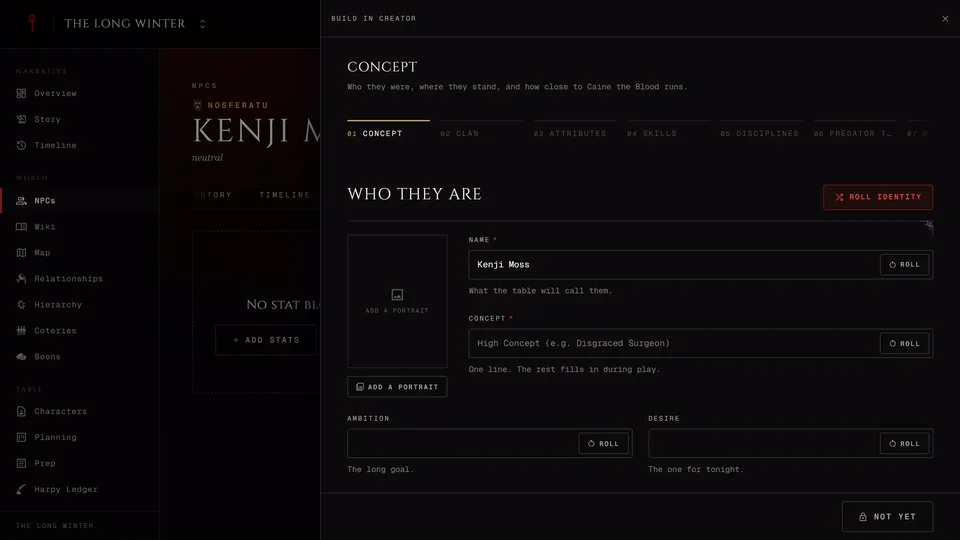
Build in creator opens the character creator beside the NPC. It starts with the NPC's name and type already in and skips the steps the NPC has already answered. In a Custom chronicle it asks which edition first: V5, V20 or Dark Ages.
Saving writes the stats. It also fills in a clan or Generation the NPC doesn't have yet. If you changed the name, the sect or a vampire's clan or Generation inside the creator those change on the NPC too. The portrait, Facade and notes are never touched. An NPC that was Embraced or ghouled in its Lifecycles keeps the clan and Generation its history gives it.
A block saved in V5, V20 or Dark Ages can go back to the creator later with Edit in creator. Undo last creator save takes back the last save if you change your mind and asks first.
Building in the creator shows when the new creator is on in your settings and works for Kindred, ghouls, revenants and mortals.
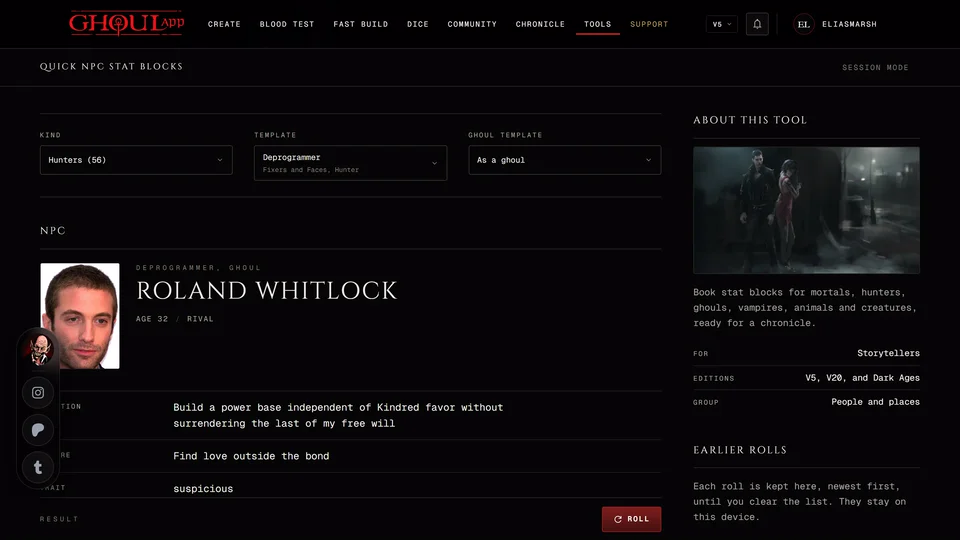
The Quick NPC Stat Blocks tool can also send a ready stat block into a chronicle you run as a new private NPC.
Related articles
About this article
- Type
- Guide
- Editions
- V5, V20, Dark Ages, Custom
Need more help?

Ask the team in #ghoulapp-feedback on the Player Companion Discord. Or try #ghoulapp. GhoulApp players are active there and help each other.
Open Discord(New tab)