


The chronicle wiki
- BluenchanterAuthor
- OzzEditor


On this page 5
The Wiki is your chronicle's own encyclopedia: the city's history, which clans are in town, how Elysium works. Storytellers and players can both write articles and the storyteller decides who reads each one.
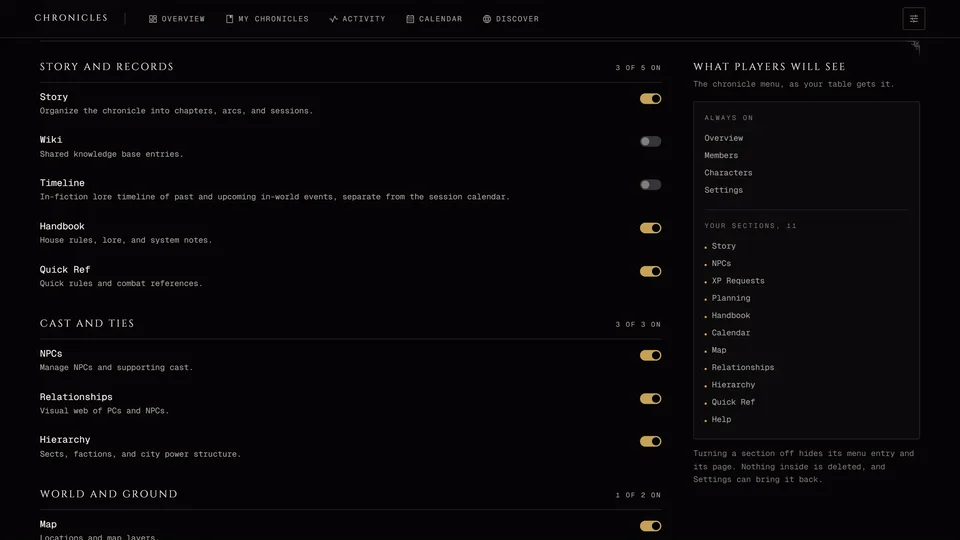
It's in the World group. A storyteller can switch it off. It's separate from the VtM Wiki, which holds lore from the books for everyone.
Reading it
Articles are sorted into category tabs, with All first. You can show them as Cards, Rows or a List and search titles, text and categories. Linked to narrows it to articles about NPCs, places, coteries, sessions or characters.
The side rail shows what was Recently updated and pages From the records. Those are drawn from your NPCs, places, coteries and sessions, so nobody writes them by hand.
An article page shows how long it takes to read, when it last changed and which articles link to it under Referenced by. Unlinked mentions lists articles that name it without a link, which is a quick way to find links you forgot. Share copies its address.
Writing an article
Anyone playing or running the chronicle can press Add article. Observers and visitors on a public link can't.
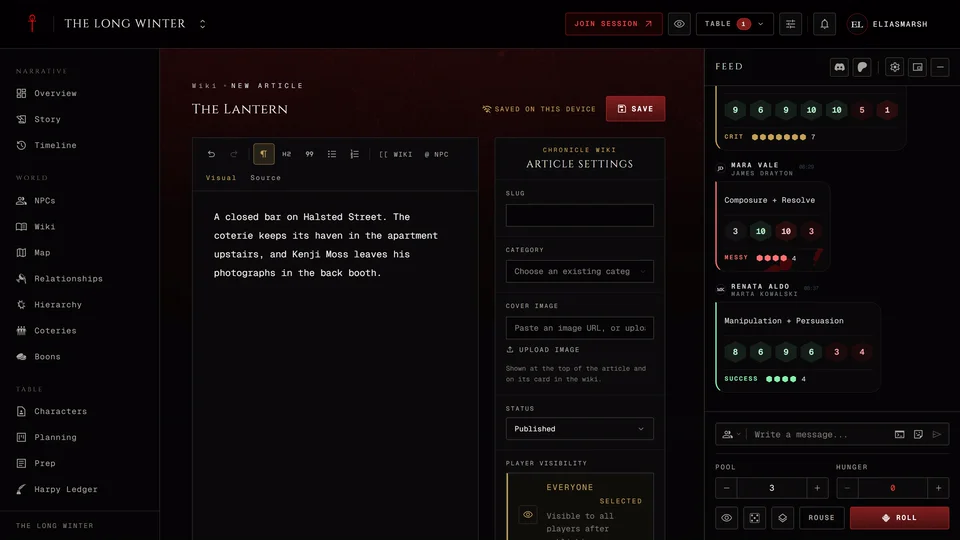
The article opens in the full-page editor. Type the title at the top and the text below. The toolbar has headings, quotes and lists. Select some text for bold, italic, strike, code and links. The + beside a line adds a block below it: an image, a divider, a task list, a code block or a table. On a phone the + sits in the bar under the text. Ctrl+B and Ctrl+I make text bold or italic. Ctrl+Z undoes and Ctrl+Shift+Z redoes. If you'd rather write Markdown, switch from Visual to Source.
To link another article press [[ Wiki in the toolbar and search for it. @ NPC does the same for an NPC. Both only find what you're allowed to see. Esc closes the search. In Source you can also type a link by hand by putting the article's title inside double square brackets, as in [[Elysium]] for an article called Elysium.
An image block opens the chronicle's pictures. Pick one and fill in Alt text with a short description for people who can't see it. Storytellers can also press Upload image to add a new picture.
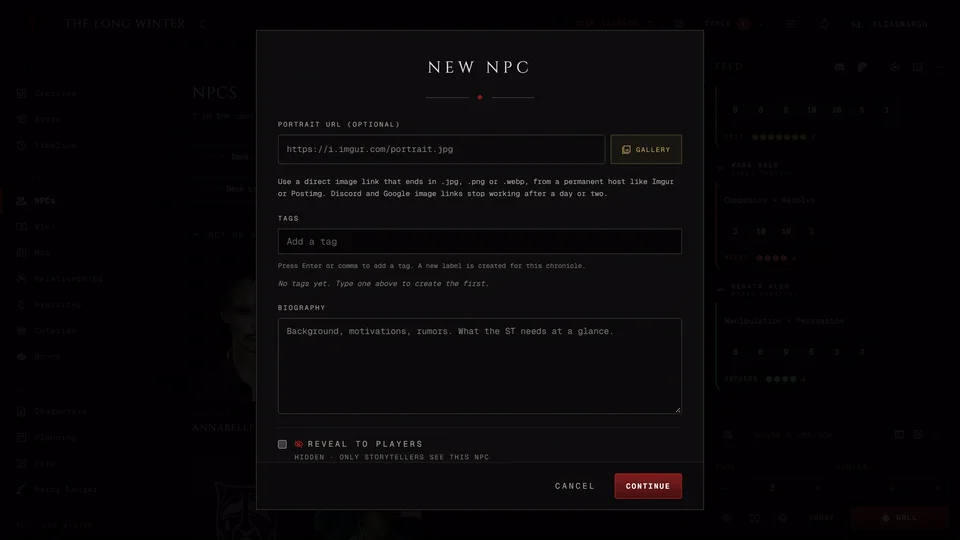
The panel on the side holds the settings. Category files it: pick one or type a new name. You can also set a cover image, Player visibility, Linked records and Tags. Once the article is saved the storyteller can also show it to chosen players only.
Press Save when you're done. Until then your draft is kept on this device. Every save goes in the history. History shows the older versions and Restore brings one back without losing the current one.
Getting a player's article approved
A storyteller's article goes up straight away. A player's article waits. It's marked Pending review and only the author and the storytellers can read it until a storyteller opens it and picks Approve or Reject. A rejected article isn't deleted. The author can fix it and Resubmit. Storytellers find everything waiting in the Review tab.
If you'd rather skip reviews, turn on Allow contributors to publish new articles immediately under Wiki Publishing in Settings. It starts off and only affects new articles. On a public chronicle the app asks you to confirm first, because a published article players can read may then be readable by anyone with the link.
Published or not, an article still follows its own setting for who can read it. See Keep things hidden from players.
Categories
Wiki tools has Reorder categories, where you set the order of the tabs and hide a whole category from players.
Editing and deleting
Storytellers can edit or delete any article. So can a moderator you've given the Edit wiki permission. Authors can edit or delete their own. A player who looks after a place on the map can edit articles about that place but can't delete them. Deleting is permanent.
An article made from a battle has Regenerate from battle in its menu. It rebuilds the text from the battle's record and replaces what's there, so copy out anything you added by hand first.
Related articles
About this article
- Type
- Guide
- Editions
- All editions
Need more help?

Ask the team in #ghoulapp-feedback on the Player Companion Discord. Or try #ghoulapp. GhoulApp players are active there and help each other.
Open Discord(New tab)