


Make a chronicle public
- NeronAuthor
- OzzEditor

On this page 3
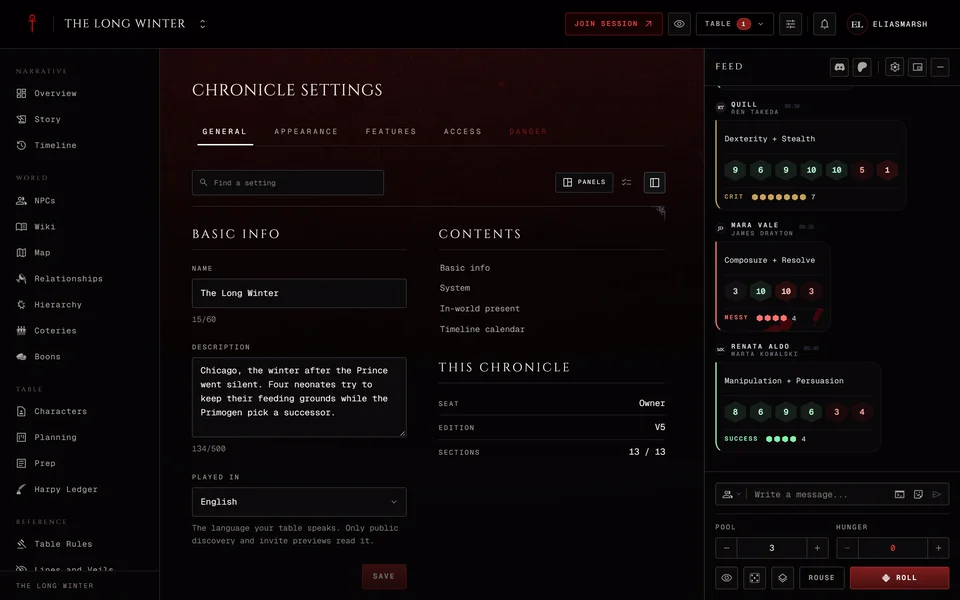
Open Settings, go to the Access tab and turn on Make this chronicle public in Public Sharing. Only the storyteller who owns the chronicle can do this. The block then shows the Share link with a Copy button. Anyone with the link can read the chronicle without an account. It's also listed on the Discover tab of the Chronicles page, where people can find it and follow it.
Under the share link is a Handbook link with its own Copy button. It opens straight on the Handbook, which shows only the entries you marked public. Mark them in the Handbook itself.
What visitors see
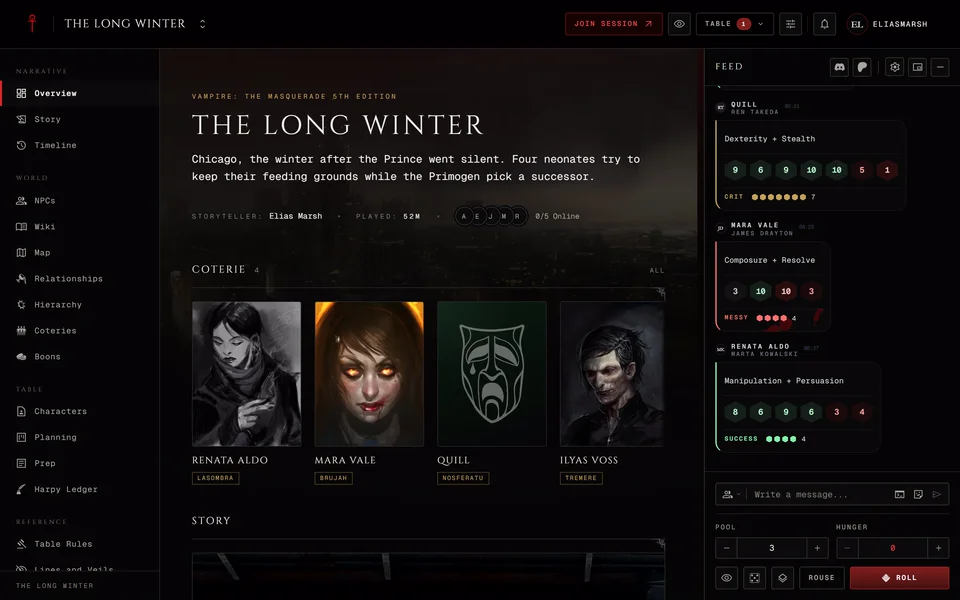
Visitors can read the wiki articles players can see, the handbook entries you marked public, the NPCs players can see, the characters, the chapters and sessions, the calendar, the timeline, the map, the relationships, the hierarchy, the coteries and the public boons. They can't see the dice, live sessions, the member list, invites, your planning, storyteller notes or XP requests. Quick Ref, Help, Table Rules and Lines and Veils stay closed to them too. Sections you turned off stay off for them. Visitors can only read and a banner tells them so.
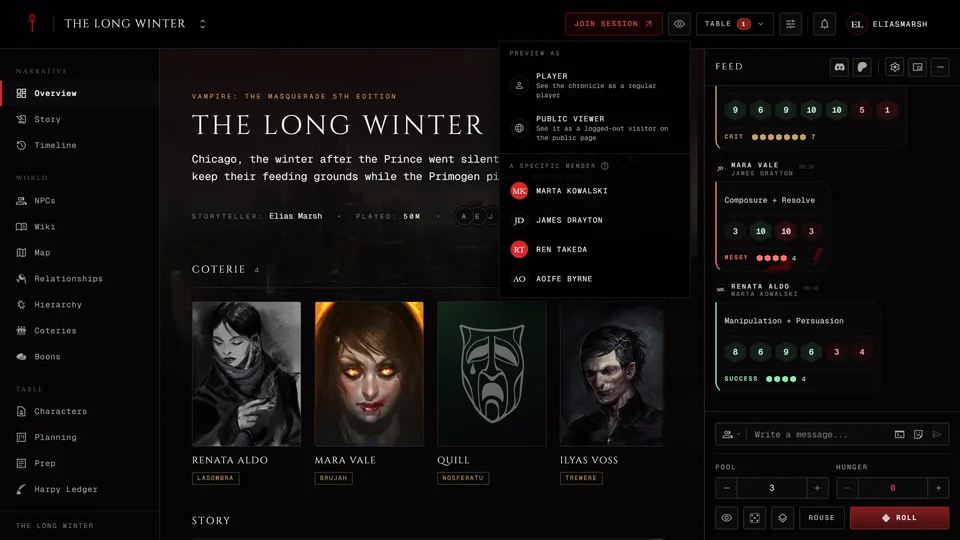
Anything you hid from players stays hidden from visitors. Use Preview as player and pick Public viewer to check before you share the link. Players can hide parts of their own sheets in their reveal settings and the same choices apply to visitors.
If players can publish wiki articles without your review a public chronicle puts those articles in front of visitors as soon as they're published. Settings warns you about that when you turn on publishing at once.
Reveal all to players
Reveal all to players at the bottom of the block makes every NPC, location, hierarchy rank, relationship and wiki article visible to players and so to visitors. Pressing it first shows a warning that this also exposes everything you were keeping hidden. Press Reveal all to players a second time to go ahead or Cancel to stop. Afterwards you can hide single items again one by one.
Making it private again
Turn the same switch off. The share link stops working for visitors and the chronicle leaves Discover. Archiving a chronicle also takes it off Discover.
A private chronicle can still be named on public character sheets. Public Character Sheets on the same tab decides whether a player's public sheet shows the chronicle's name and cover. The sheet can also show the chronicle's edition and whether it's open to visitors. Its description, members and everything inside it stay private.
Related articles
About this article
- Type
- FAQ
- Editions
- All editions
Need more help?

Ask the team in #ghoulapp-feedback on the Player Companion Discord. Or try #ghoulapp. GhoulApp players are active there and help each other.
Open Discord(New tab)