


Leave a chronicle
- NeronAuthor
- OzzEditor

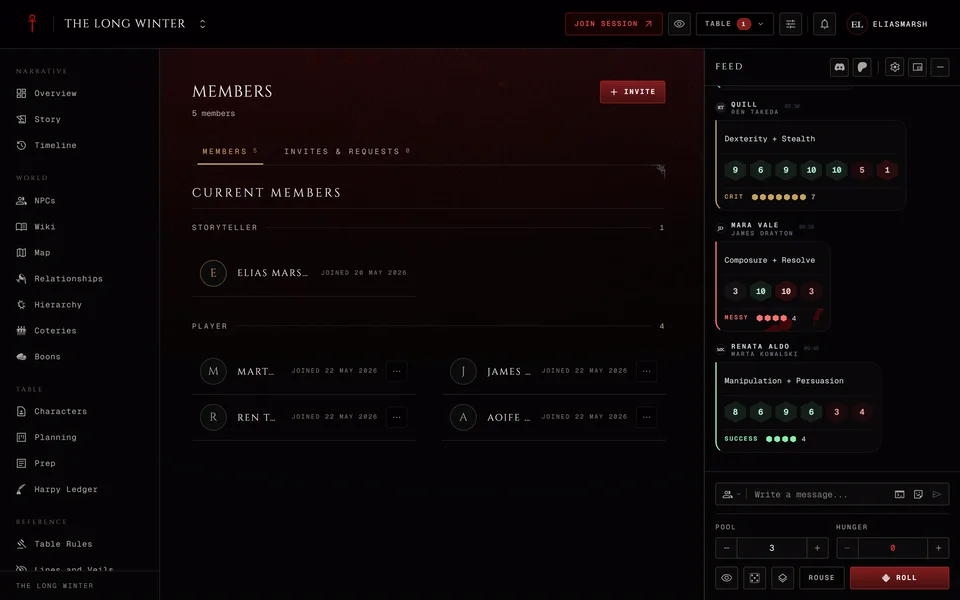
Open the chronicle's Members page and find your own row. Press the menu at the end of it and choose . The window says what's about to happen. Confirm with Leave chronicle and you're taken back to your list of chronicles. The chronicle no longer opens for you, so the browser's back button won't take you into it again.
Your characters stay on your account with every change made to them while they were in the chronicle. They're unbound from it and you can bring them to another table. To come back later you need a working invite, like the chronicle's join link or a new invite from the storyteller.
The storyteller doesn't get a notification when you leave. You drop off the member list. If you're leaving on good terms tell them yourself.
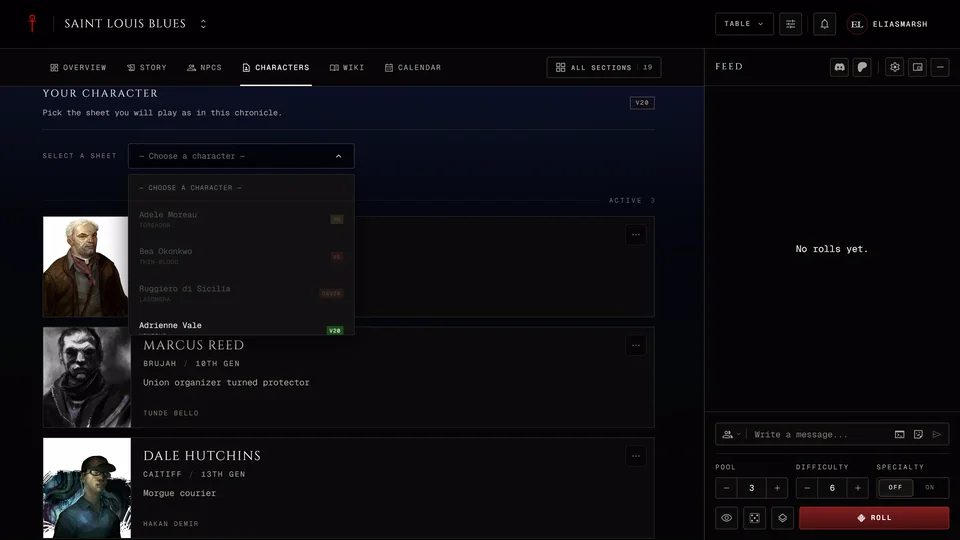
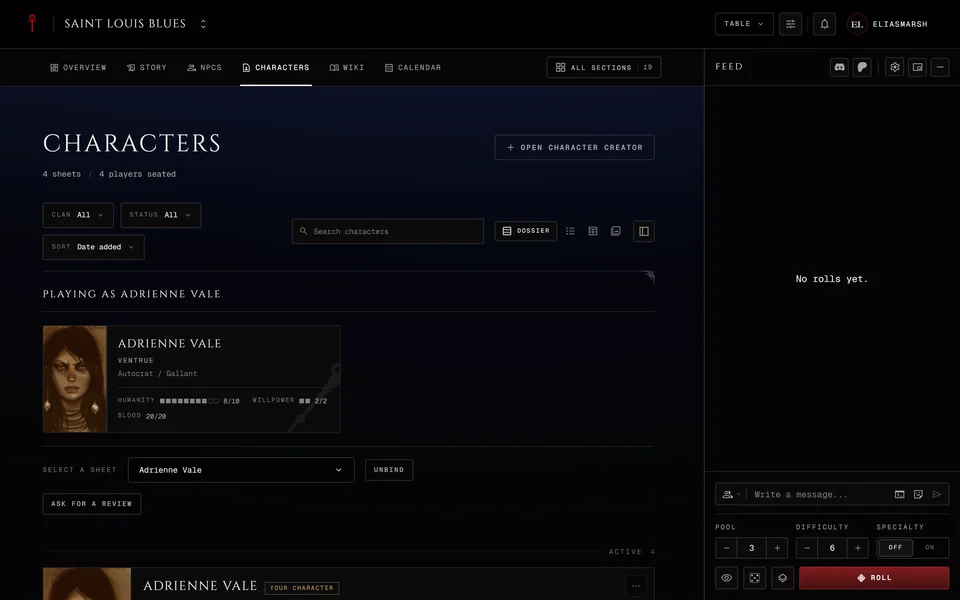
You don't have to leave to stop playing a character. Press Unbind in the Your Character panel on the Characters page and you stay a member without a character.
The storyteller, a co-storyteller or a moderator allowed to manage members can also remove you from their side. That works the same way as leaving.
The storyteller who owns a chronicle can't leave it. They archive or delete it instead. See Archive or delete a chronicle.
Related articles
About this article
- Type
- FAQ
- Editions
- All editions
In this article
Need more help?

Ask the team in #ghoulapp-feedback on the Player Companion Discord. Or try #ghoulapp. GhoulApp players are active there and help each other.
Open Discord(New tab)