


I have an invite link or code
- NeronAuthor
- OzzEditor

On this page 3
Open the link. It takes you to the chronicle's invite page.
If you only got a code press Chronicle in the top bar and find the Join a Chronicle card. On a computer the Join button at the top of the page takes you to it. On a phone the card is at the bottom of the Chronicles page. Paste the code or the whole link and press Join. Both take you to the same invite page. Codes are 10 letters and numbers and it doesn't matter whether you type them in capitals.
On the invite page
The page shows the chronicle's name and description, who made it, which edition it's based on and the role you'll join as. Press the button at the bottom:
- Join Now puts you in the chronicle right away and opens it.
- Request to Join sends your request to the storyteller. You see "Request sent" and the chronicle shows up in your list once they approve you. You also get a notification when they do. Opening the link again while you wait shows the same "Request sent".
If you aren't signed in the button reads Sign In and Continue. Choose Continue with Google or Continue with Discord, whichever your account uses. You come back to the invite page afterwards and press the button again. If you're already a member the link takes you straight into the chronicle.
An invite that came by e-mail to your address lets you in without waiting for approval, as long as you sign in with an account that uses that same e-mail.
After you're in
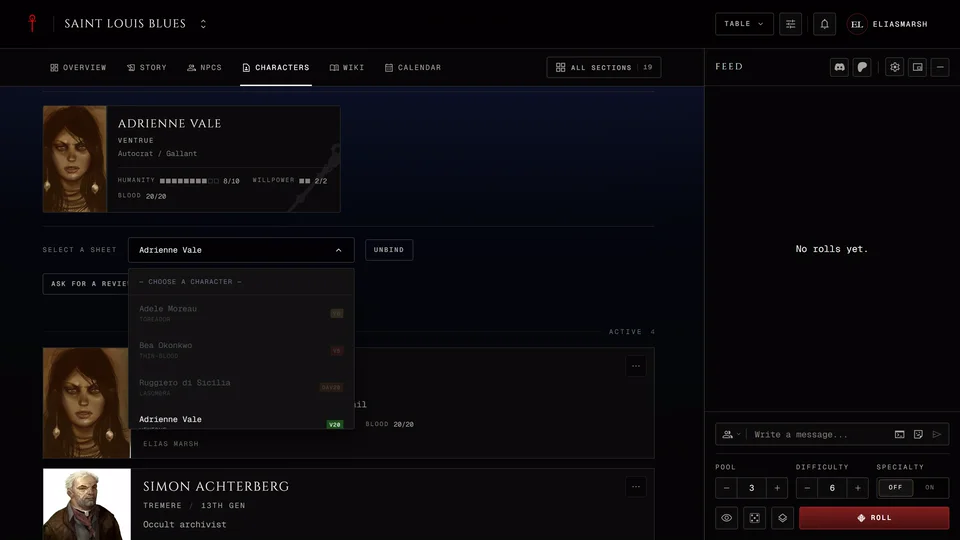
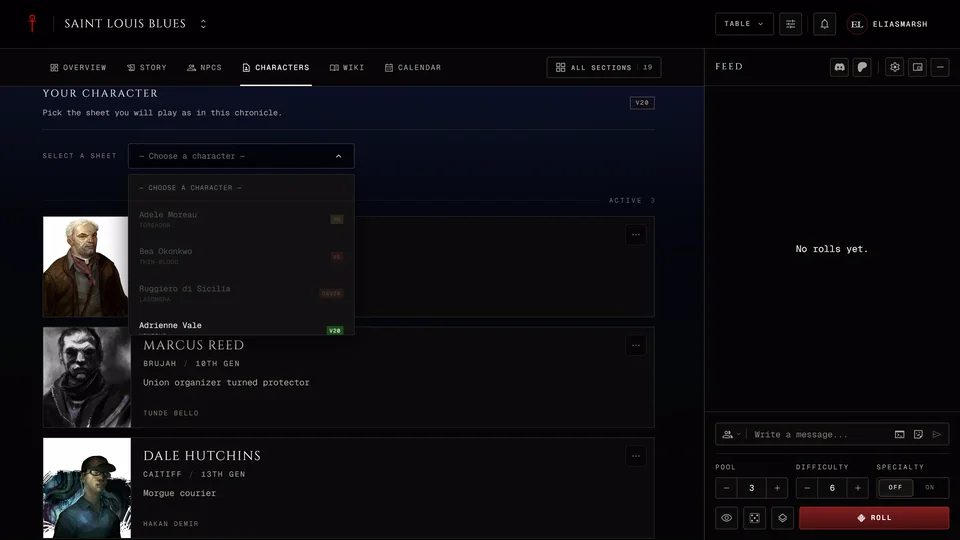
Joining doesn't ask for a character. You bind the one you want to play afterwards on the chronicle's Characters page. See Bind your character to a chronicle.
Some storytellers send a link that opens the character creator once you've joined, so you make your character by the table's rules straight away.
An invitation to your username
A storyteller can also invite you by your username. You get a notification with Accept and Decline and the invitation also waits on the My chronicles tab under Invitations. Either one works.
If the page says no chronicle matches the link, see The invite link doesn't work.
Related articles
About this article
- Type
- FAQ
- Editions
- All editions
Need more help?

Ask the team in #ghoulapp-feedback on the Player Companion Discord. Or try #ghoulapp. GhoulApp players are active there and help each other.
Open Discord(New tab)