


Join a chronicle with an invite
- BluenchanterAuthor
- OzzEditor


On this page 4
Your storyteller gives you an invite: a link or a short code. You need a GhoulApp account to join and a character sheet in an edition the chronicle accepts.
Open the invite
With a link: open it. You land on the invite page.
With a code: go to your chronicles (Chronicle in the top bar or Join a chronicle on the front page). In the Join a Chronicle card paste the code or the whole link into Paste invite link or code and choose Join. You need to be signed in for this. It takes you to the same invite page a link opens.
The invite page shows the chronicle's name and description, who made it, the rules it's Based on and what you're Joining as (usually Player).
Join or ask to join
- If you aren't signed in the button reads Sign In and Continue. Choose Continue with Google or Continue with Discord: the one your account uses. Then you come back to the invite.
- Signed in, choose Join Now if that's what the button says. You go straight into the chronicle.
- Many invites need the storyteller's approval. Then the button reads Request to Join and after you press it you'll see Request sent. The chronicle shows up in your list once the storyteller approves you.
If the page says This invite link has expired. or This invite link has reached its usage limit. ask your storyteller for a new one.
If the storyteller invited you by name
A storyteller can also invite your GhoulApp username directly. Then you get a page that says who invited you and the role you're invited as with Accept and Decline. Accept puts you in the chronicle and opens it. An invite sent to your e-mail address brings a message with a link. Open it and follow the steps above.
Pick your character
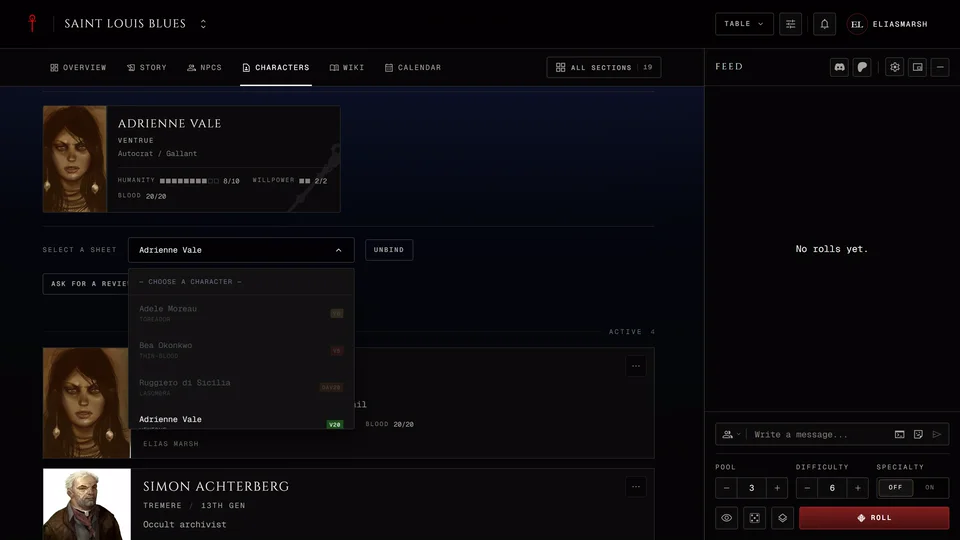
Inside the chronicle open Characters. The Your Character panel has a list called Select a sheet. Open it and choose the sheet you'll play. The sheet is bound to the chronicle as soon as you pick it and the panel then reads "Playing as" with its name. Unbind next to it takes the sheet out again.
From then on your storyteller can open and edit that sheet and your XP requests go to this chronicle. A sheet can be in one chronicle at a time.
Sheets you can't pick are greyed out. Point at one to see why. Either the edition doesn't match (the note names the chronicle's edition and the sheet's) or the sheet is already bound to another chronicle.
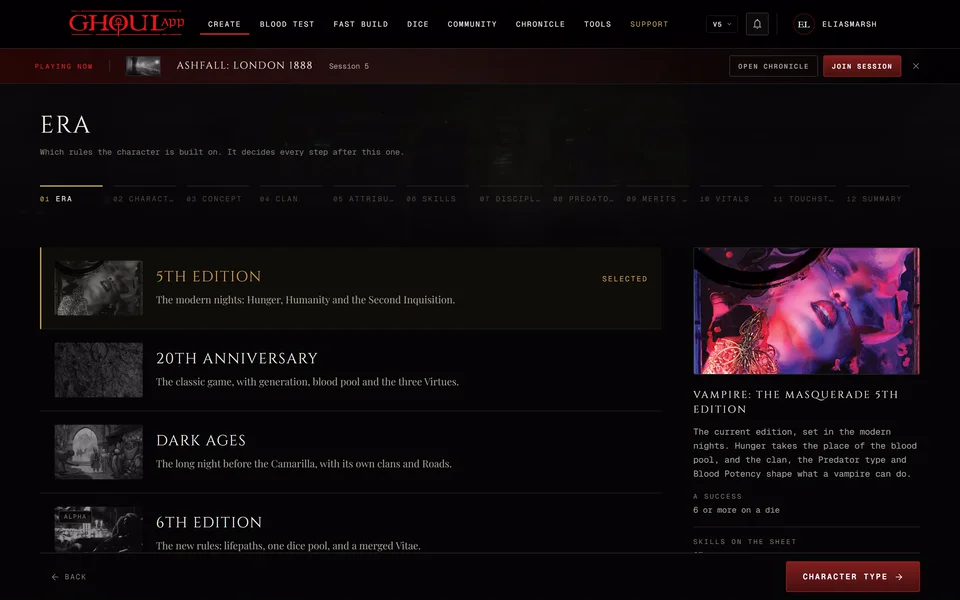
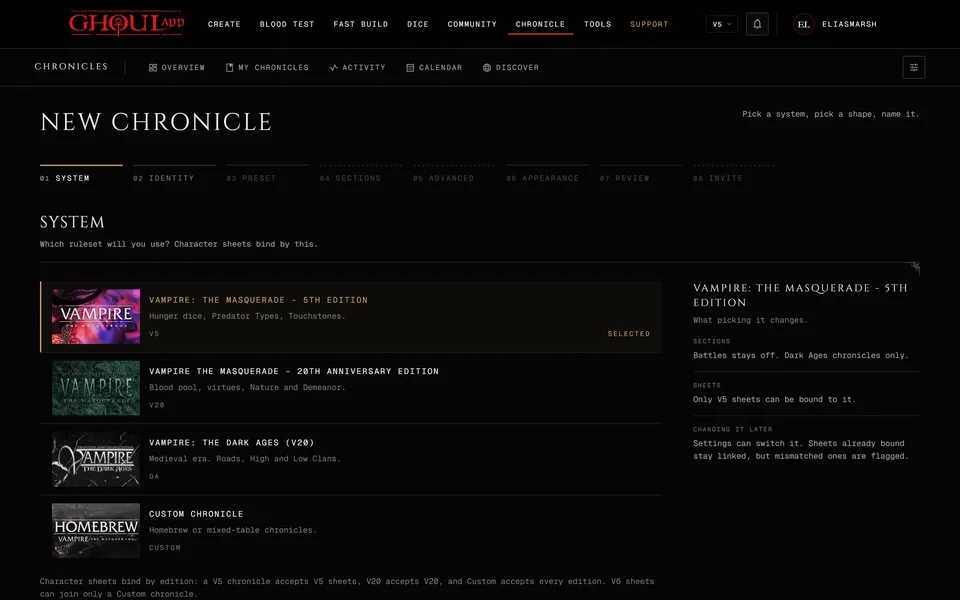
A V5 chronicle takes V5 sheets and a V20 chronicle takes V20 sheets. A Dark Ages chronicle takes Dark Ages and V20 sheets. A Custom chronicle takes sheets of every edition and it's the only one a V6 sheet can join. See The four editions and Custom.
If you have no sheet that fits the panel offers Open Character Creator. See Make your first character.
In a chronicle where the storyteller manages the characters the panel is called Your characters instead. The storyteller has already given you your sheets and you only choose which one is your main character.
Related articles

About this article
- Type
- Guide
- Editions
- All editions
Need more help?

Ask the team in #ghoulapp-feedback on the Player Companion Discord. Or try #ghoulapp. GhoulApp players are active there and help each other.
Open Discord(New tab)