


How do I change the app's language?
- BluenchanterAuthor
- OzzEditor


Scroll to the bottom of the page. The footer has a language button with a flag and the current language. Choose it and pick another one from the list. The page changes straight away.
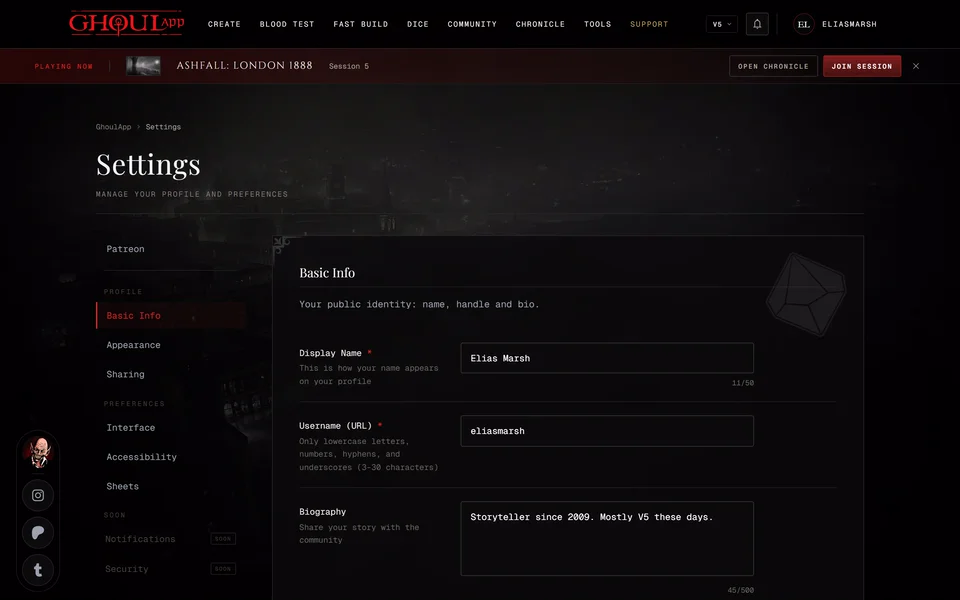
The footer isn't on every page. A character sheet, the pages inside a chronicle and an invite page don't show it. Go to the front page or your settings, change the language there and go back.
GhoulApp is in seven languages: English, Türkçe, Deutsch, Français, Italiano, Русский and Español. The buttons and labels change with the language and so does much of the rules text, like the V5 clans, Disciplines, Merits, Flaws and Predator Types. Some rules text is still English in some languages. Changing the language doesn't change your saved characters.
A few places stay in English in every language: the V6 creator screens and the V6 guide.
The language is saved in the browser you chose it in and not in your account. On another phone or computer choose it again there. GhoulApp starts in English and doesn't follow your browser's language by itself.
This help site is only in English for now.
Related articles
About this article

- Type
- FAQ
- Editions
- All editions
Need more help?

Ask the team in #ghoulapp-feedback on the Player Companion Discord. Or try #ghoulapp. GhoulApp players are active there and help each other.
Open Discord(New tab)