


Things waiting on you
- NeronAuthor
- OzzEditor

On this page 3
Some things can't go on until you act: a player waits for their XP, a newcomer waits to join your chronicle. GhoulApp lists those in one place. You'll find it as Waiting on you on your home page and as the Pending tab on the Notifications page. Both show the same list.
It's a list of work and nothing in it goes away when you read it. An item leaves the list once it's been dealt with.
What can show there
As a player you see invites, which read "Invitation to join" and the chronicle's name. As a storyteller you see what your chronicles need from you:
- a join request, like "Mara asked to join",
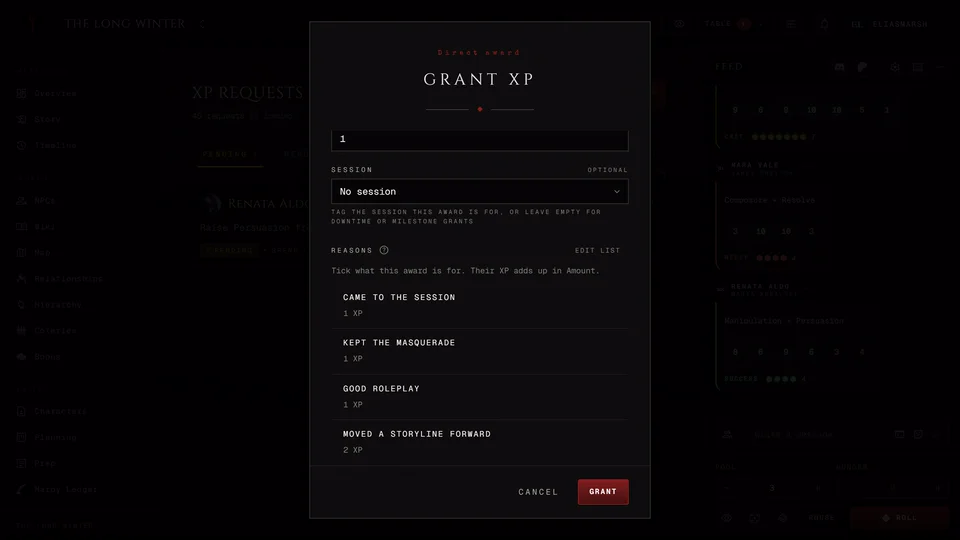
- "XP request waiting for your approval",
- a Lifecycle request waiting for approval,
- a wiki article or a map pin to review,
- "Haven request to review",
- "Played session with no recap" for a session that still needs one,
- an NPC request or a character to review,
- a boon waiting for approval, a disputed boon waiting for a ruling or a boon past its due night.
On the Pending tab the items are grouped by Today, Yesterday, This week and Earlier. When the list is empty it says "Nothing is waiting on you."
Answering
Two kinds can be answered right in the list. An invite has Accept and Decline. A join request has Approve and Reject. If that fails you read "Could not complete that. Try again." and the item stays.
Every other item opens the chronicle page where you deal with it, like the XP requests or the wiki review. See XP requests and approvals and Invite players.
The count in the header
The header can show a count of the work waiting in your chronicles. If you'd rather not see it turn off Chronicle count in the header on the Notifications page. That hides the number only. See Notifications.
Related articles


About this article

- Type
- Guide
- Editions
- All editions
Need more help?

Ask the team in #ghoulapp-feedback on the Player Companion Discord. Or try #ghoulapp. GhoulApp players are active there and help each other.
Open Discord(New tab)