


The community pages
- NeronAuthor
- OzzEditor

On this page 6
The Community hub is where public characters are listed. Every character set to public shows up there for anyone to browse and open. Open Community from the menu.
Explore
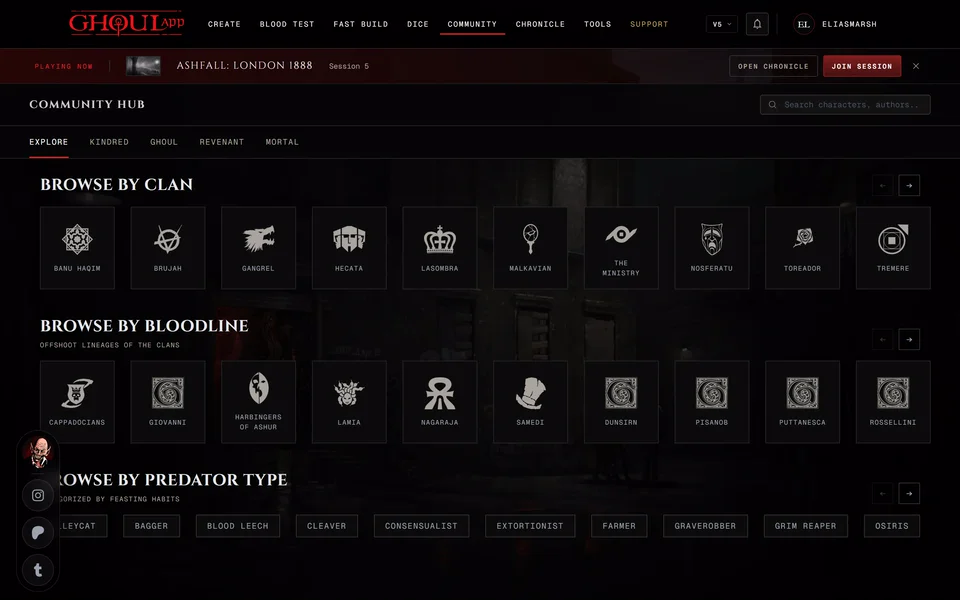
The hub opens on Explore. From top to bottom it has a strip of recent Patreon supporters, then Browse by Clan with one tile per clan. A tile opens that clan's page. New Kindred shows the newest public vampires and Popular Kindred the most liked. Browse by Bloodline follows with the bloodlines of the clans.
At the bottom V5 has Browse by Predator Type. V20 and Dark Ages have Browse by Archetype in its place. Press a chip and the list at the top narrows to characters with that Predator Type or archetype.
The clans and bloodlines follow the edition chosen in the edition menu at the top of the page. V6 uses the V5 lists.
The search box on Explore looks through the 48 newest public characters by name, concept or the owner's username. For older characters use the Kindred tab or the search box on your home page, explained in Search the app. When nothing matches you read "No kindred found." with Clear Search under it, which empties the search and the filters.
Browse by type
The other tabs list one kind of character each: Kindred, Ghoul, Revenant and Mortal.
Kindred has the most filters. With none set it shows the hub's newest characters. Once you type a name or pick a Version or a Clan it searches every public vampire and shows 24 at a time. Load More at the bottom fetches the next ones.
Start with Search Name... or a Version: V5, V20 or Dark Ages. Then pick a Clan and a Bloodline. Predator Type appears for V5 once a version is picked. V20 and Dark Ages get Generation plus Archetype: Nature and Archetype: Demeanor in its place. Each filter has its own Reset. Sort By has Newest and A-Z. When a search finds nothing Reset Filters clears them all.
On a phone the filters fold behind Filters. The button shows how many characters match.
The other three tabs show the newest 60 of their kind and work the same way with filters of their own. Ghoul has Domitor Clan and the type, Vassal or Independent. Revenant has Patron Clan and a Family filter when any family is listed. Mortal has no clan filter.
V6 characters aren't listed in these tabs. Neither are characters that use a custom clan.
Like and save
Choose a card to open the character's sheet. It opens read only.
Signed in you can like a character with the heart on its card. The number beside it counts the likes. You can't like your own characters. Signed out the heart says "Login to applaud the dead".
To save a character open the card's menu and choose Save. Saved characters are kept in your profile's Library under Saved. The same menu then reads Remove from saved.
Clan pages
Each clan has its own page with its name, a short tagline and a description. Below that "Known" and the clan's name lists up to 20 of the newest public characters of that clan. Community at the top takes you back to the hub.
Getting your character listed
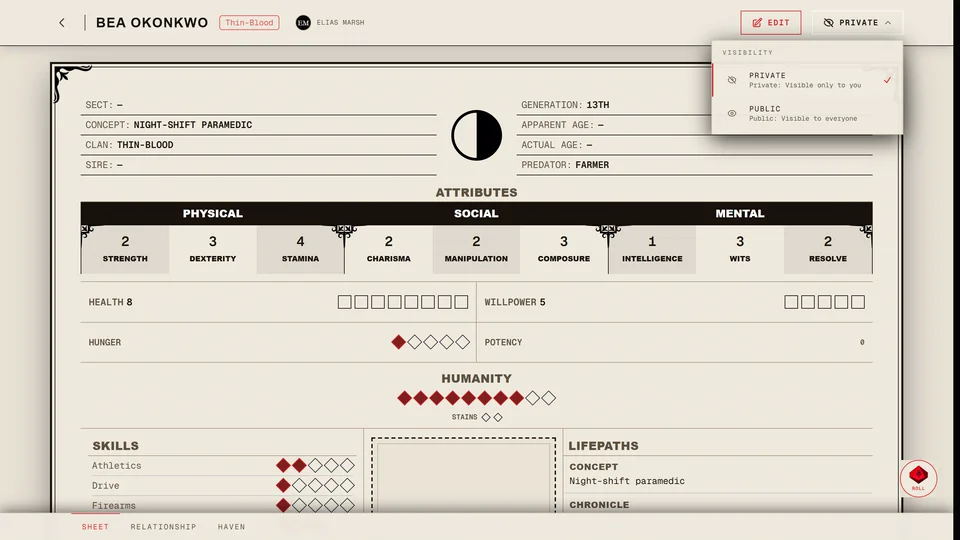
A character shows in the community pages when it's public. New characters start public. To change one open its card's menu on your profile's Characters tab and choose Make public or Make private. You can also change it from the sheet.
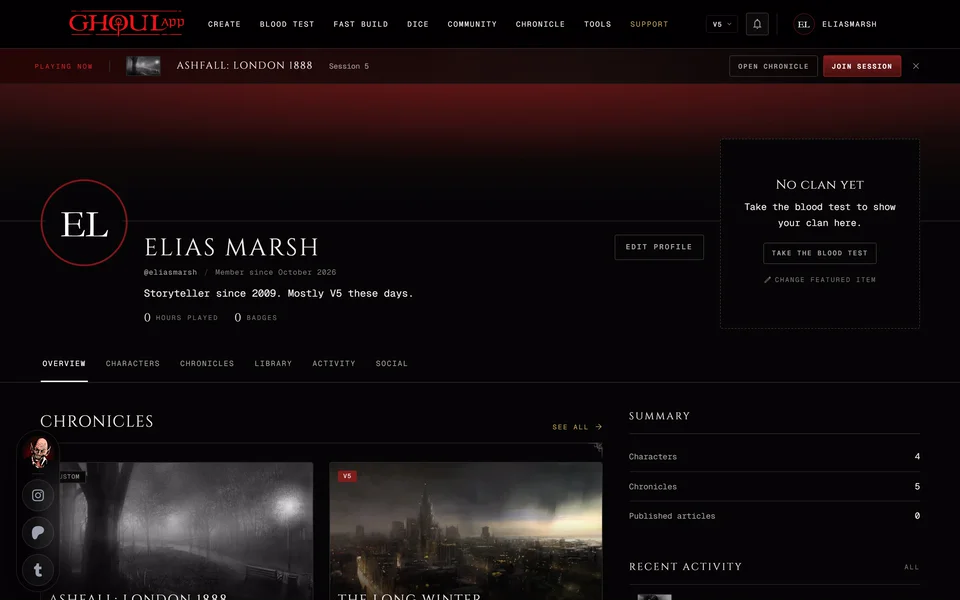
A private character disappears from the hub and from your profile for everyone but you. See Your profile.
Playlists
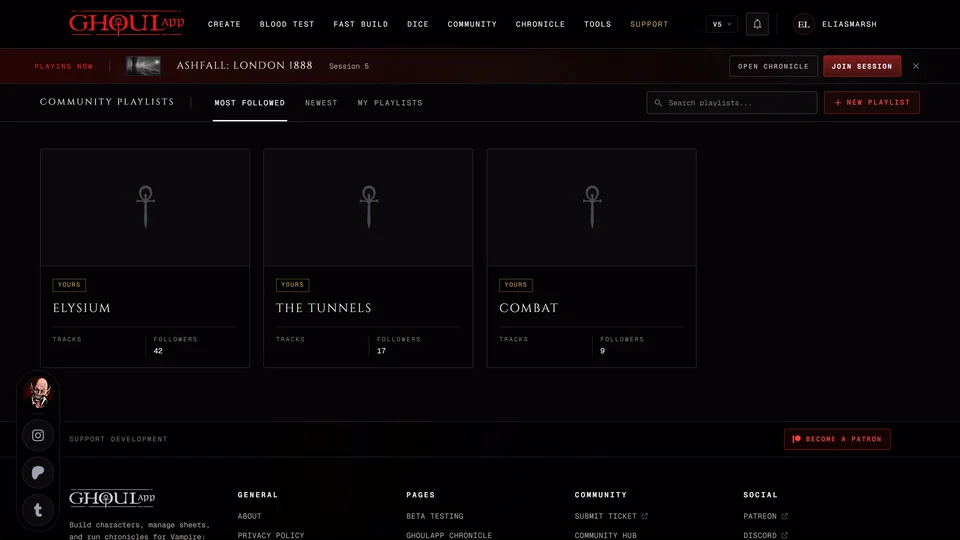
Music playlists people share for their games have their own page. See Community playlists.
Related articles
About this article
- Type
- Guide
- Editions
- All editions
In this article
Need more help?

Ask the team in #ghoulapp-feedback on the Player Companion Discord. Or try #ghoulapp. GhoulApp players are active there and help each other.
Open Discord(New tab)