


Community playlists
- NeronAuthor
- OzzEditor

On this page 3
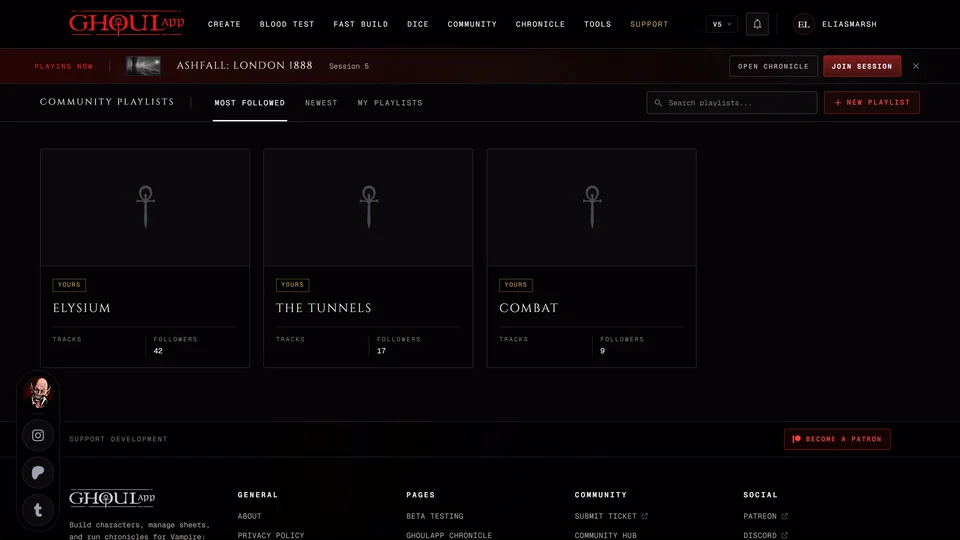
Community playlists are YouTube music lists that people share for their
games. Anyone can open and play them at ghoulapp.com/community/playlists.
The Community hub has no link to them, so open the page by that address.
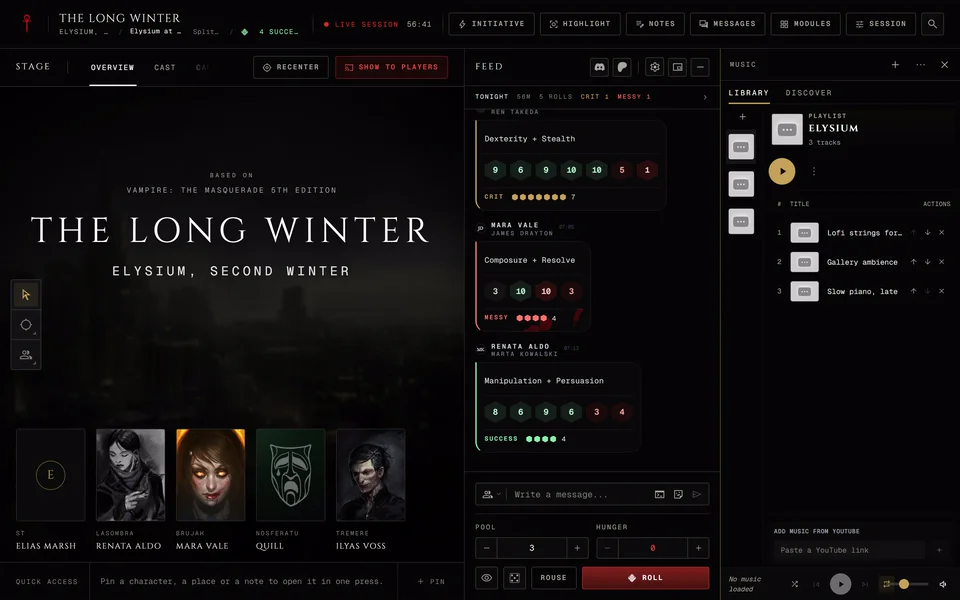
A storyteller can also find them in a live session's music panel under
Discover and follow or copy one into the chronicle. See Music in a
session.
Finding one
The page has Most followed and Newest. Signed in you also get My playlists. Search playlists... looks at the name, the description, the author and the chronicle a playlist belongs to.
Press Play on a card to hear it there. Open a playlist to see its tracks. Play all plays it from the top and each track has its own play button. The side shows who made it, its chronicle if it has one and how many people follow it.
Signed in you can Follow a public playlist and it shows Following after that. Signed out the page asks you to log in first.
Making your own
- Choose New playlist.
- Give it a Name. A Description is optional.
- Pick a Visibility. Public reads "Anyone can find and follow it here." Private reads "Only you can see it." A new playlist starts public.
- Press Create.
- Paste a YouTube link under Add music from YouTube and press Add. On a phone the plus button at the top opens the same box.
Only YouTube links work. Anything else shows "That is not a YouTube link." The track takes the video's title.
Changing it later
Each track's menu has Move up, Move down and Remove. Under Manage you'll find Edit details to change the name, description and visibility. Delete asks first because a deleted playlist can't be brought back. On a phone both are in the playlist's menu at the top.
Related articles
About this article
- Type
- Guide
- Editions
- All editions
Need more help?

Ask the team in #ghoulapp-feedback on the Player Companion Discord. Or try #ghoulapp. GhoulApp players are active there and help each other.
Open Discord(New tab)