


Link your Patreon account
- NeronAuthor
- OzzEditor

On this page 4
Supporting on Patreon and linking Patreon to GhoulApp are two separate steps. Your membership lives on Patreon. Linking tells GhoulApp which Patreon account is yours so it can show your tier and your badge. You need to be signed in to GhoulApp to link.
Connect
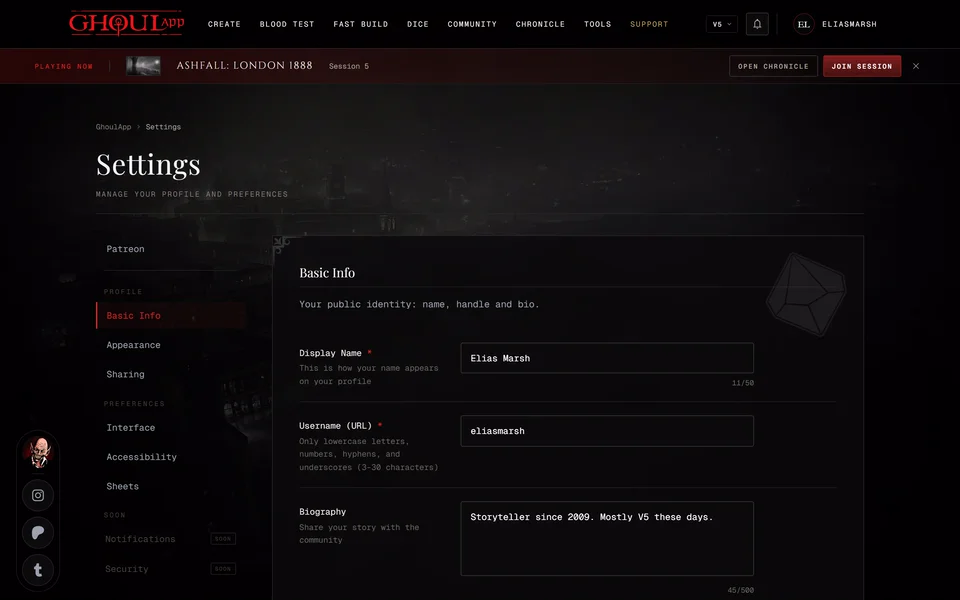
- Open your settings and choose Patreon. The section shows PATREON NOT CONNECTED while nothing is linked.
- Choose Connect Patreon. On a computer Patreon opens in a small window. On a phone or if your browser blocks the window it opens in the same tab.
- Sign in to Patreon with the account you support GhoulApp from and allow the connection.
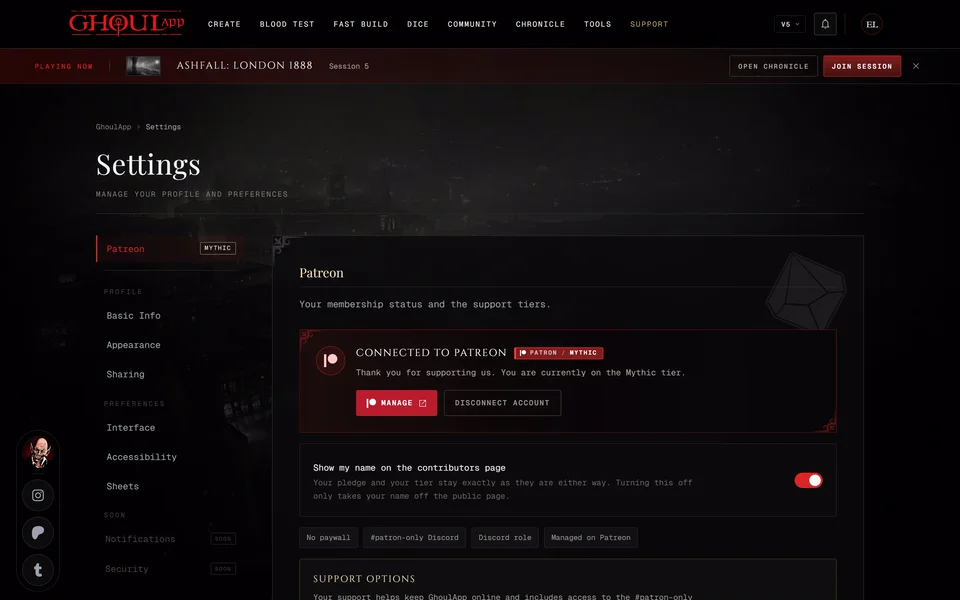
If it worked you're back in your settings with the message Connected to Patreon. With an active membership the card names your tier and shows your badge.
While your Patreon isn't linked the menu under your picture also has Connect Patreon. It takes you to this section of your settings. You can also start from the Support page. When you're signed in it shows a Supporter account card with a Connect Patreon button that takes you to the same place in your settings.
What the card shows
With an active membership the card thanks you and names your tier. Manage opens your membership on Patreon and Disconnect Account removes the link.
If the account is connected but Patreon reports no paid tier the card says it's linked and shows no tier. Pick a tier with Support on Patreon to get your badge and Discord roles.
After a membership ends you're shown as a Former Supporter. Support on Patreon lets you support again and that brings your tier back.
Below the card Support options lists all six tiers. Your current one is tagged Current and its button reads Manage. The others have Support, which opens that tier on Patreon. See What does supporting on Patreon give me?
Disconnect
Choose Disconnect Account. You'll see Patreon account disconnected. Your Patreon membership isn't changed or cancelled. Only the link to GhoulApp is removed so the badge goes away. To cancel a membership do it on Patreon.
If connecting fails
- "That Patreon link expired or was already used." Start again with Connect Patreon on the same page.
- "That Patreon account is already connected to a different account here." One Patreon account can be linked to one GhoulApp account. Sign in to the other GhoulApp account and disconnect it there first.
If your tier still doesn't show after linking see My Patreon support doesn't show.
Related articles

About this article
- Type
- Guide
- Editions
- All editions
Need more help?

Ask the team in #ghoulapp-feedback on the Player Companion Discord. Or try #ghoulapp. GhoulApp players are active there and help each other.
Open Discord(New tab)