


Report a bug or send feedback
- NeronAuthor
- OzzEditor

On this page 4
First look at the known issues. If your problem is there it says what to do in the meantime.
Otherwise the quickest way to reach a person is the GhoulApp Discord server. Our contact page has the Open Discord button. Post the bug or the idea there. You can also write to info@playercompanion.com.
The feedback button
On a computer or a tablet there's a column of round buttons in the bottom left corner. The top one is the GhoulApp ghoul. Hover over it and it says Feedback. Press it and our Discord opens in a new tab. Under it are links to our Instagram, Patreon and Tumblr.
On a phone you only see the ghoul's face. Tapping it opens the Tumblr, Patreon and Instagram links above it. There's no Discord link in it on a phone, so use the contact page.
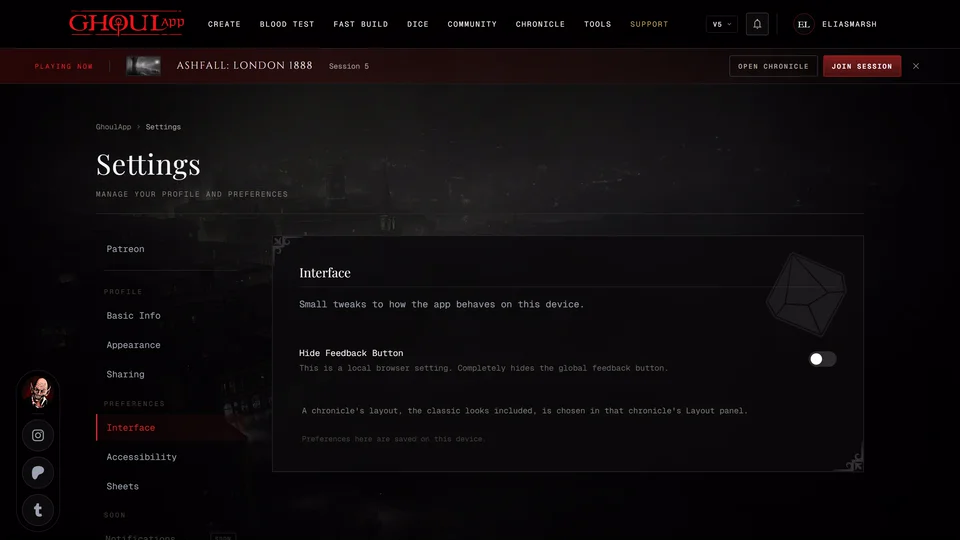
You won't find the button everywhere. It stays off chronicle pages, the live table, the creator once you've started a character, Fast Build and the clan quiz. On a phone it's off the creator altogether. It also hides while a sheet is open from the bottom of the screen. If you've hidden it yourself see Hide the feedback button.
The Submit Ticket link
The footer at the bottom of most pages has Submit Ticket under Community. It opens our feedback form in a new tab with the page you were on already filled in. Use it when you'd rather fill in a form than post on Discord. The Tools page has its own link to the same form for suggesting a tool.
When the app shows an error
On the "Something went wrong" screen press Copy next to Error details and paste that into your message. Submit Ticket on that screen opens the same form. The app won't load or stays blank has more about that screen.
What to put in your message
- Which page you were on and the edition of the character or chronicle.
- What you pressed, what you expected and what happened.
- A screenshot if you can take one.
- Your browser and device when the problem is about loading or the layout.
Related articles

About this article
- Type
- Guide
- Editions
- All editions
Need more help?

Ask the team in #ghoulapp-feedback on the Player Companion Discord. Or try #ghoulapp. GhoulApp players are active there and help each other.
Open Discord(New tab)