


Using GhoulApp on a phone
- BluenchanterAuthor
- OzzEditor


On this page 6
There's nothing to install. Open ghoulapp.com in your phone's browser and sign in. Once you're signed in the controls you use most move to a bar at the bottom of the screen, where your thumb can reach them. Without an account you keep the menu at the top. A wider screen keeps the menu at the top too.
The bottom bar
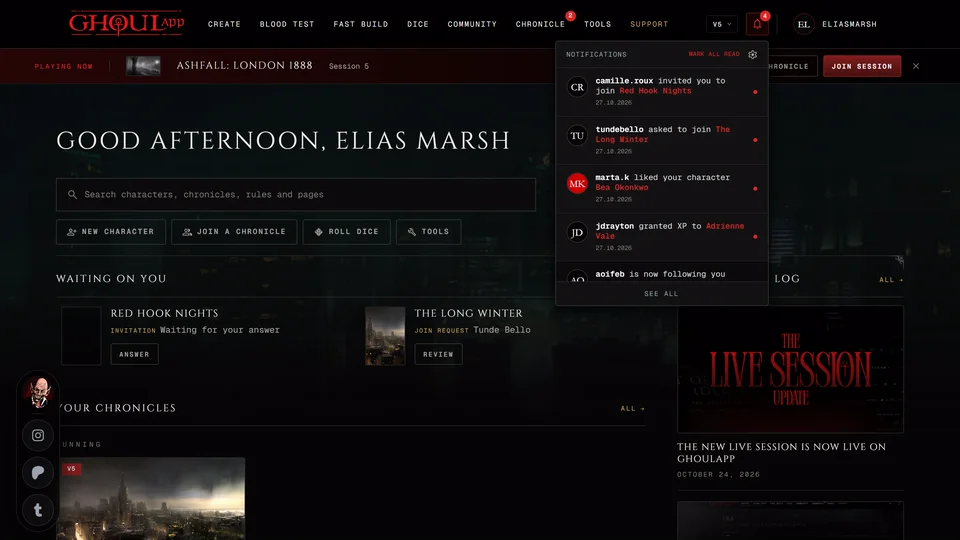
The bar has Home, Chronicle, Dice, Alerts and Profile. Dice takes you to the dice roller page. Alerts shows how many notifications you haven't read and opens them in a sheet over the page. Profile opens the menu that sits under your picture on a computer, with your profile, Profile Settings and Log Out.
A sheet that opens from the bar closes when you tap outside it, when you go to another page or with Esc on a keyboard.
The bar isn't there on every page. Your character sheet, the creator, Fast Build and a sheet someone shared with you use the full screen without it. So do the clan quiz, the Discord bot page, invite pages and the Starting guide.
Inside a chronicle
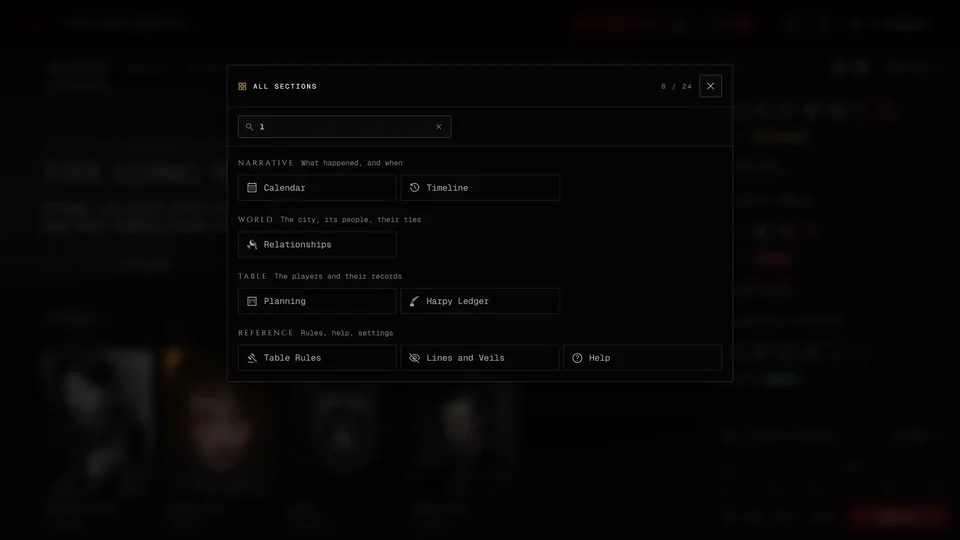
A chronicle has a bar of its own: Overview, Sections, Dice, Alerts and Profile. Overview goes back to the chronicle's home. Sections opens every part of the chronicle in one list and its badge counts what's waiting in the other sections. Dice opens the dice tray from the bottom and shows how many new rolls you missed. Drag the tray down by its top edge to close it.
While a session is running a Join cell shows up after Dice. It opens the live table in a tab of its own. The Find your way around a chronicle article has the details.
Your sheet
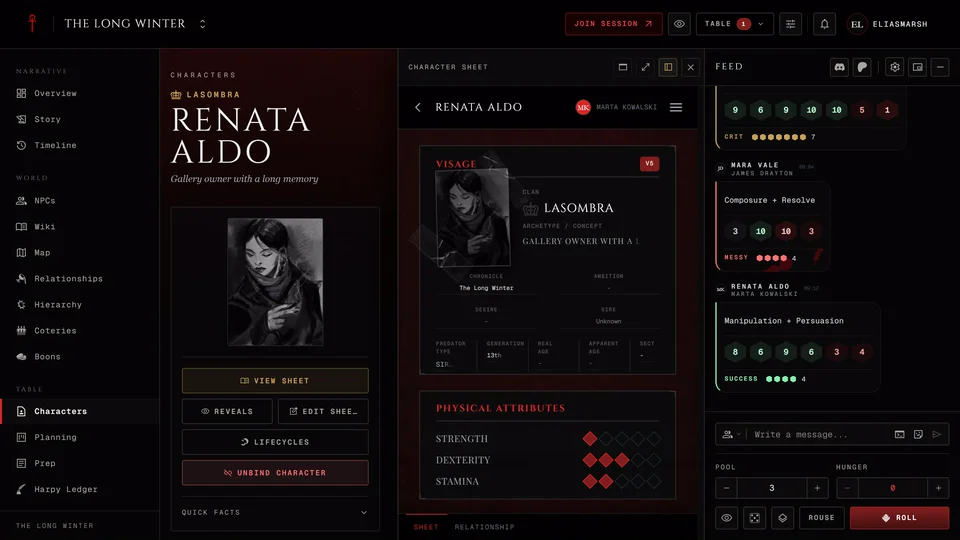
Most of the buttons from the sheet's header are in its Menu on a phone. Edit is called Game Mode there and Display is called Sheet display. With Paged view on the page names scroll sideways along the top. Tap one to switch. See Find your way around the sheet.
The creator
In the creator a bar along the bottom has Back, your place in the steps and Next. The older creator shows Back, your character's name and NEXT.
The live table
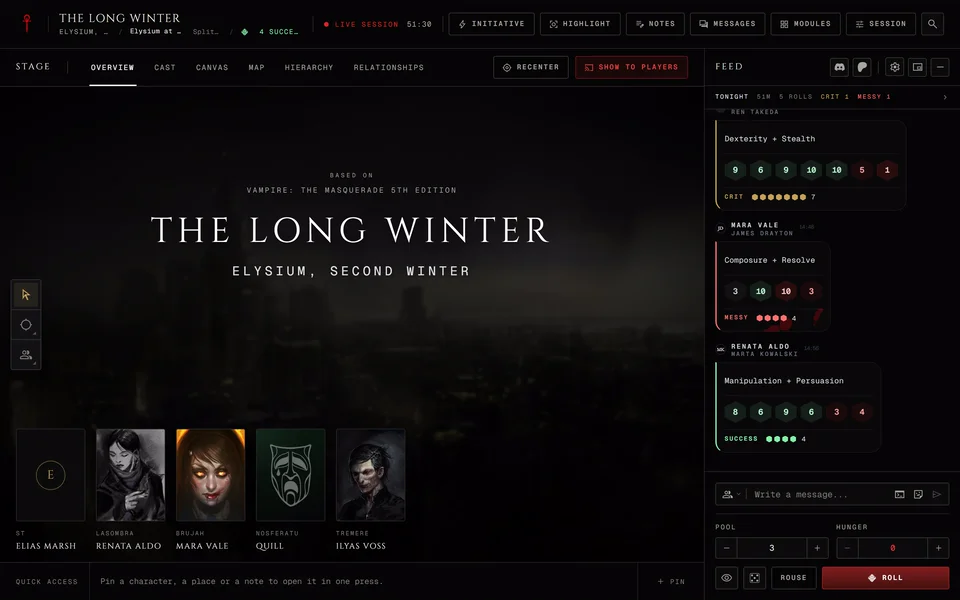
At a live session the phone gets its own table. The header shrinks to one row and a bar along the bottom holds the rest: Stage, Sheet for a player with a character or Notes for a storyteller, then Feed, People and Tools. Feed is the dice tray and chat and shows unread rolls. People shows how many hands are raised. The live table explains each part.
Something looks wrong
If a page is cut off or a button sits under something else reload the page. If it stays broken tell us which page it was and send a screenshot.
Related articles
About this article

- Type
- FAQ
- Editions
- All editions
In this article
Need more help?

Ask the team in #ghoulapp-feedback on the Player Companion Discord. Or try #ghoulapp. GhoulApp players are active there and help each other.
Open Discord(New tab)