


The app won't load or stays blank
- Lithaner555Author
- OzzEditor


On this page 6
You opened GhoulApp and it stays black, reloads a few times on its own or stops on an error screen. Find what your screen shows below. They're in order of how often people meet them.
The page reloads on its own
Right after we publish an update your browser can still hold parts of the old version. The app notices and reloads itself to fetch the new one. While it waits you may see "Updating to the latest version..." along the bottom of the screen. It tries up to four times over about a minute and then stops. If the tab was in the background it waits until you look at it again. After ten minutes it starts counting from the first try again.
If it stops and the page is still blank do a hard refresh. That's Ctrl+Shift+R in most browsers on Windows and Linux and Cmd+Shift+R in Chrome or Firefox on a Mac. In Safari it's Cmd+Option+R. On a phone close the tab and open GhoulApp again.
Before it reloads the app saves anything you were writing. Sometimes the bottom line says "Update paused: a draft could not be saved." The app held back because that save failed. Check your connection and give it a moment. Reload anyway reloads now and whatever wasn't saved is lost.
It says "Session error"
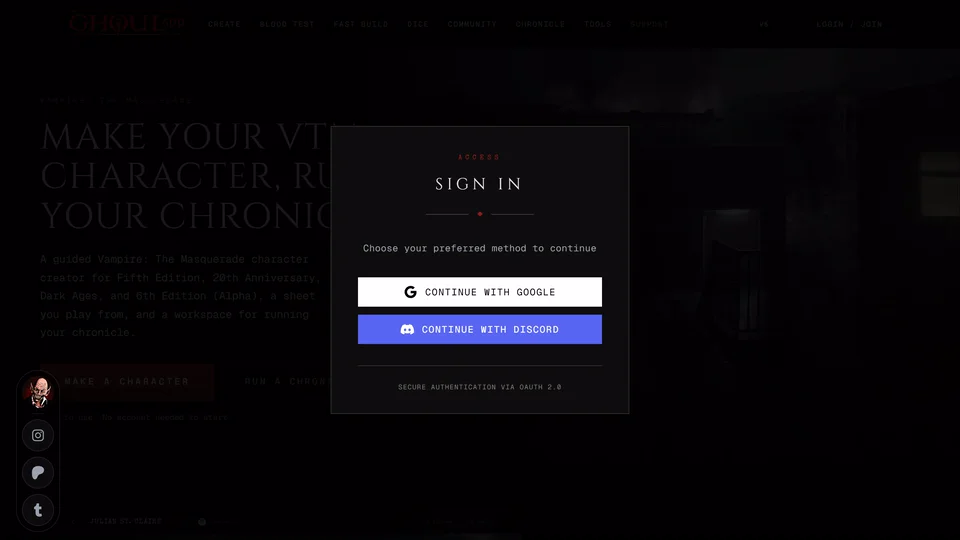
When signing you in takes longer than eight seconds the app stops waiting and shows Session error with "Your session could not be restored." Browser privacy settings, a sign-in that has gone stale or a slow connection can all cause it.
Press Clear Session & Retry. It signs you out in this browser and reloads the page. It only removes your sign-in. Characters you keep in this browser without an account stay where they are. Then sign in again the way you always do. If you end up on the same screen check your connection first and then see I can't sign in.
It says "Something went wrong"
A page hit an error the app couldn't recover from. Press Try Again to reload the same page or Home to start from the front page. This screen shows in English or Turkish only.
If it keeps coming back on the same page look at Error details. It's open already and shows the error. Press Copy next to it and the button reads Copied for a moment. That copies the time, the page address and the error so you can paste them into a report. Submit Ticket opens our feedback form in a new tab with the page address already filled in.
It says "This page does not exist"
The address doesn't match any page in the app. Check it for a typo. The page also suggests that what was there may have been deleted or set to private. From there Go to home or Search the site.
A link to a character, chronicle or profile that was deleted or made private shows its own message instead, like "Character not found." Inside a chronicle it reads "Character not found in this chronicle." Ask whoever sent the link whether it still exists.
Still blank
Make sure you're online. A browser extension that blocks scripts can also stop the app from starting. Try a private window with extensions off or a different browser. If GhoulApp works there turn your extensions back on one at a time to find the one that blocks it.
Where to ask
If nothing works report it with your browser, your device and what the screen shows. A copy from Error details helps most.
Related articles
About this article
- Type
- Troubleshooting
- Editions
- All editions
Need more help?

Ask the team in #ghoulapp-feedback on the Player Companion Discord. Or try #ghoulapp. GhoulApp players are active there and help each other.
Open Discord(New tab)