


Hide the feedback button
- NeronAuthor
- OzzEditor

On this page 3
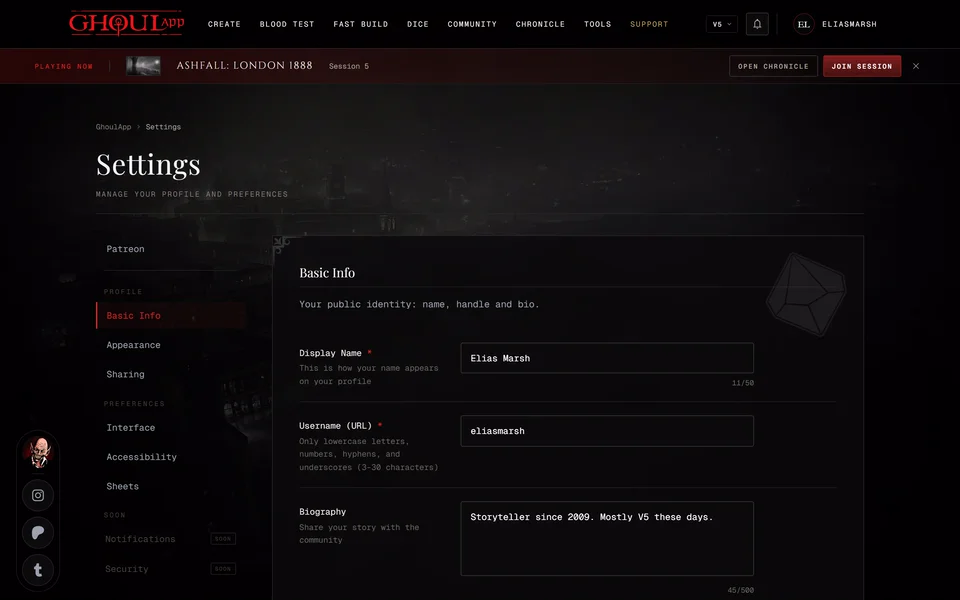
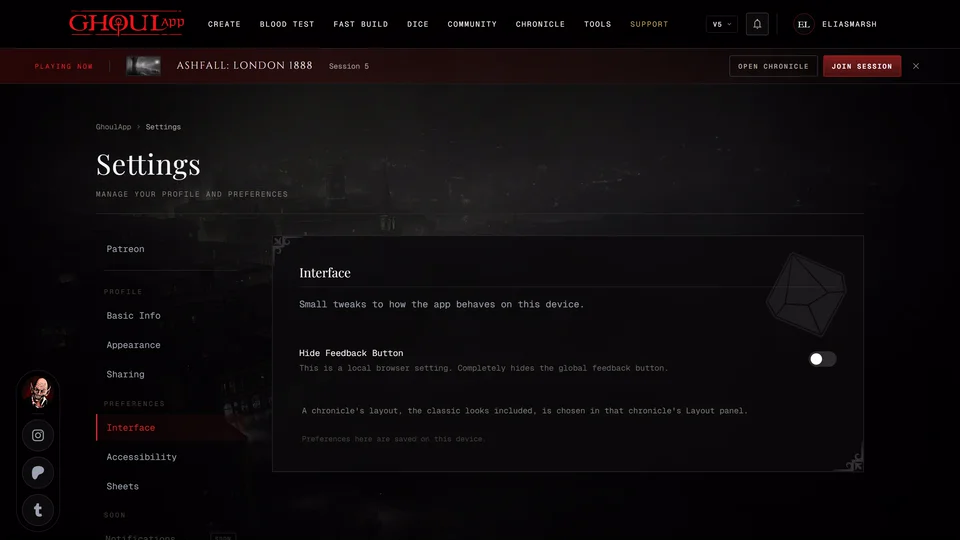
Open the menu under your picture at the top of the page (Profile in the bottom bar on a phone) and choose Profile Settings. Pick Interface under Preferences in the list on the side and turn on Hide Feedback Button. The round buttons in the bottom left corner disappear right away, the ghoul's face on a phone included. There's no save step. Other GhoulApp tabs open in the same browser hide it too.
It came back
The setting is kept in this browser only. Your phone and your computer each have their own. A different browser or a private window still shows the button. Clearing your browser's site data brings it back too. Turn the switch on again there.
It went away on its own
The button also steps aside by itself in a few places. It's never on chronicle pages, the live table, the clan quiz, the creator once you've started a character or Fast Build. On a phone it's off the creator altogether. It hides while a sheet is open from the bottom of the screen and comes back when you close it. On a phone's settings page it moves up out of the way of the save bar. None of this changes your setting.
To get the button back turn the same switch off.
Sending feedback without it
Hiding it doesn't stop you from sending feedback. The Discord server is on our contact page and Report a bug or send feedback explains what to send.
Related articles

About this article
- Type
- FAQ
- Editions
- All editions
Need more help?

Ask the team in #ghoulapp-feedback on the Player Companion Discord. Or try #ghoulapp. GhoulApp players are active there and help each other.
Open Discord(New tab)