


The second screen stays empty


On this page 10
Most of the time the screen is waiting for the storyteller's table tab or it's showing exactly what it should, which is less than you expected. Read what the screen says and find it below.
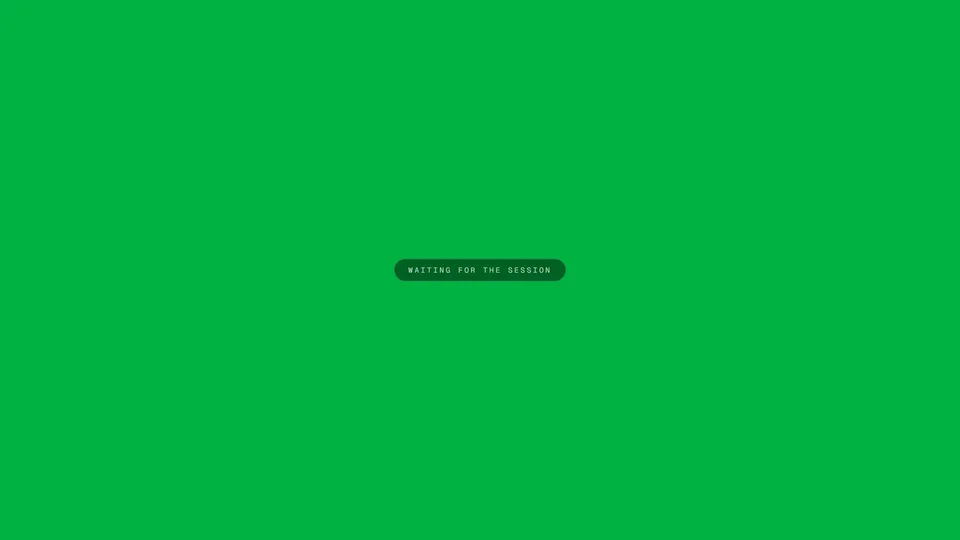
It says "Waiting for the session"
The screen is connected but it hasn't heard from the table yet. This only shows before the first contact. Usually the storyteller's table tab is closed or still loading or the computer went to sleep. Open the table again on the storyteller's side. The display checks every few seconds and asks the table again after half a minute of quiet, so the stage comes back by itself.
The picture froze
When a screen that was already showing the stage loses the table it keeps the last picture. It doesn't go back to "Waiting for the session". The table tab was closed or the computer slept. Open the table again and the screen picks it up within about half a minute.
It shows only the chronicle's name
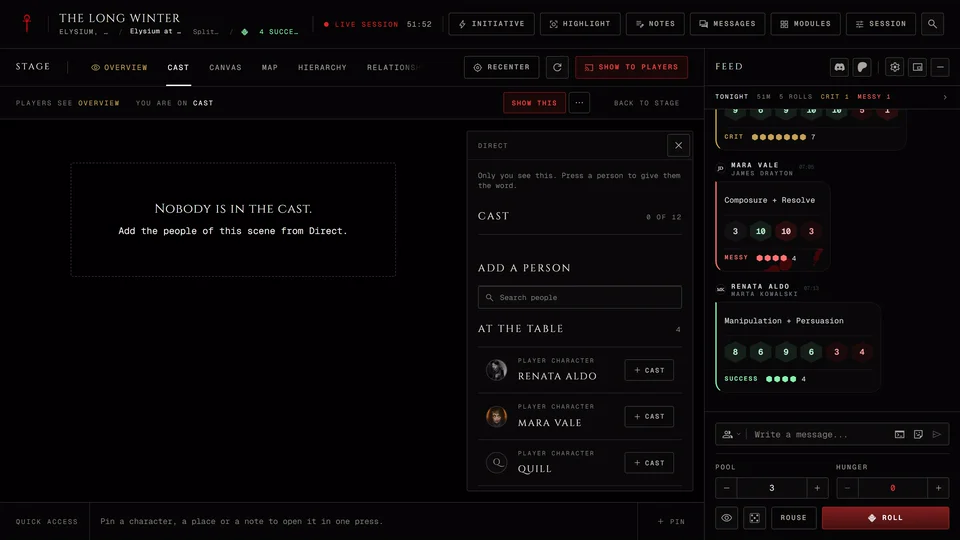
Someone pressed Blank display. The storyteller presses Show the stage again in the line under the stage. That line is on a computer only, so from a phone the storyteller can't do it. A dark screen with the chronicle and scene names is also normal when nothing has been rolled or shown yet.
Something was shown but the screen didn't change
The screen shows what's shown to everyone, one thing at a time. A chapter card goes first, then an open handout, then the record of whoever has the spotlight, then a picture or record you showed. A picture or record leaves again after two minutes. Shows to chosen players never reach it and neither does anything shown before the screen connected. Show it again and it appears.
It says the session ended
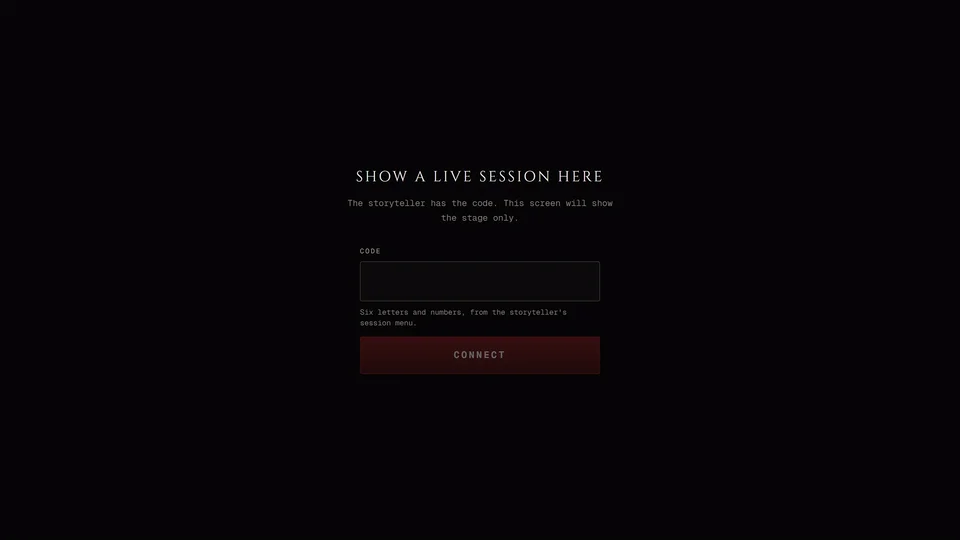
The screen says the session ended or the storyteller disconnected it and offers Connect again. Either the night is over or someone pressed Disconnect, which cuts off every display at once. A code works only once, so the storyteller has to press Connect at Connect a display in the Session menu for a new one. Then press Connect again on the screen and type it in.
The code doesn't work
"This code does not work" usually means a typo or an old code. A code lasts ten minutes and works once. When it runs out the storyteller's drawer reads "The code ran out." and New code makes another. After too many wrong tries the screen asks you to wait ten minutes. "Could not connect" means the TV or tablet has no internet.
There's no chat on it
That's on purpose. A display shows the stage and never the chat. It also always draws on a dark background whatever the Broadcast panel says. The stage window on the storyteller's computer can show chat with Chat on stream.
The stage window stays empty
The stage window only hears a table that's open in the same browser on the same computer. If it was opened in another browser or on another device it waits and never fills. Open it from the Session menu on the computer that has the table.
If no window opened at all the browser blocked it. The Broadcast panel says "The browser blocked the window. Allow pop-ups for this site, then try again." Allow pop-ups for the site and press Open window.
I can't find Connect a display
Only the chronicle's storytellers have it and only while the session is running. It's gone once the session has ended. On a computer it's in the Session menu under Stage. On a phone the Session menu is inside the Tools cell of the bottom bar.
The phone at the table is silent
When a phone is showing the table in a room with a TV its bar reads "On the TV now" and "Music plays on the TV." That's on purpose so the music doesn't play twice. The TV plays it.
If none of this fits ask in the GhoulApp Discord or contact us from this help site. Tell us which kind of second screen you use, the device and the exact message it shows.
Related articles
About this article
- Type
- Troubleshooting
- Editions
- All editions
Need more help?

Ask the team in #ghoulapp-feedback on the Player Companion Discord. Or try #ghoulapp. GhoulApp players are active there and help each other.
Open Discord(New tab)