


Can I see plot threads or secret notes?
- BluenchanterAuthor
- OzzEditor


On this page 3
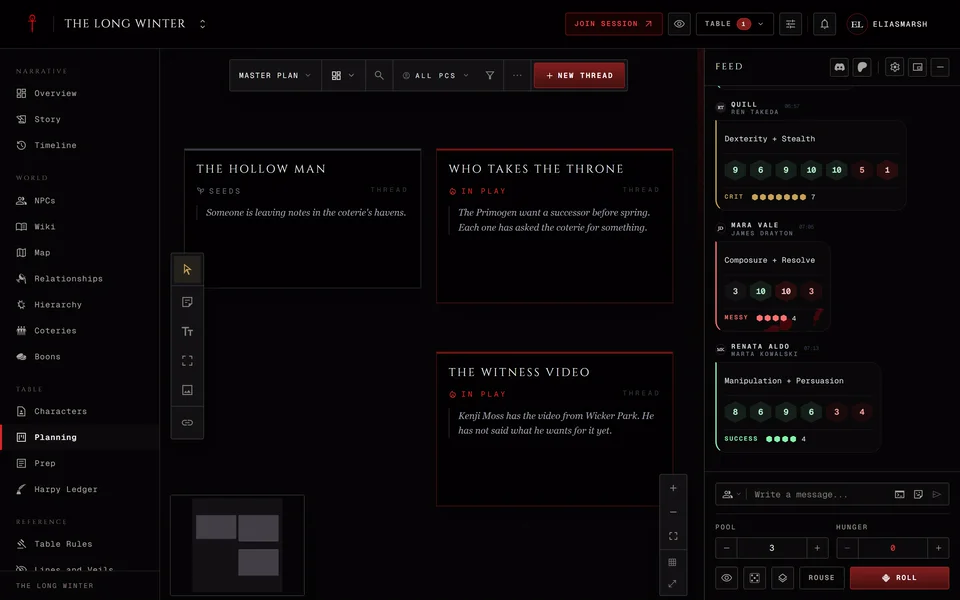
No. Plot threads live in The Planning board and only storytellers can open it. A storyteller can give someone the permission to manage planning. This is the same in every edition.
Notes
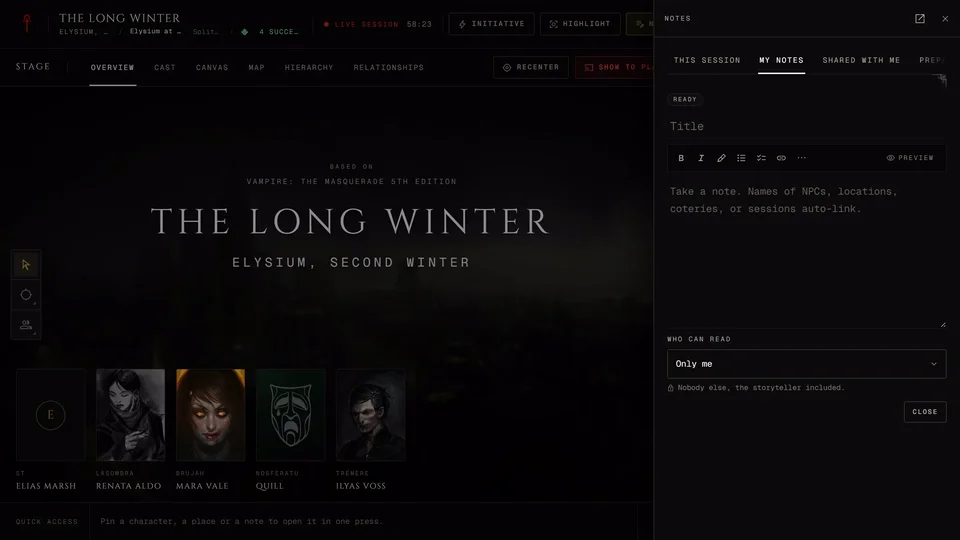
Notes belong to whoever wrote them. When someone writes a note they choose who reads it: Only me, Storyteller, Chosen people or Everyone. You see a note only when you're one of its readers. See Notes.
The rest of the chronicle
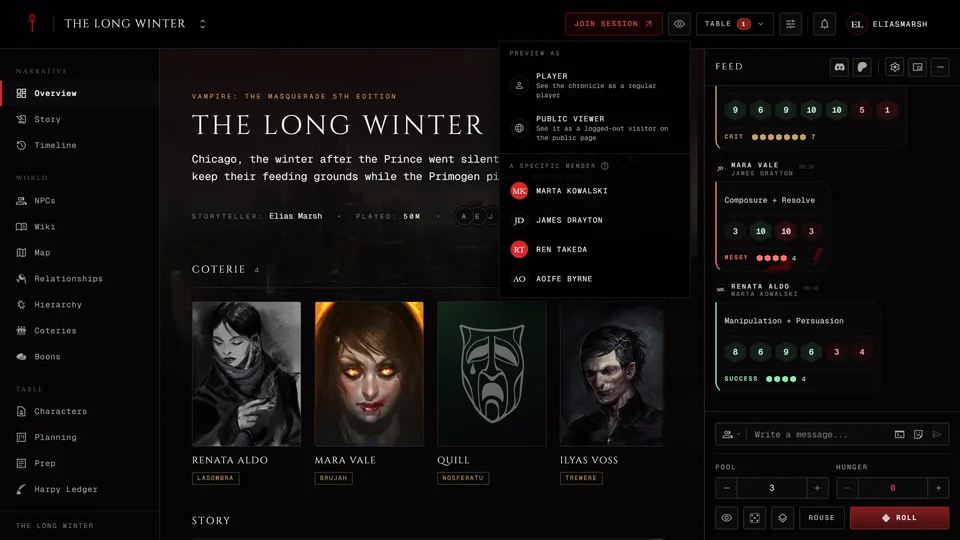
The Harpy Ledger opens for a player only while their character holds the Harpy or Chancellor title. For NPCs, wiki pages, locations and relationships the storyteller decides what you see. More in Keep things hidden from players.
What you were told about an NPC is on that NPC's page under Known to you, in the storyteller's words. Whether it's true, a rumour or a lie stays with the storyteller.
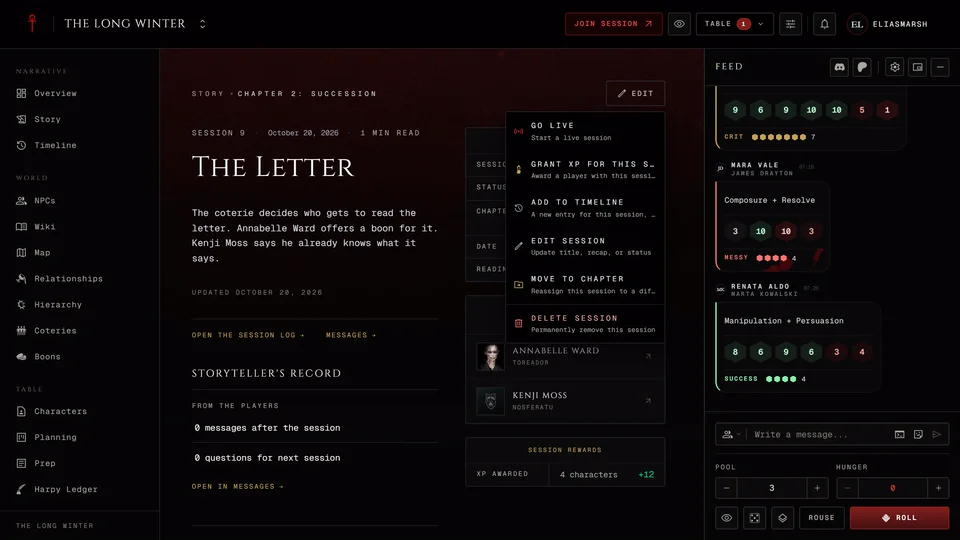
What you can always read is the story so far in Story: the chapters, the sessions and their recaps.
When the storyteller brings something from their planning to the table it arrives hidden. You see it once they show it or reveal it.
Suggesting a storyline
If you have an idea for your character press Propose a storyline on Story's Storylines band. That band shows up for you once at least one storyline is visible to you. With none yet there's nowhere to propose from, so ask your storyteller to start one or tell them your idea directly. You also need a character in the chronicle.
The form asks for a Title, What you want to explore and Whose storyline it is. Start from the sheet lets you add lines from your character's sheet to the idea. Press Send to the storyteller. Until the storyteller decides only you and the storytellers see it.
Your proposal reads "Waiting" while it's open. The storyteller can change it before accepting. Accepting turns it into a personal storyline for that character. If they decline it you see "Declined" with their note if they left one. Nobody else sees it.
Your own guesses about what's going on have a place of their own in Player theories.
Related articles
About this article
- Type
- FAQ
- Editions
- All editions
In this article
Need more help?

Ask the team in #ghoulapp-feedback on the Player Companion Discord. Or try #ghoulapp. GhoulApp players are active there and help each other.
Open Discord(New tab)