


Can we chat in the app?
- NeronAuthor
- OzzEditor

On this page 5
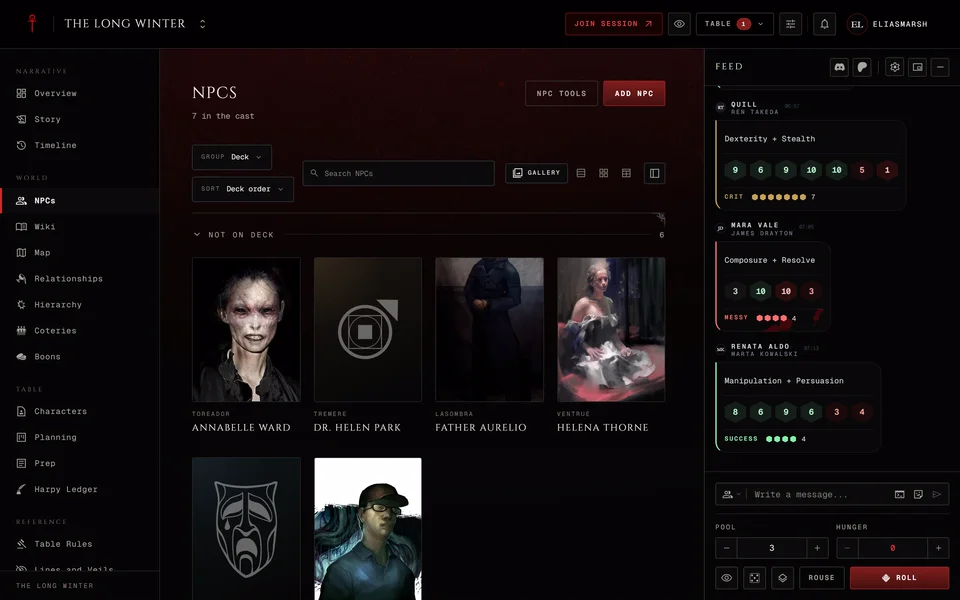
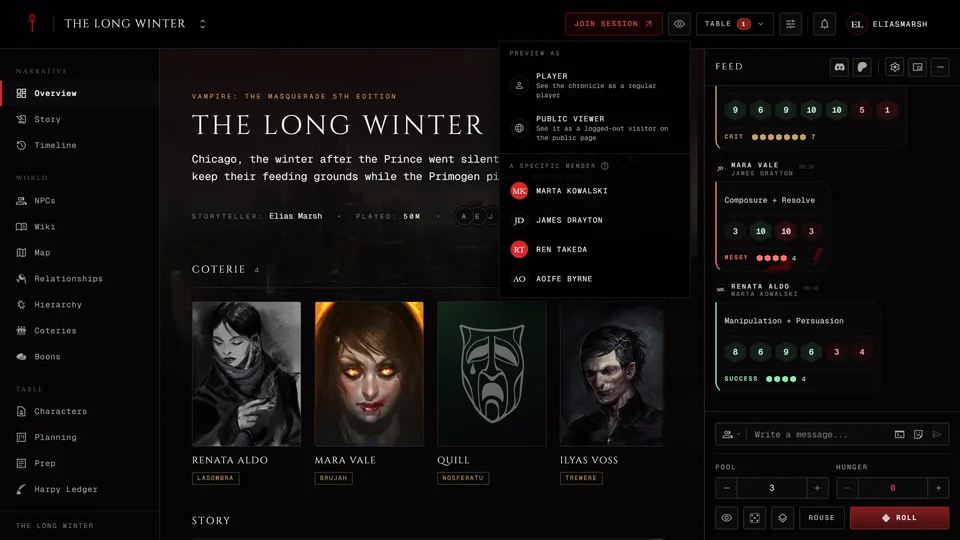
Yes. The dice tray is also the table's chat. Type in the box under the feed and everyone with the chronicle open reads it, on the chronicle's pages and at the live table. Press Enter or the send button to post. There's no voice chat. This works the same in every edition.
Who reads your line
Before you send look at Who reads this at the left of the box. It shows an icon for the audience. Where the box is wide enough the name shows too.
Table is everyone, in the feed. A player can pick Storyteller and the line goes privately to the storytellers in Messages. A storyteller gets Note to self in that place, a line only they see that goes into the night's log and never to the table.
Chosen players has a list of names to tick and Done to close it. The line goes to those people in Messages. Who else reads it depends on the chronicle's Messages between players setting. Usually the storytellers read it too. If the chronicle lets players message each other privately the line under the box says only the people you picked read it. If messages between players are off a player doesn't get Chosen players at all. Storytellers always have it.
After a private line goes out the box says "Sent to" and the names "in Messages." and the chip goes back to Table, so your next line is public again. How private threads work is in Messages. An observer has no chip and writes to the table.
Commands and mentions
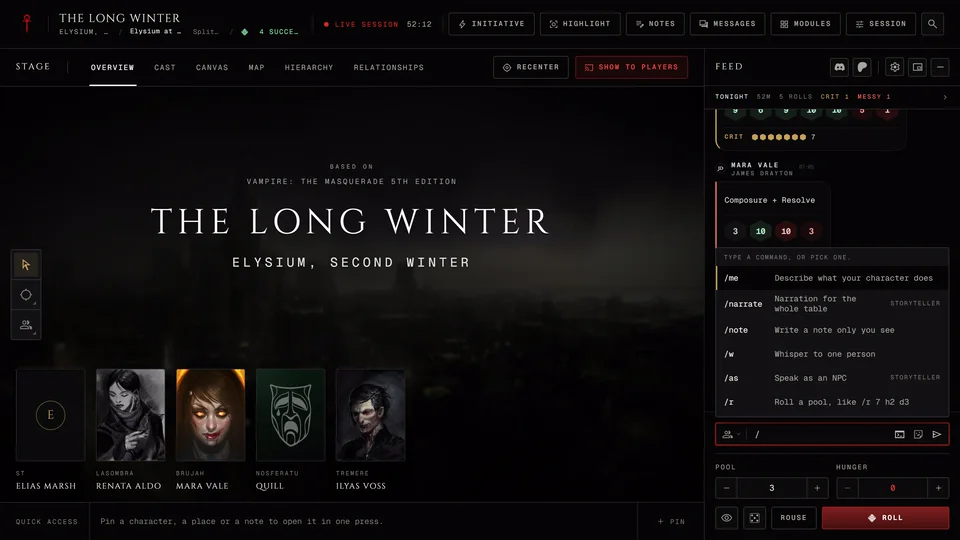
A few commands save time. Type / or press Commands to see them
all. /me describes what your character does and /w followed by a name
whispers to that person in Messages. ↑ and ↓ move through the list,
Enter or Tab picks one and Esc closes it. Every command is in
Commands and search at the table.
Typing @ and a name lets you mention someone, an NPC included. The same
keys pick from that list. Each reader sees the NPC's name only if they're
allowed to see that NPC.
In character and out of character
During a live session the storyteller can turn on Roleplay chat under Advanced in the Session menu. Then a small IC button sits in the box. Press it and it turns to OOC. The box then reads "OOC, write a message..." so you know your next line is out of character. Press it again to go back. It hides while you've picked a private audience.
GIFs and stickers
Where GIFs are available the box has a GIF / Sticker button. GIFs and media in Dice settings turns them off for you. At the live table Clips in chat in the Session menu decides whether clips play, wait for a tap or stay hidden.
When a message doesn't go out
The box takes a little more text than it sends. A line is cut at 500 characters when you send it, so split a long post in two.
You can send one line a second. A second line inside that second isn't sent and stays in the box. Press Enter again.
A /w that names nobody at the table says "Nobody here is called" and the
name. Check the spelling or pick the name from the @ list.
If a line still won't post ask in the GhoulApp Discord or contact us from this help site. Tell us whether you're a player or the storyteller, which audience the chip showed and what the box said.
Related articles
About this article
- Type
- FAQ
- Editions
- All editions
In this article
Need more help?

Ask the team in #ghoulapp-feedback on the Player Companion Discord. Or try #ghoulapp. GhoulApp players are active there and help each other.
Open Discord(New tab)