


Keep the players' stage while you look something up


On this page 3
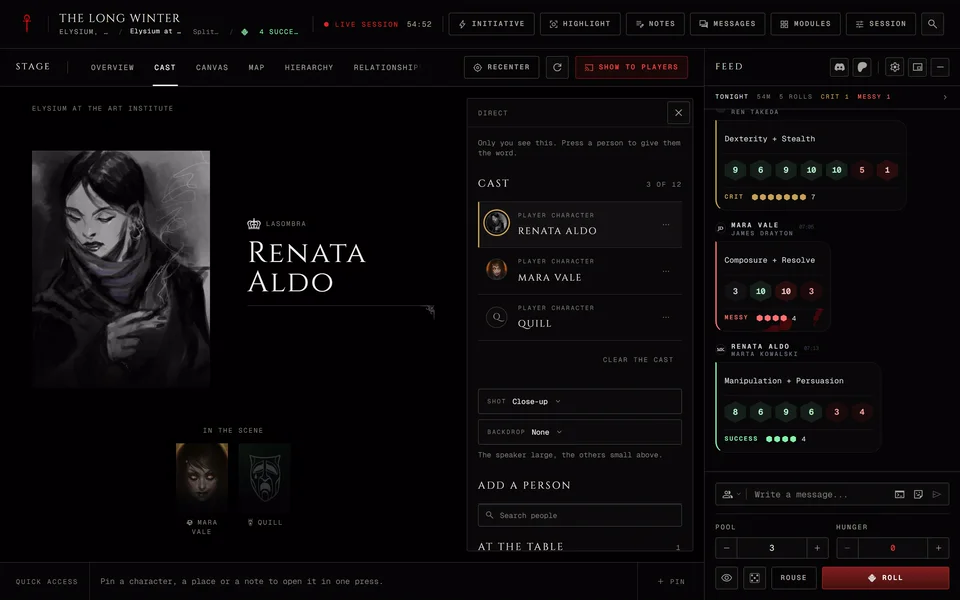
You're in the middle of a scene with the Prince on the Cast stage and you need to check a rule on the map or a note in Prep. With Hold on the players keep looking at the Prince while you open whatever you need.
This is for the storyteller at the live table on a computer. It works the same in every edition.
The three choices
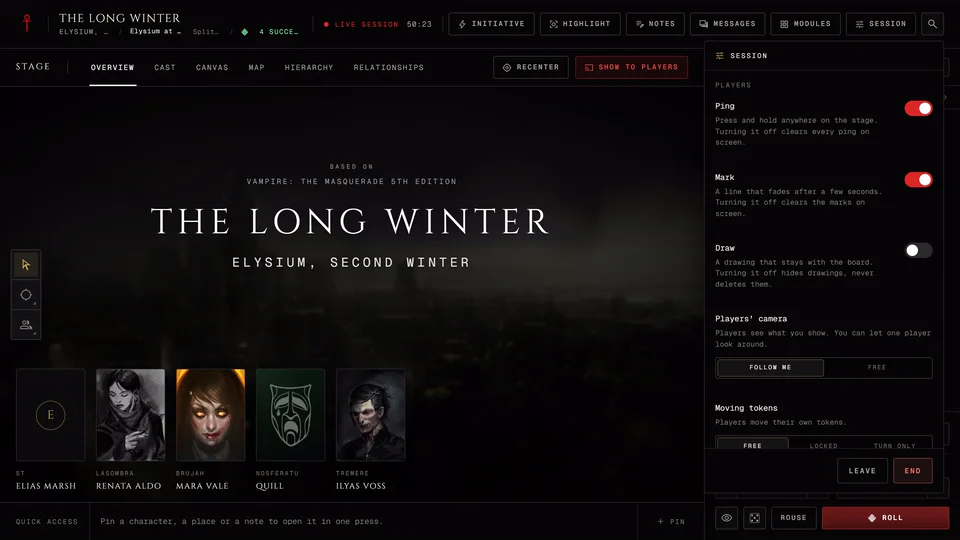
Open the Session menu and look under Stage for How the stage follows. A phone doesn't have this row.
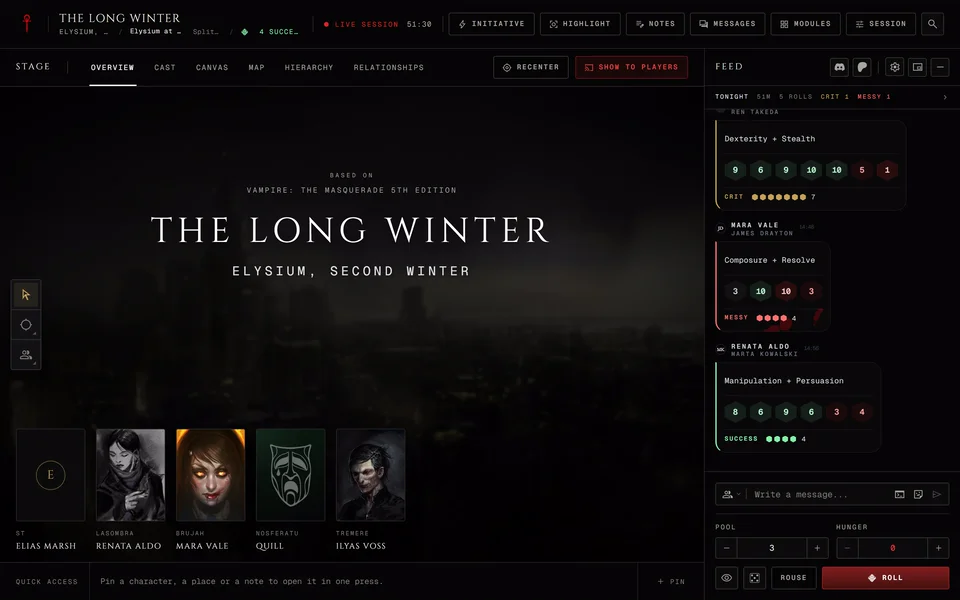
Linked is where every session starts. Every stage tab you open is what the players see.
Hold keeps the players on the tab they're looking at while you move around your own tabs.
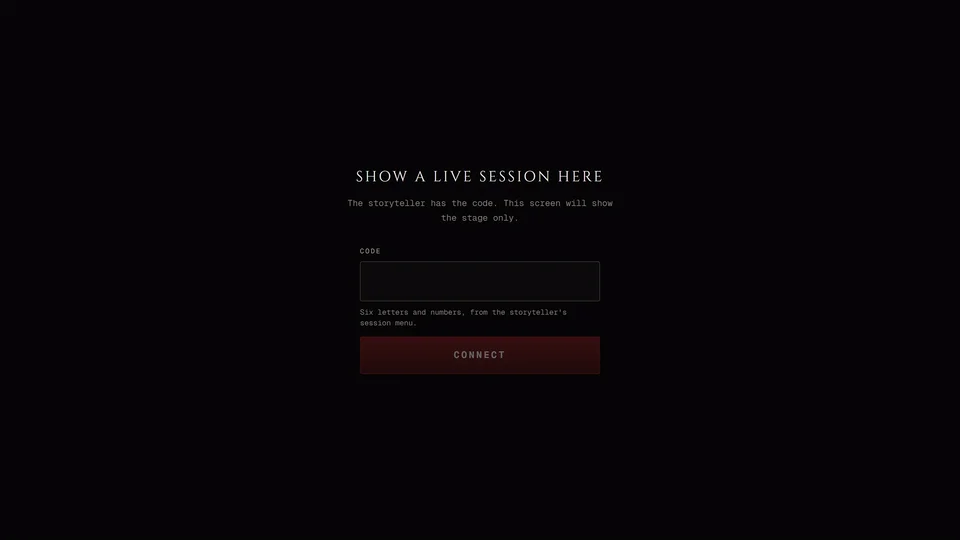
Stage window opens the stage in a window of its own for a second monitor or a stream. You only see this choice while you can broadcast from this table. It's covered in Show the table on a second screen.
While you hold
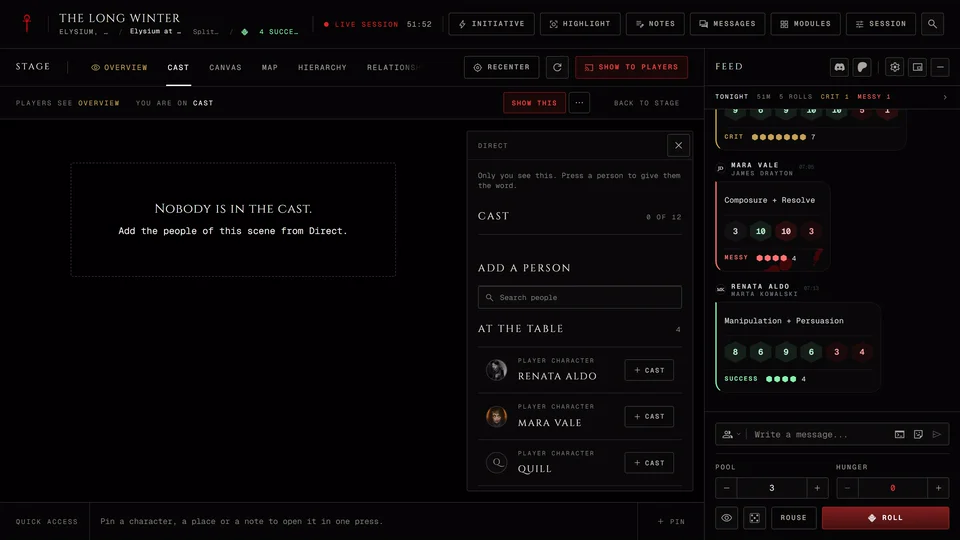
A line appears under the stage tabs. Players see names the tab the players have and You are on names the one you're looking at. The held tab also carries a small gold eye mark called On stage.
Show this puts the tab you're on in front of the players and you keep holding. The menu next to it has Show with a card, which opens a title card first and then shows the tab. While the scene curtain is down there's nothing to show, so Show this goes away until you raise it.
Back to stage takes you back to the held tab and switches the stage to Linked again.
Put the Cast on stage on the cast strip only moves your own view to the Cast tab while you hold. The players stay where they were until you press Show this.
A player who joins late or reloads lands on the held view, the same one everyone else sees.
With the stage window open
The same line shows "Stage window open" in front of it. Here the window plays the players' part: Players see names what the window shows and Show this sends your tab to the window. Picking Stage window ends a Hold first. When you close the window the stage goes back to Linked.
Related articles
About this article
- Type
- Guide
- Editions
- All editions
In this article
Need more help?

Ask the team in #ghoulapp-feedback on the Player Companion Discord. Or try #ghoulapp. GhoulApp players are active there and help each other.
Open Discord(New tab)